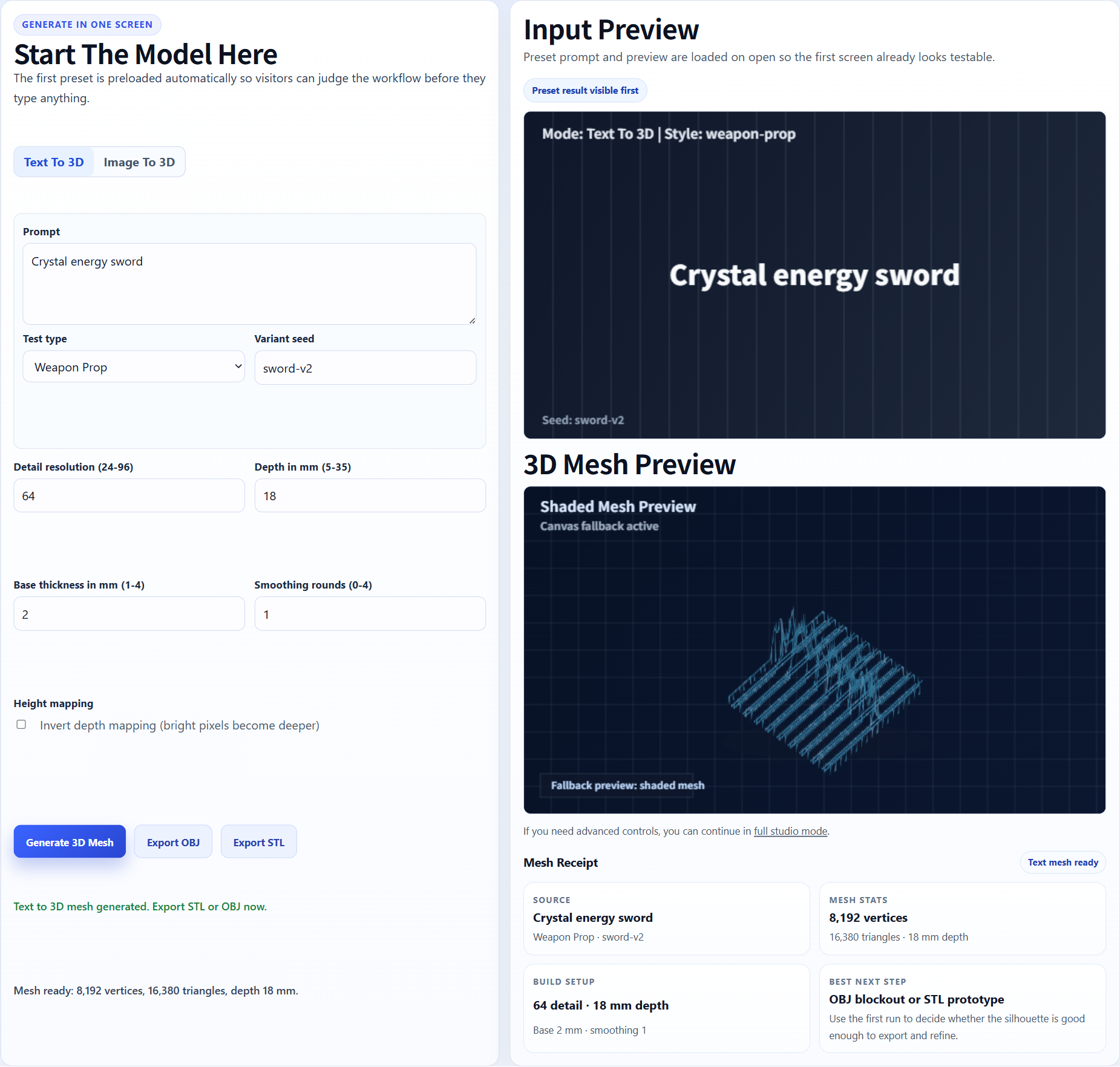
Pick the image
Use one object, clean framing, and enough perspective to reveal depth.
Concept image to 3D asset draft
Use this page when you already have a concept image, product render, AI artwork, or sketch and want to see whether it has enough 3D shape to become an asset draft.
Direct answer
Image to game asset is a practical workflow for turning a reference image into a 3D model candidate, then checking whether it can become a prop, environment object, collectible, or prototype asset. Image3D creates the first mesh; Blender and game engines handle cleanup and validation.
Workflow
Use one object, clean framing, and enough perspective to reveal depth.
Create a Standard preview, then inspect the model from front, back, side, and top.
Use GLB for visual review and OBJ for cleanup or retopology.
Use Blender or the target engine to check materials, scale, collision, and mesh density.
Best fit
This works best for single objects with clear silhouettes: weapons, tools, statues, vehicles, rocks, furniture, collectibles, and environment decorations. It is weaker for full humans, complex hair, hands, tiny text, transparent objects, or hidden backside details.
Choose a high-contrast image with one subject and visible side information. Crop away clutter. Avoid screenshots where the important object occupies only a small part of the image.
A generated asset can be a strong visual draft but still not be game-ready. Treat Image3D as the generation and preview step, not the full asset pipeline.
Examples
These examples show the kind of source images that make sense for reference image. The goal is to preview a candidate, not to promise a finished production asset.
A weapon or collectible concept gives the generator a clear silhouette and game-like use case.
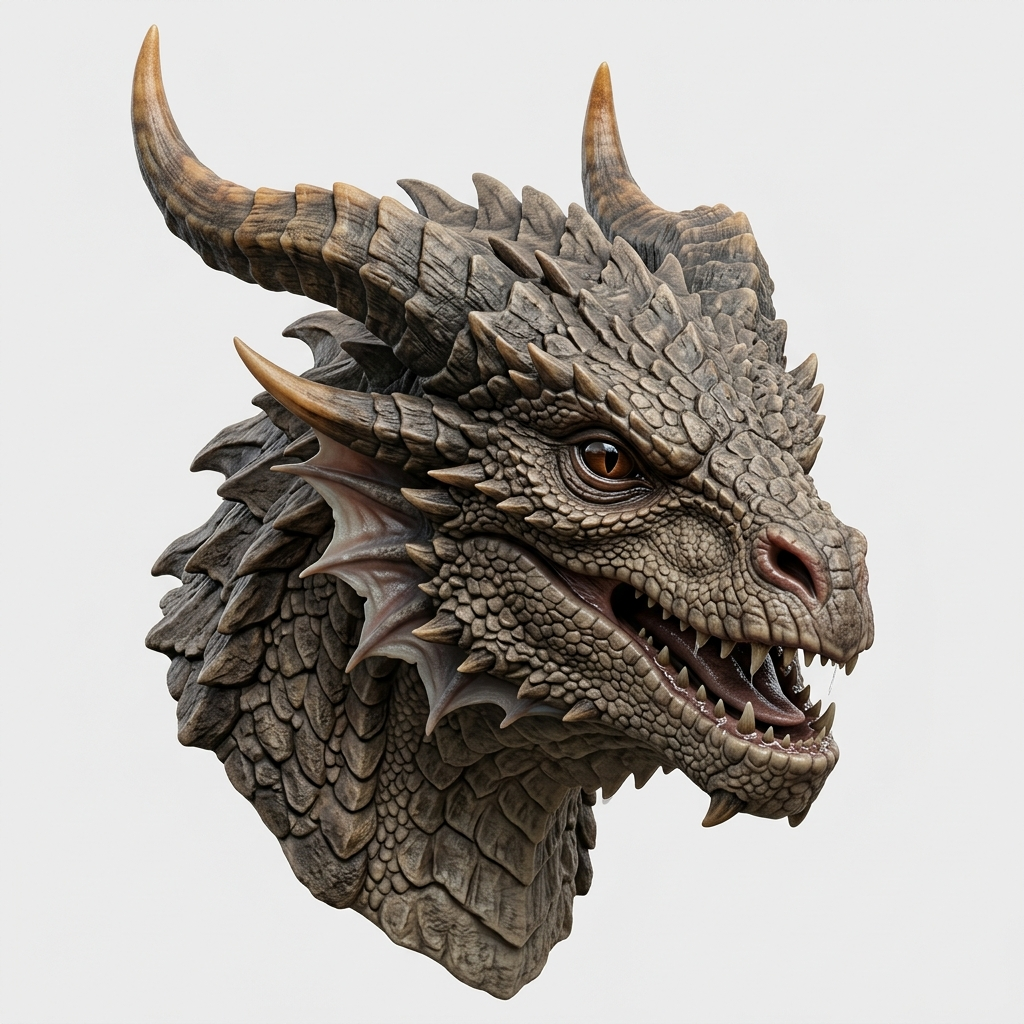
A dragon or monster bust is a stronger target than a full animated character pipeline.
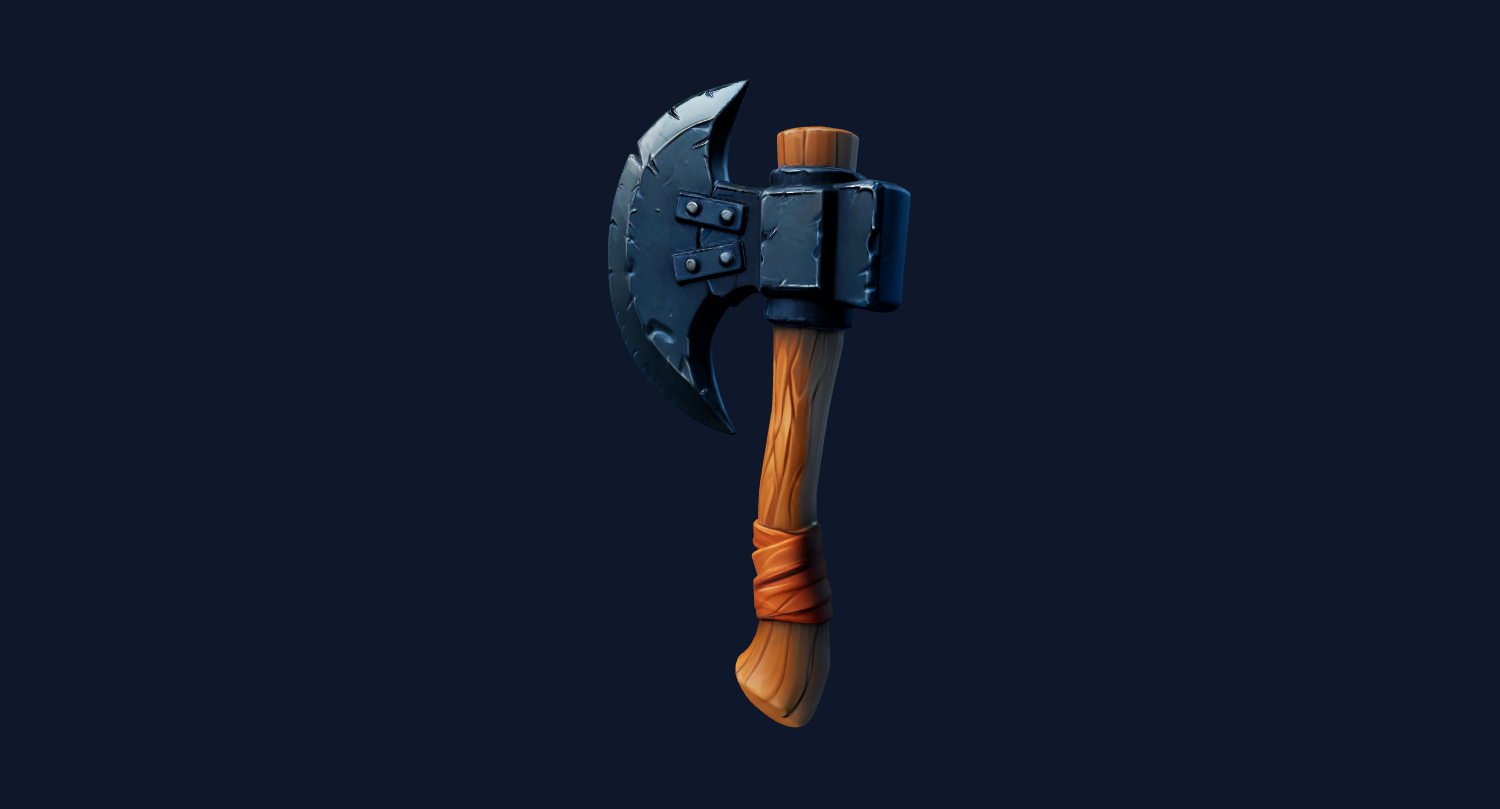
Simple equipment and hard-surface items are easier to inspect and clean up after export.
Preview the model in the browser, rotate it, then export GLB or OBJ after unlock. Use Blender cleanup before Unity, Unreal, Roblox-style, or web workflows when the mesh needs simplification or material fixes.
Image3D does not replace engine documentation. Use these references to verify the import and cleanup expectations for your own workflow.
The page language is intentionally cautious because import support, plugins, and platform limits can change by project version.
FAQ
You can try, but not every image is suitable. Single-object references with clear silhouettes work much better than crowded scenes or flat front-only images.
GLB is better for quick visual previews and material-aware handoff. OBJ is better when you expect to edit the mesh before engine use.
Yes as drafts, but test import, scale, materials, collision, and performance in the engine before using them in production.
Rotate the browser preview. If the model only looks good from one side, regenerate or use the result as a concept reference rather than an asset.
Often yes. Blender is useful for cleanup, decimation, material edits, origin and pivot fixes, and preparing a more controlled asset.
Avoid images with multiple subjects, heavy blur, full-body humans, hidden backsides, and tiny text when you need a practical asset.
Generate Standard first. Export or upgrade only when the preview shows a shape worth keeping.