Best input types
Clear single-subject objects, characters, badges, products, props, or creatures work best. Front or three-quarter views are usually easier to inspect than complex scenes.
AI 3D model workbench
Upload one image, or start with a text-generated reference image, then inspect the 3D result. Eligible paid access unlocks GLB, STL, OBJ and PLY exports for further editing, printing checks or product previews.
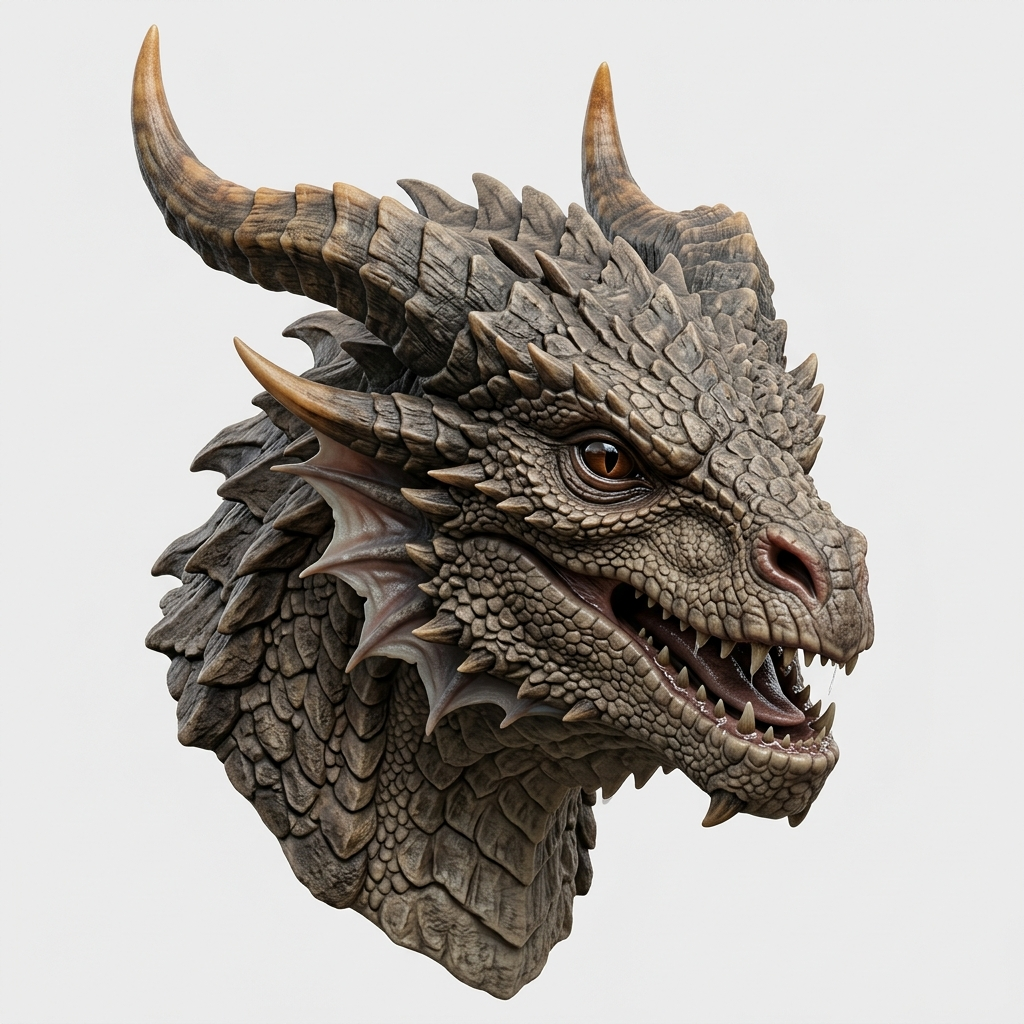
Historical dragon example: rotate to inspect the horns, scales and overall silhouette.Choose an example, then load it
Published historical examples. Original settings are not fully verified; these are not controlled comparisons of today's tiers. Public viewing does not include file downloads.
Your own available models: GLB · OBJ · STL · PLY. Plan requirements are shown beside the mode selector.
NEW MODEL COLLECTION
Available with Creator and Power. Discover new models as the collection grows.
AI search direct answer
Image3D is a browser-based image to 3D and text to 3D generator for quick visual drafts, printable STL exploration, web GLB previews, Blender OBJ cleanup, and early game or product asset testing.
Clear single-subject objects, characters, badges, products, props, or creatures work best. Front or three-quarter views are usually easier to inspect than complex scenes.
GLB is for web previews, OBJ is for Blender editing, and STL is for slicer checks.
AI output is not CAD-grade or production-guaranteed. Before printing or commercial use, check scale, wall thickness, overhangs, islands, and mesh cleanup needs.
Choose the right route
Do not judge only by whether a model can be generated. Choose the export path by the next workflow: web preview, Blender cleanup, 3D print testing, or game asset prototyping.
Export lightweight GLB for browser viewers, ecommerce product previews, AR tests, and team review.
When a shape is worth keeping but needs mesh repair, smoothing, retopology, or material edits, export OBJ into Blender.
Move printable-looking concepts into slicer software to confirm wall thickness, supports, scale, islands, and layer preview.
Generate rough creatures, weapons, badges, items, and stylized props before committing to deeper modeling.
Real outputs
Inspect historical dragon, castle and helmet examples. These illustrate saved outputs, not a verified comparison of current quality tiers.
dragon
Inspect the silhouette, horns and surface detail of this saved creature model.
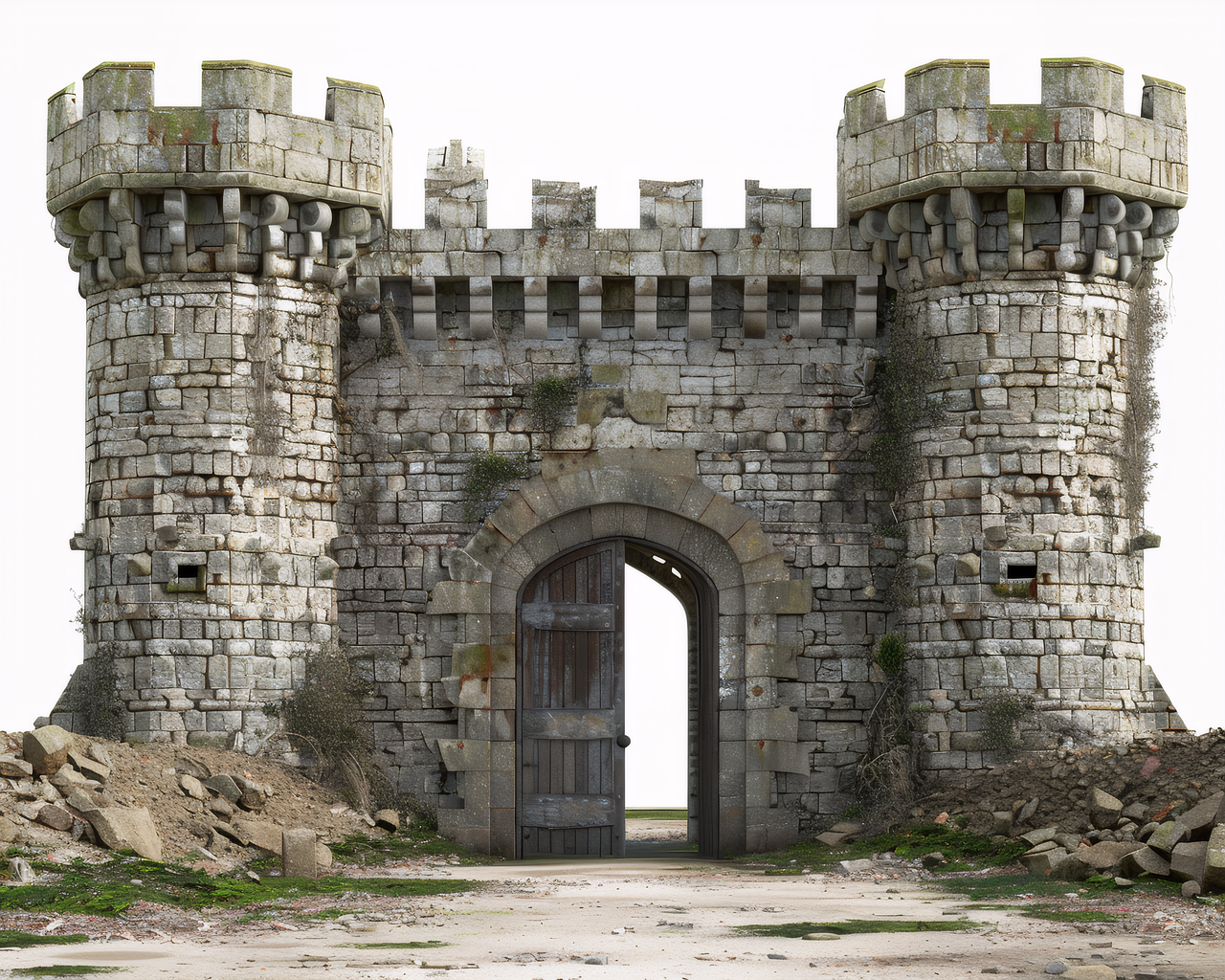 castle
Turn a concept image into a rotatable castle model for structure checks and web GLB preview quality.
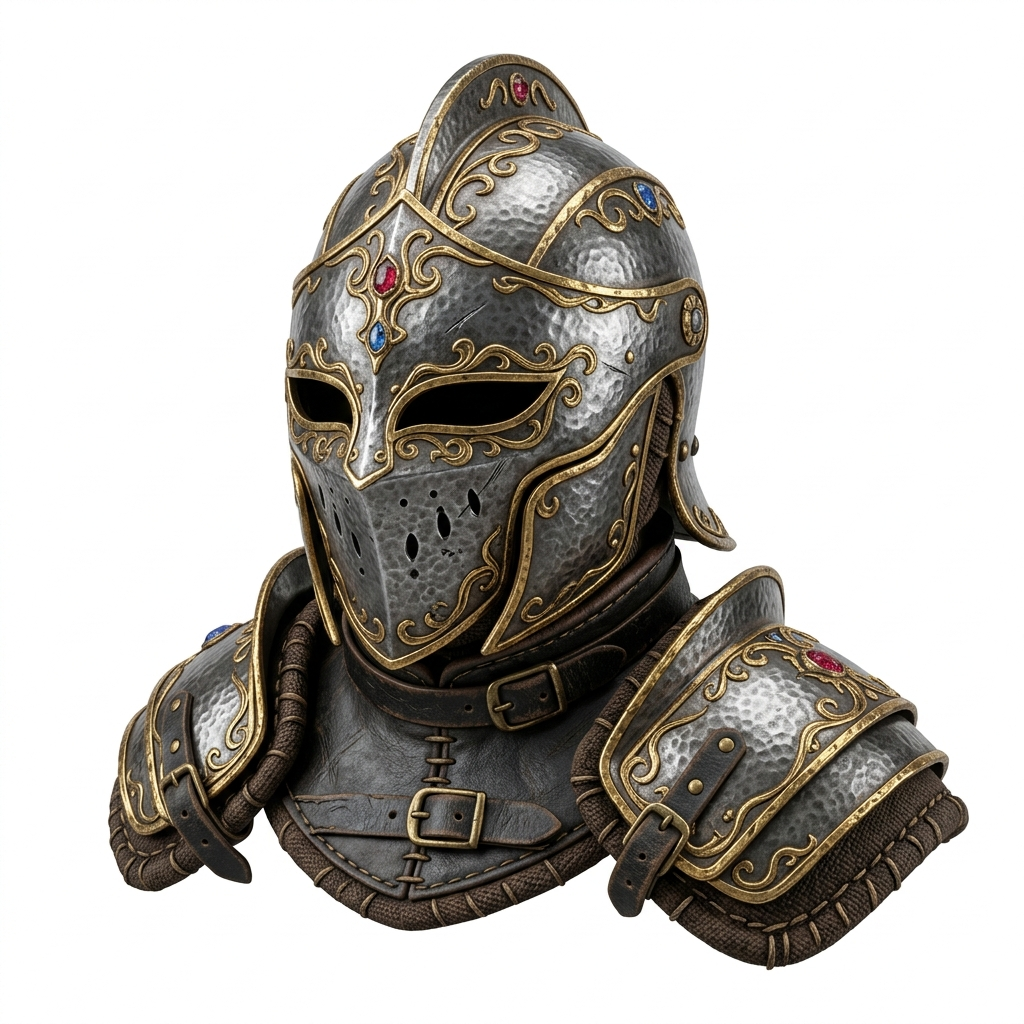 helmet
Use fantasy gear to judge whether the model should continue into Blender cleanup, game prototyping, or stylized asset iteration.
Format choice
Best for web previews, product pages, AR tests, and sharing lightweight textured models.
Best for continued mesh cleanup in Blender or another editor.
Best for early slicer checks. Before printing, verify wall thickness, supports, and scale.
Best for mesh inspection, point or color workflows, and technical experiments.
View public examples, then choose a suitable pack or subscription for your own model.
Start with a one-time pack, or choose a creator subscription when you need recurring volume.
Start with public 3D examples. No credit card required.
For creators & professionals
billed monthly
Choose CreatorFor studios & heavy users
billed monthly
Choose PowerCustom volume & API access
Start Enterprise Request
Buy once, use it for the project, and leave when you are done. Credits never expire and can stack with subscriptions.
1,000 credits · Pro access · exports included · never expire
Get Maker PackImage3D exports GLB, OBJ, STL, and PLY. These formats fit common CAD, print, game engine, and visualization workflows.
Yes. Switch between Text to 3D and Image to 3D modes using the tab at the top of the parameters panel.
PBR (Physically Based Rendering) textures include diffuse, normal, and roughness maps that make your 3D model look realistic under any lighting condition.
Generated models are yours to use for personal and commercial purposes, subject to the terms and rights in your inputs. Free is preview-only; exporting your own model requires eligible paid access.
Sign in with your Google or GitHub account. Email-only sign-in is not currently available.
No. You can complete the first generation and preview directly in this browser workspace.