Image to GLB
Generator
Upload any image. AI generates a textured 3D model. Download a GLB file ready for Blender, Unity, Unreal Engine, Three.js, or web viewers.
upload_file Upload Image & Generate GLBFree Standard browser preview · GLB downloads require a paid plan · No modeling software needed
Worked Examples: Real Image-to-GLB Results
Every model below was generated from a single image. Drag to rotate the 3D preview. These textured GLB files are ready for import into your favorite 3D tool.
 2D Image
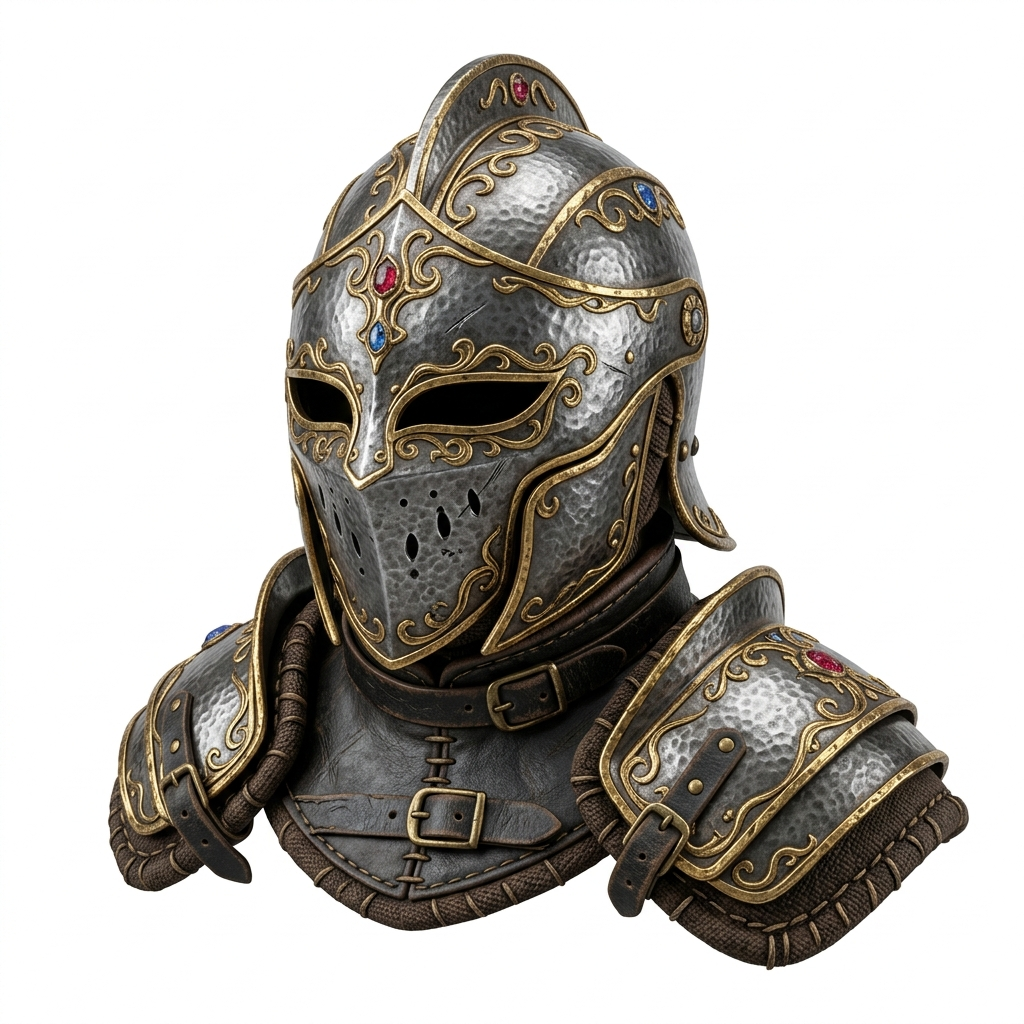
Fantasy Armor Asset
Pro QualityConcept art → textured GLB with metallic PBR shading. Import into Unity or Unreal as a game-ready prop asset.
Generate Your Own → Try Free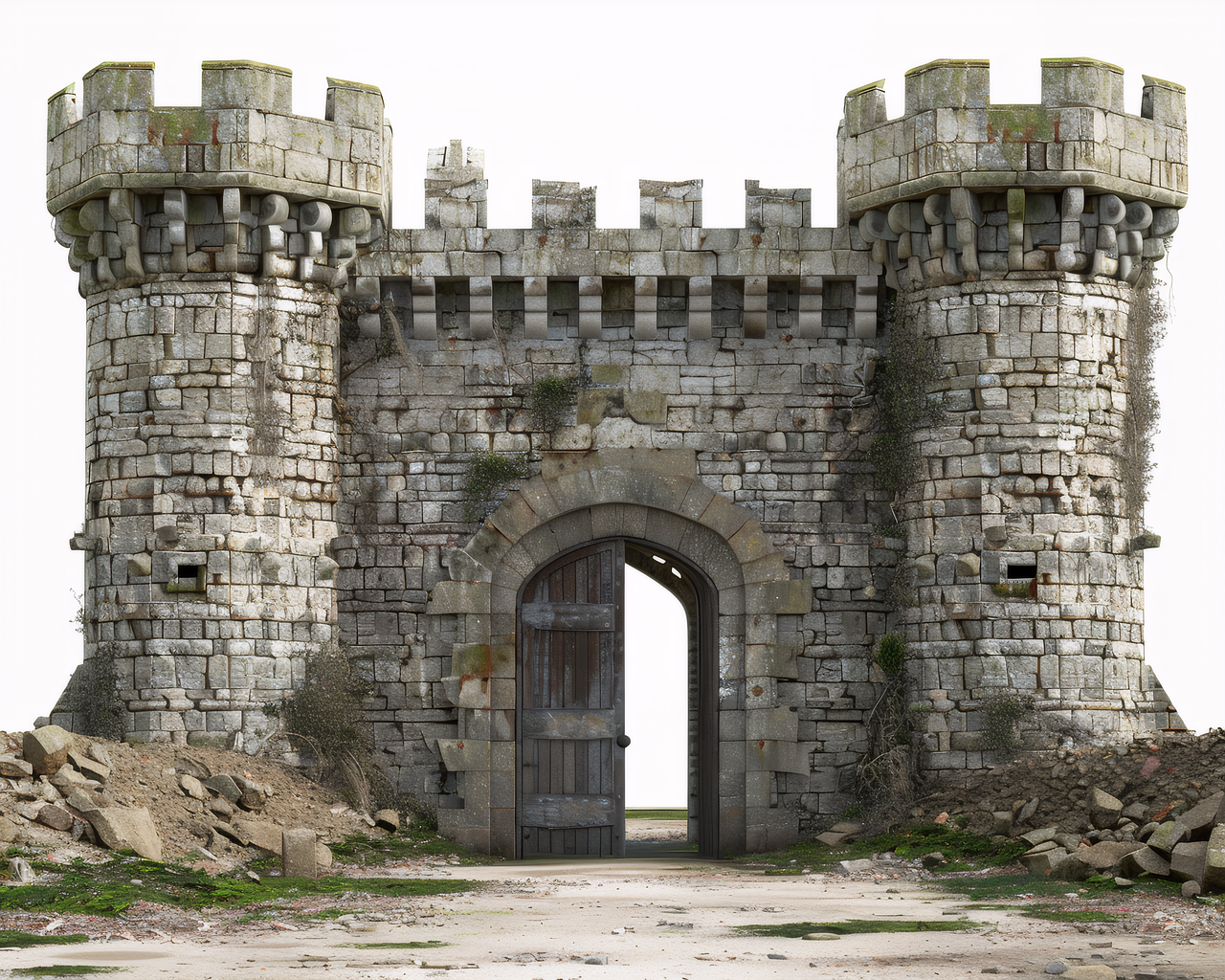 2D Image
Environment Asset
Pro QualityConcept art → textured castle with stone PBR surfaces. Use in Blender scenes, game levels, or Three.js web experiences.
Generate Your Own → Try Free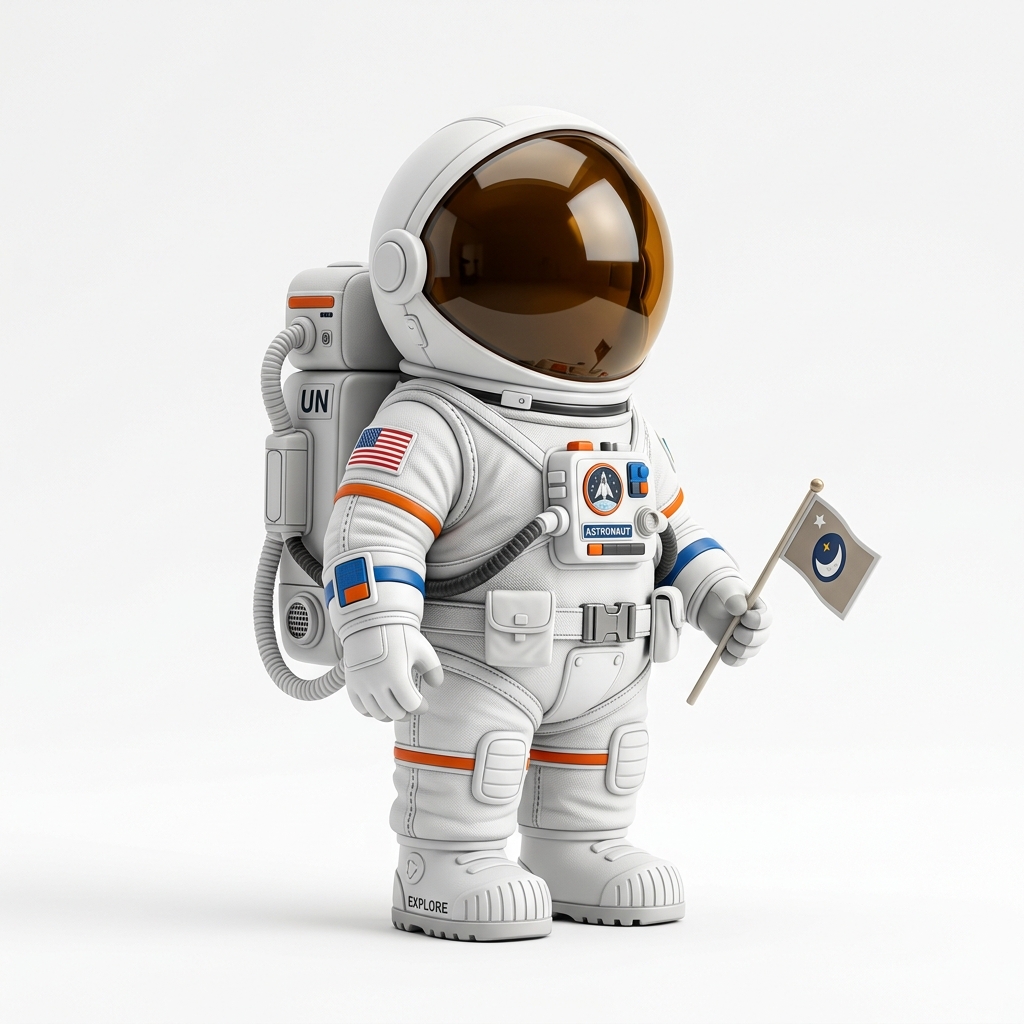 2D Image
Character Asset
Pro QualityPhoto reference → textured character GLB. Drop into Unity, render in Blender, or embed on a product page with model-viewer.
Generate Your Own → Try FreeTry Your Own Image
Upload any photo, concept art, or AI render and get a textured GLB asset in seconds.
upload_file Upload & Generate FreeHow to Calculate a GLB Asset: How It Works
Upload Image
Drop any photo, AI render, concept art, or product shot into the Studio. PNG and JPG up to 20 MB.
AI Generates Textured 3D
Choose your quality tier. The AI reconstructs geometry and applies PBR textures automatically.
Download GLB
Preview in 3D, then download the GLB. Import into Blender, Unity, Three.js, or any glTF-compatible tool.
What Is an Image to GLB Generator?
An image to GLB generator uses artificial intelligence to transform a 2D image into a textured 3D model and outputs it in GLB format. GLB (GL Binary) is the binary container for glTF 2.0, the industry-standard format for real-time 3D rendering. A single GLB file packages geometry, textures, and PBR materials together, making it the most portable and widely supported 3D asset format available today.
Image3D's pipeline works in two stages. First, the AI analyzes your image to estimate depth, surface geometry, and material properties, building a complete 3D mesh. Second, it applies PBR (Physically Based Rendering) textures — base color, roughness, and metallic maps — so the model looks realistic under any lighting. The result downloads as a GLB file you can import directly into your workflow.
This approach is valuable for indie game developers who need quick placeholder or production assets, web developers building 3D experiences with Three.js or Babylon.js, ecommerce sellers adding interactive product views, and 3D artists using Blender who want AI-generated starting points for further refinement.
Best Images for GLB Asset Generation
The AI performs best with images that clearly show a single object or character. The fewer distractions in the background, the better the geometry reconstruction and texture mapping will be.
Ideal inputs: character concept art, weapon and prop designs, product photos on white backgrounds, vehicle renders, architectural models, and AI-generated images from Midjourney, DALL-E, Flux, Leonardo AI, or Stable Diffusion.
Less suitable: panoramic scenes with many objects, flat graphic designs, text-heavy images, or very low-resolution photos where detail is already lost.
Use Cases
Game Assets
Generate props, characters, and environment pieces for Unity, Unreal, or Godot. Use as placeholders or refine in Blender for production.
Web 3D & Three.js
Build interactive 3D web experiences. Load GLB files with Three.js GLTFLoader or embed with Google model-viewer — zero plugins needed.
AR & VR
GLB is the native format for WebXR and AR Quick Look. Generate models and preview them in augmented reality on mobile devices.
Ecommerce & Product 3D
Create interactive 3D product views for Shopify, WooCommerce, or custom stores. Let customers rotate and inspect products before buying.
Blender Rendering
Import GLB into Blender as a starting point. Refine materials, add lighting, and render photorealistic scenes from AI-generated geometry.
Software Compatibility
GLB is the universal real-time 3D format. Import the downloaded file directly into any of these tools.
Quality Tiers
| Tier | Credits | Textures | Detail | Best For |
|---|---|---|---|---|
| Standard | 10 | Basic | Low poly | Quick previews, prototyping |
| Pro | 100 | PBR textured | Medium-high | Game assets, web 3D, AR |
| Ultra | 350 | PBR + high-res | Up to 1M faces | Production assets, rendering |
For game-ready and web 3D assets, Pro tier offers the best balance of quality and cost.
GLB vs OBJ vs FBX
| Format | Textures | Single File | Best Use |
|---|---|---|---|
| GLB | Embedded PBR | Yes | Web 3D, games, AR, ecommerce |
| OBJ | Separate MTL + images | No (multi-file) | Blender, legacy pipelines |
| FBX | Embedded (proprietary) | Yes | Unity, Unreal, Maya |
GLB is the most portable option. One file, works everywhere, no missing texture paths.
GLB Import for Blender, Unity, Unreal, and Web
Blender: File → Import → glTF 2.0 (.glb/.gltf). Textures and PBR materials import automatically. Blender 3.0+ has full glTF support out of the box.
Unity: Drag the .glb file into your Assets folder. Unity 2020.3+ reads glTF natively via the UnityGLTF package. Materials map to the Standard shader with metallic workflow.
Unreal Engine: Use the built-in glTF Importer or the RuntimeMeshImporter plugin. Drag the file into the Content Browser and Unreal auto-generates material instances.
Three.js: Load with GLTFLoader. Call loader.load('model.glb', (gltf) => scene.add(gltf.scene)). PBR materials work with Three.js MeshStandardMaterial.
Web embed (no code): Use Google's <model-viewer> web component. One HTML tag gives you a rotatable, AR-enabled 3D viewer on any website.
Frequently Asked Questions
What is a GLB file and why should I use it?
expand_more
Does the generated GLB include textures?
expand_more
Can I import the GLB into Blender, Unity, or Unreal?
expand_more
How do I use the GLB on a website with Three.js?
expand_more
loader.load('model.glb', (gltf) => scene.add(gltf.scene)). You can also use Google's model-viewer web component for a zero-code 3D embed on any website.
Is the Image to GLB Generator free?
expand_more
What images work best for generating GLB assets?
expand_more
Related Tools
Ready to Build?
Upload an image and inspect a free Standard browser preview. GLB downloads require Maker or another paid plan; no software installation is needed.
upload_file Start Generating — It's Free