Generate draft mesh
Use Image3D to create a browser-previewable asset candidate from a clear image.
Image3D to Unreal asset handoff
Use this page when your final target is Unreal Engine and you want a practical way to test concept images, props, environment pieces, or hero object drafts.
Direct answer
Image to 3D for Unreal Engine is a draft-asset workflow: generate a mesh from an image in Image3D, export GLB or OBJ, then validate the result in Unreal or through Blender cleanup. It does not mean the output is automatically Nanite-ready, collision-ready, or production optimized.
Workflow
Use Image3D to create a browser-previewable asset candidate from a clear image.
Use GLB or OBJ, then clean through Blender when materials or geometry need work.
Place the asset in a test level and inspect scale, lighting, material behavior, and normals.
Decide on collision, simplification, Nanite suitability, and texture size based on project needs.
Best fit
This is strongest for static props, fantasy objects, environment pieces, statues, product previews, and concept assets. It is weaker for rigged characters, modular kits, exact collision, and marketplace-ready assets.
Choose a clean single-object image with visible depth. Unreal can make assets look impressive quickly, but it also exposes melted backs, bad normals, material issues, and scale problems.
Unreal workflows differ by engine version and import setup. Validate your own GLB, OBJ, FBX, or Blender handoff path before using generated assets in a project.
Examples
These examples show the kind of source images that make sense for Unreal handoff. The goal is to preview a candidate, not to promise a finished production asset.
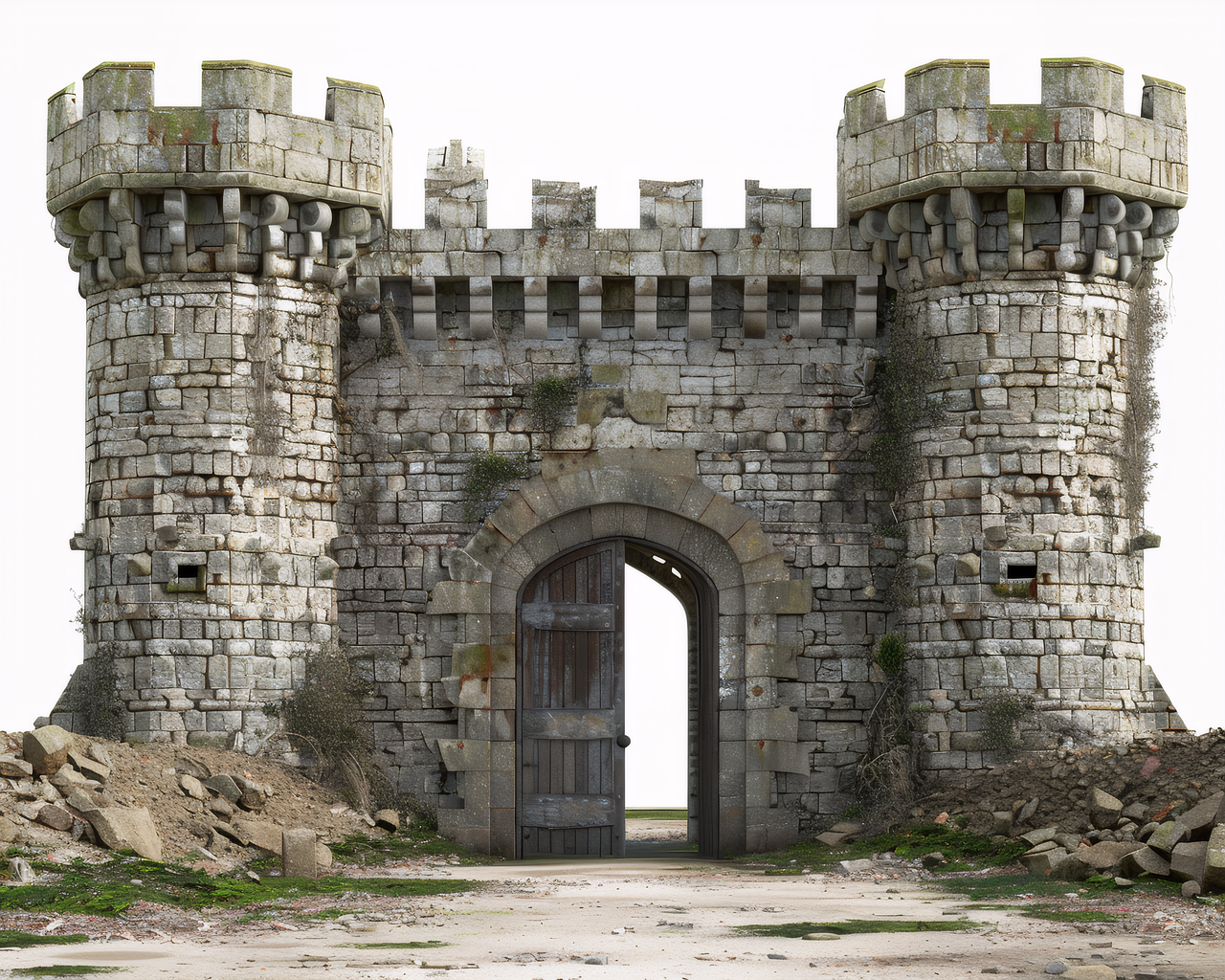
Castle, ruin, and scene-piece concepts can become Unreal test assets after cleanup.
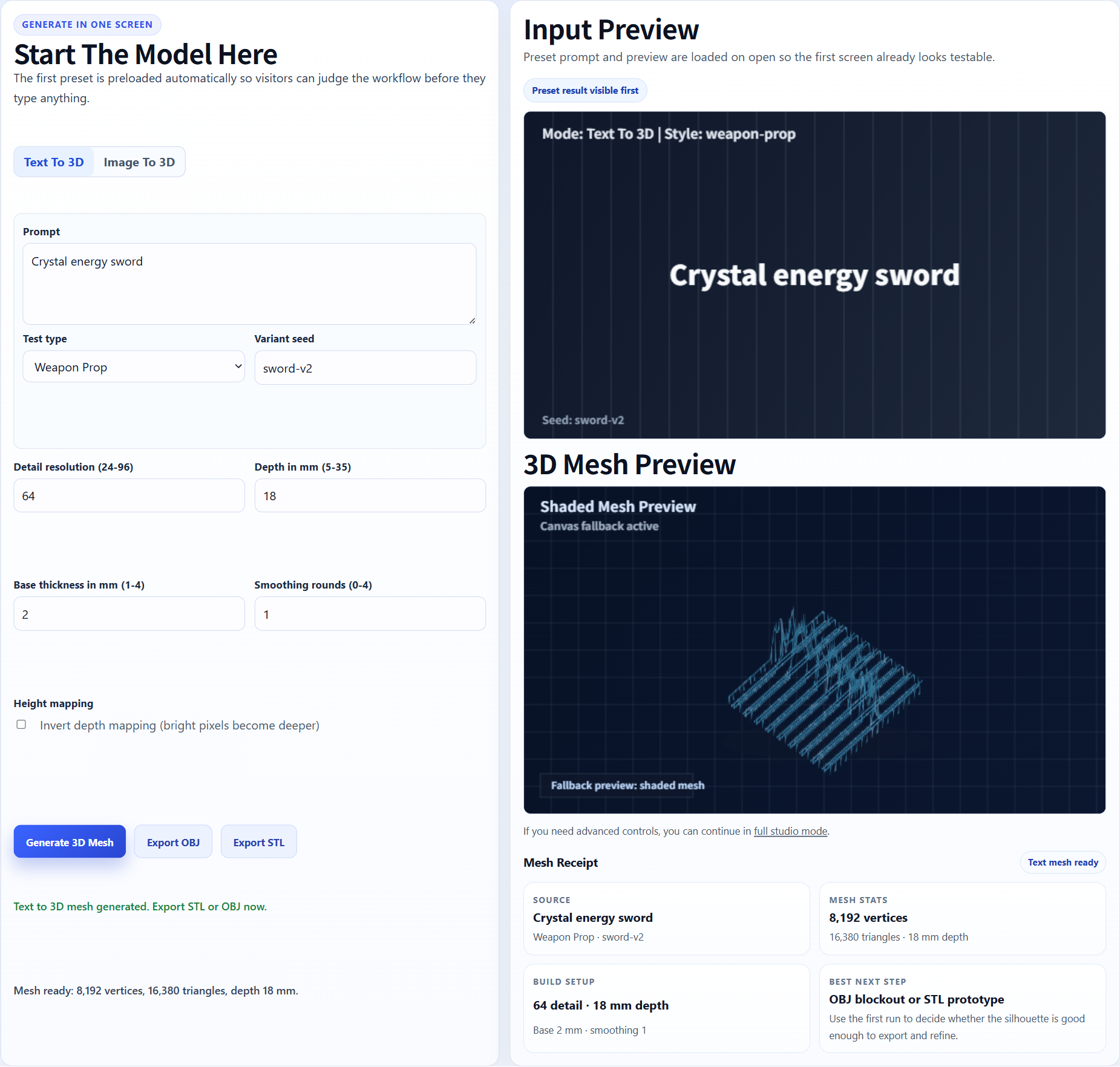
A sword or artifact can be checked as a static mesh candidate before engine polish.
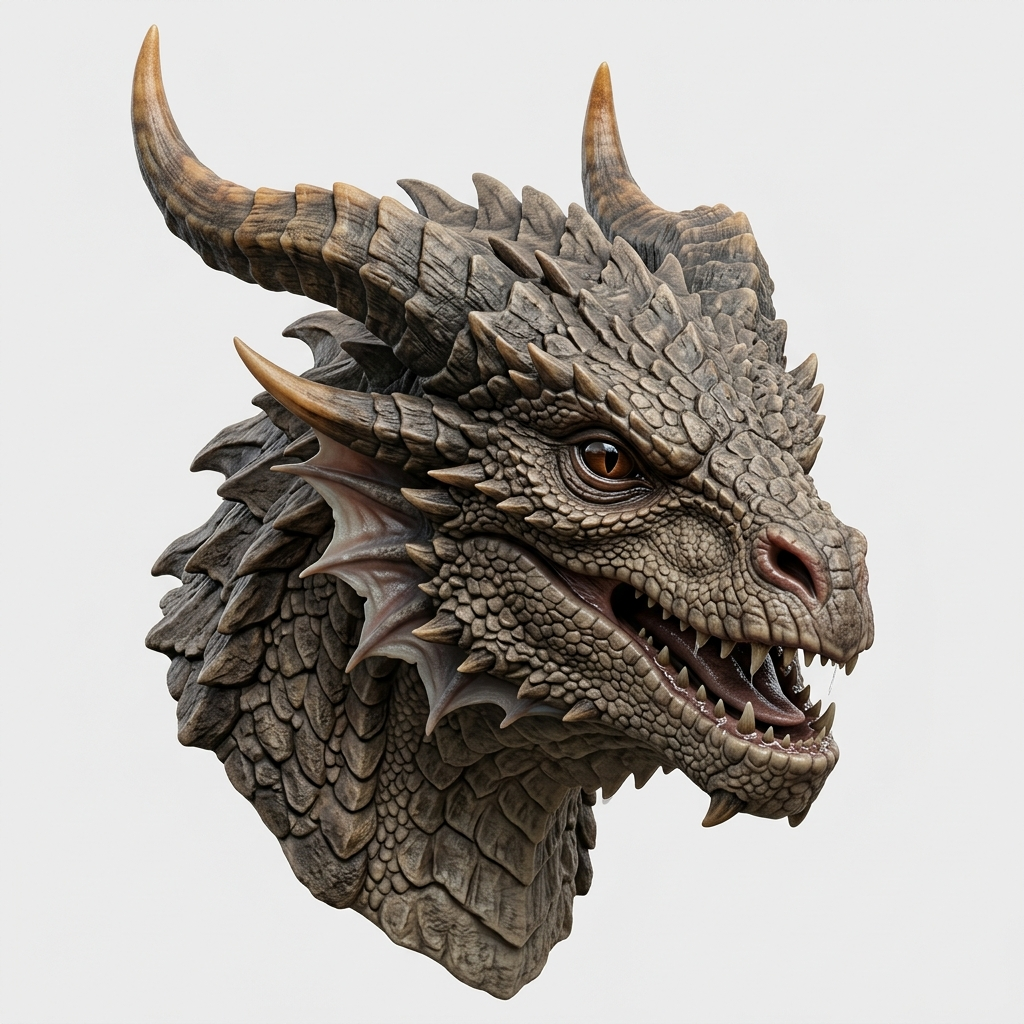
A dragon bust can work as a decorative draft, but animation-ready topology is a separate step.
Generate in Image3D, export GLB or OBJ, clean the mesh if needed, then import into a small Unreal test level. Check orientation, scale, materials, collision, normals, and whether the mesh should be simplified.
Image3D does not replace engine documentation. Use these references to verify the import and cleanup expectations for your own workflow.
The page language is intentionally cautious because import support, plugins, and platform limits can change by project version.
FAQ
Yes as draft assets. Generate in Image3D, export GLB or OBJ, then validate import, materials, collision, scale, and performance in Unreal.
Do not assume that. Some dense assets may be candidates, but every model needs project-specific testing and cleanup decisions.
Use GLB when your Unreal import route supports it and you want material-aware handoff. Use OBJ when you plan to clean or convert through Blender first.
No. Create simple or custom collision in Unreal or your DCC workflow based on how the object is used.
No. It speeds up early drafts and ideation. Production assets usually need artistic cleanup and technical validation.
Single objects with strong silhouettes, visible depth, and limited background clutter are much better than crowded scenes or flat front views.
Generate Standard first. Export or upgrade only when the preview shows a shape worth keeping.