Choose a prop
Pick one object with a readable shape and limited background noise.
Prop-first AI 3D generation
Use this page when you want props, collectibles, pickups, environment objects, stylized weapons, icons, crates, decorative items, or concept objects rather than rigged characters.
Direct answer
A game prop generator is a better fit for current image-to-3D quality than a full character generator. Image3D helps create first-pass 3D prop drafts from images, then export GLB or OBJ for cleanup, engine testing, or visual prototyping.
Workflow
Pick one object with a readable shape and limited background noise.
Use Standard for fast exploration; retry with Pro or Ultra when the silhouette is promising.
Use GLB for visual review or OBJ for mesh cleanup and pivot edits.
Check pivot placement, scale, collision, material response, and triangle count.
Best fit
Props work well because they usually have simpler silhouettes, fewer hidden anatomical details, and less need for animation topology. That makes them good candidates for Standard preview and selective Pro or Ultra retries.
Use one centered prop image. Remove text overlays, UI frames, busy scenery, and multiple objects. If the prop has important backside detail, choose an angle that reveals enough depth.
Do not treat the output as a marketplace-ready asset without cleanup. The fastest path is draft first, inspect honestly, and only then polish the strongest prop candidates.
Examples
These examples show the kind of source images that make sense for game props. The goal is to preview a candidate, not to promise a finished production asset.
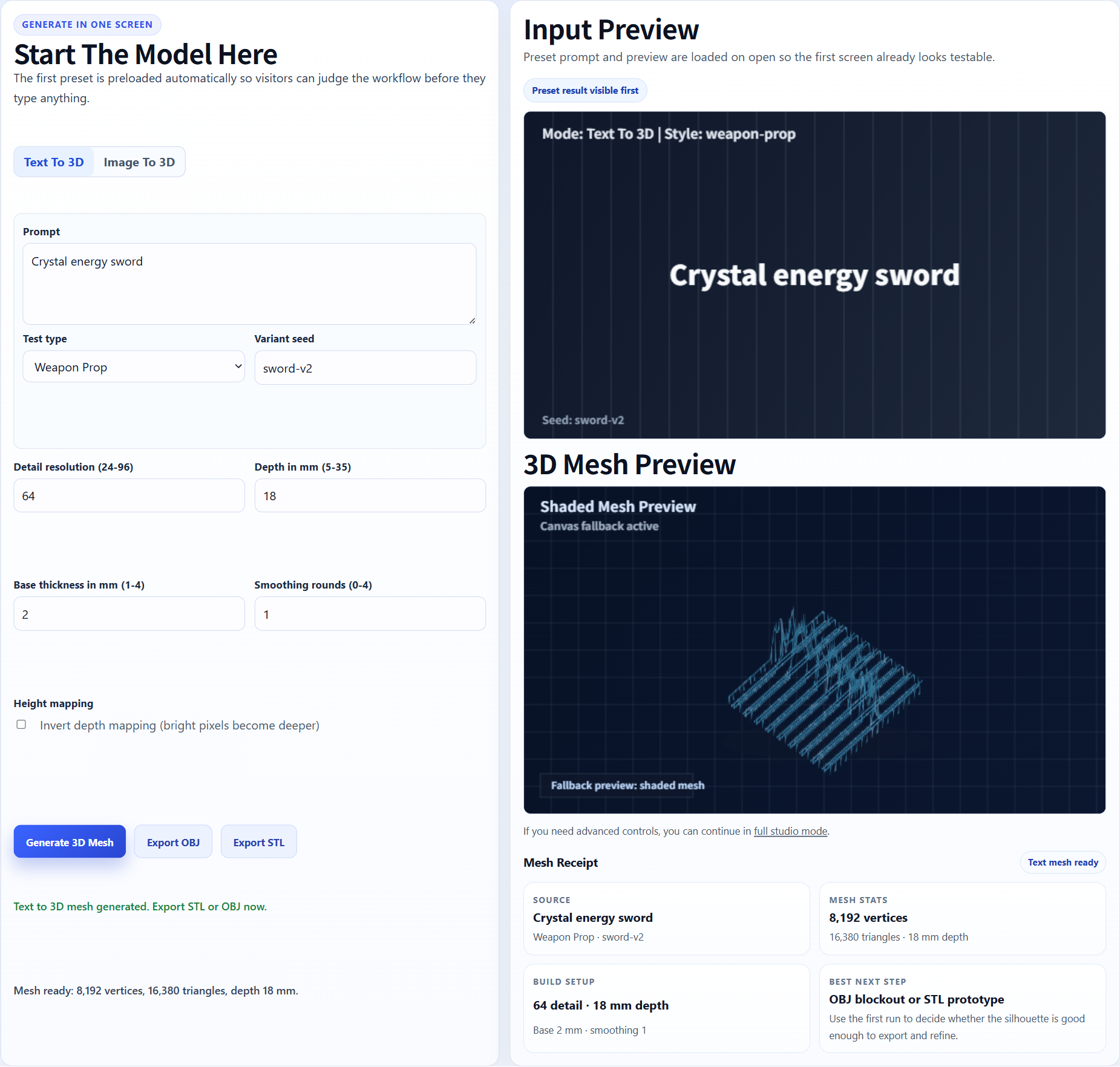
Weapon props and pickups are strong candidates because the silhouette is easy to evaluate.
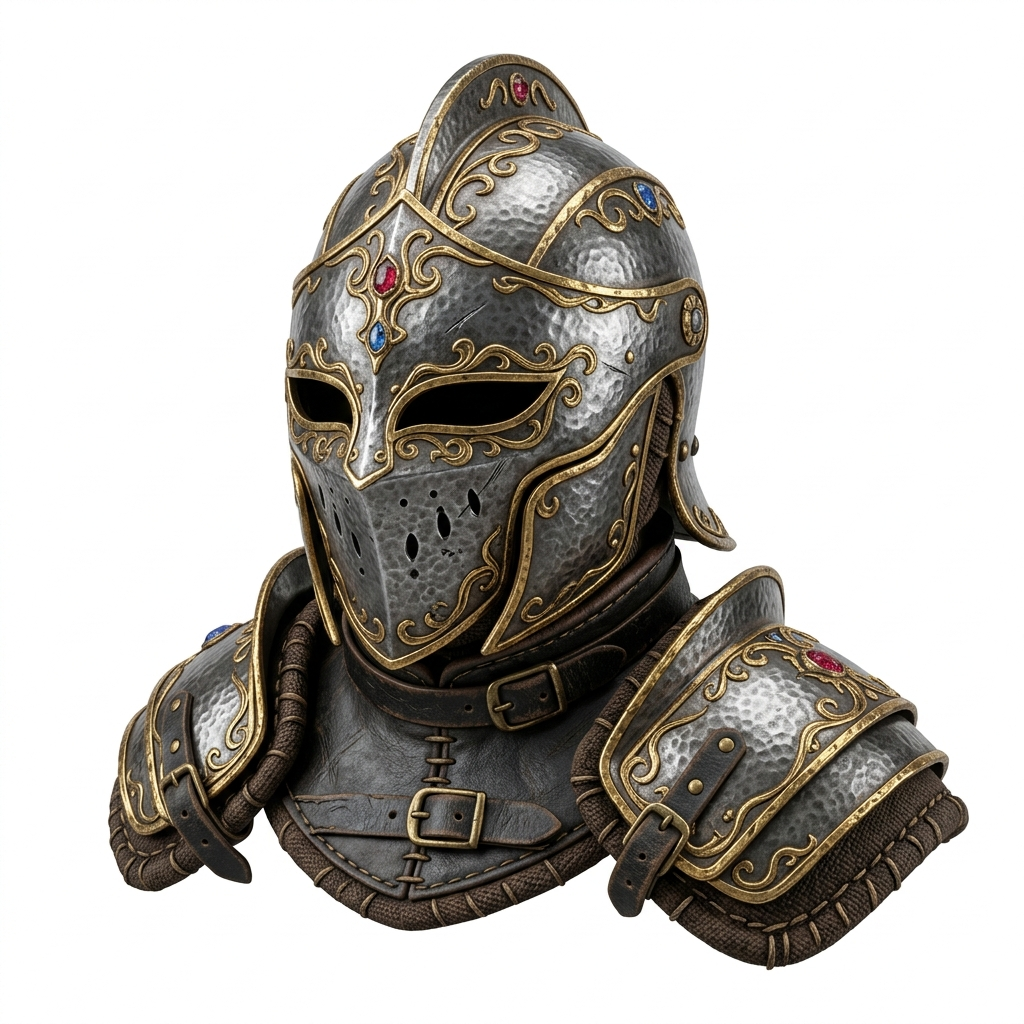
A helmet or armor piece can become a static prop candidate before cleanup.
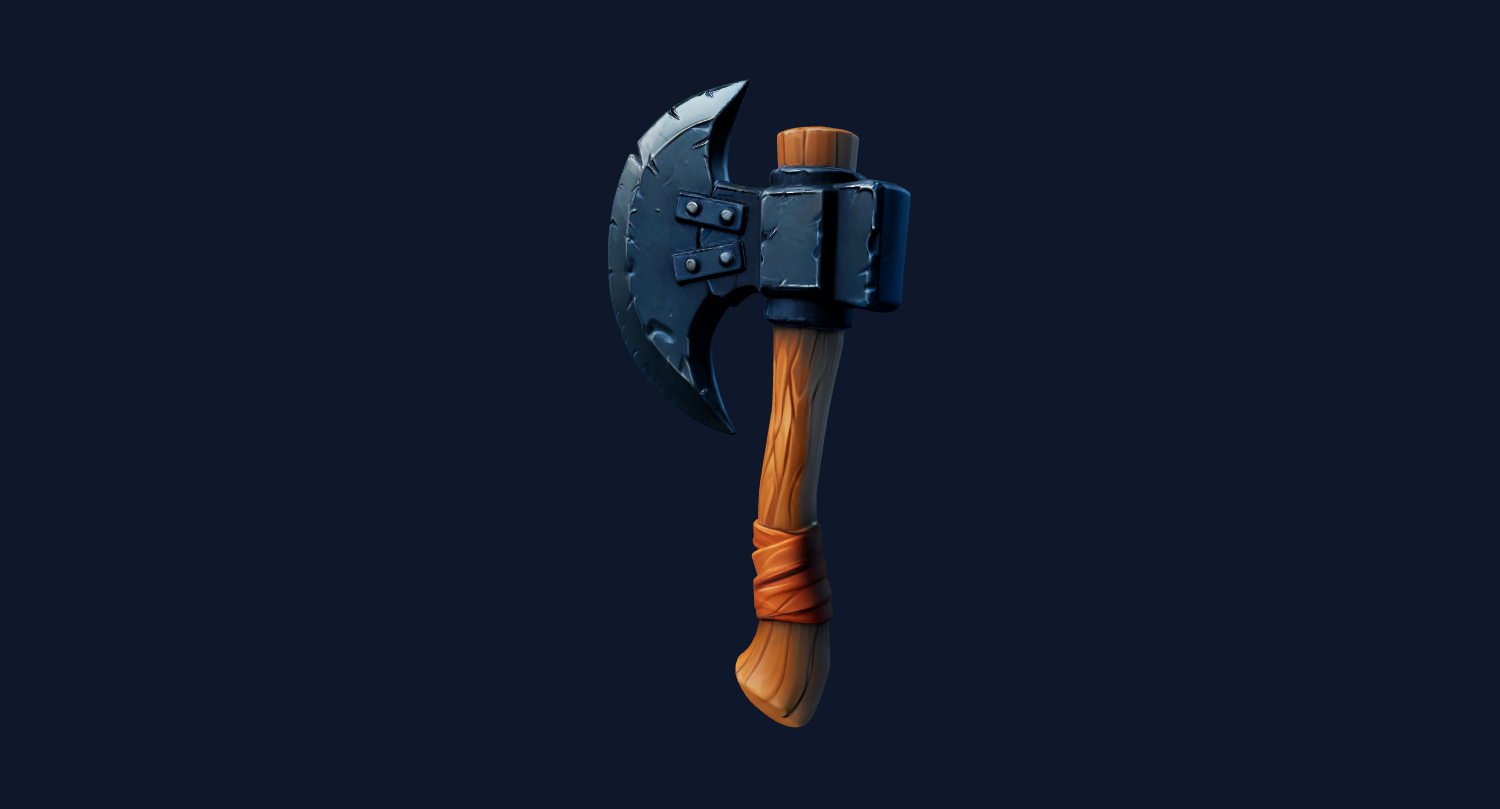
Small objects, toys, and icons are easier to prototype than full animated characters.
Use Image3D to generate the prop, rotate the preview, then export GLB or OBJ after unlock. For real games, check pivot, scale, collider needs, materials, and triangle count.
Image3D does not replace engine documentation. Use these references to verify the import and cleanup expectations for your own workflow.
The page language is intentionally cautious because import support, plugins, and platform limits can change by project version.
FAQ
You can create draft props such as weapons, artifacts, collectibles, tools, crates, statues, decorations, and environment accents.
Often yes. Props are usually easier for image-to-3D models than full humans because they need less anatomical accuracy and rigging.
Use it as a draft first. For production, inspect mesh density, scale, materials, pivot, and collision in the target engine.
Standard is good for exploration. Pro or Ultra is better for the prop you actually want to export or polish.
Single-object prop images with a clean silhouette, simple background, and visible depth work best.
For gameplay, yes. Add simple or custom colliders in the engine instead of relying on accidental generated geometry.
Generate Standard first. Export or upgrade only when the preview shows a shape worth keeping.