Reference image
Upload a clear single-object image or concept art with visible depth and a readable silhouette.
Image to game asset workflow
Use this workflow when you want to test whether a concept image can become a usable 3D prop, collectible, environment object, or prototype asset before spending time on manual modeling.
Direct answer
An AI game asset generator helps turn a reference image, prop concept, or AI artwork into a first-pass 3D asset draft. Image3D is useful for fast browser previews and GLB or OBJ exports, but final game assets still need inspection for topology, materials, scale, collision, and performance.
Key takeaways
Best for props. Use Image3D for static props, collectibles, product-like objects, set dressing, and visual prototypes.
Preview before export. Rotate the model in the browser before spending credits on GLB or OBJ downloads.
Expect cleanup. Game-ready assets still need topology, collision, scale, material, and performance checks.
Avoid rig promises. This workflow is not a replacement for final rigged characters or exact production models.
Workflow
Upload a clear single-object image or concept art with visible depth and a readable silhouette.
Use Standard first to test shape. Upgrade only when the draft survives rotation from multiple angles.
Download GLB for quick visual review or OBJ when you plan to clean the mesh before engine import.
Check scale, materials, collision, triangle count, and lighting in the target game workflow.
Best fit
Best for props, collectibles, statues, environment accents, product-like objects, and visual prototypes. It is not a replacement for rig-ready character modeling, hand-retopology, or final engine optimization.
Start with one main subject, a clear silhouette, visible volume, and a simple background. Three-quarter views usually work better than flat front views because the model has more shape information.
Generated game asset drafts can look convincing in a browser while still being too dense, uneven, or fragile for production. Always check mesh density, material quality, pivot, scale, collision, and runtime performance.
Examples
These examples show the kind of source images that make sense for draft assets. The goal is to preview a candidate, not to promise a finished production asset.
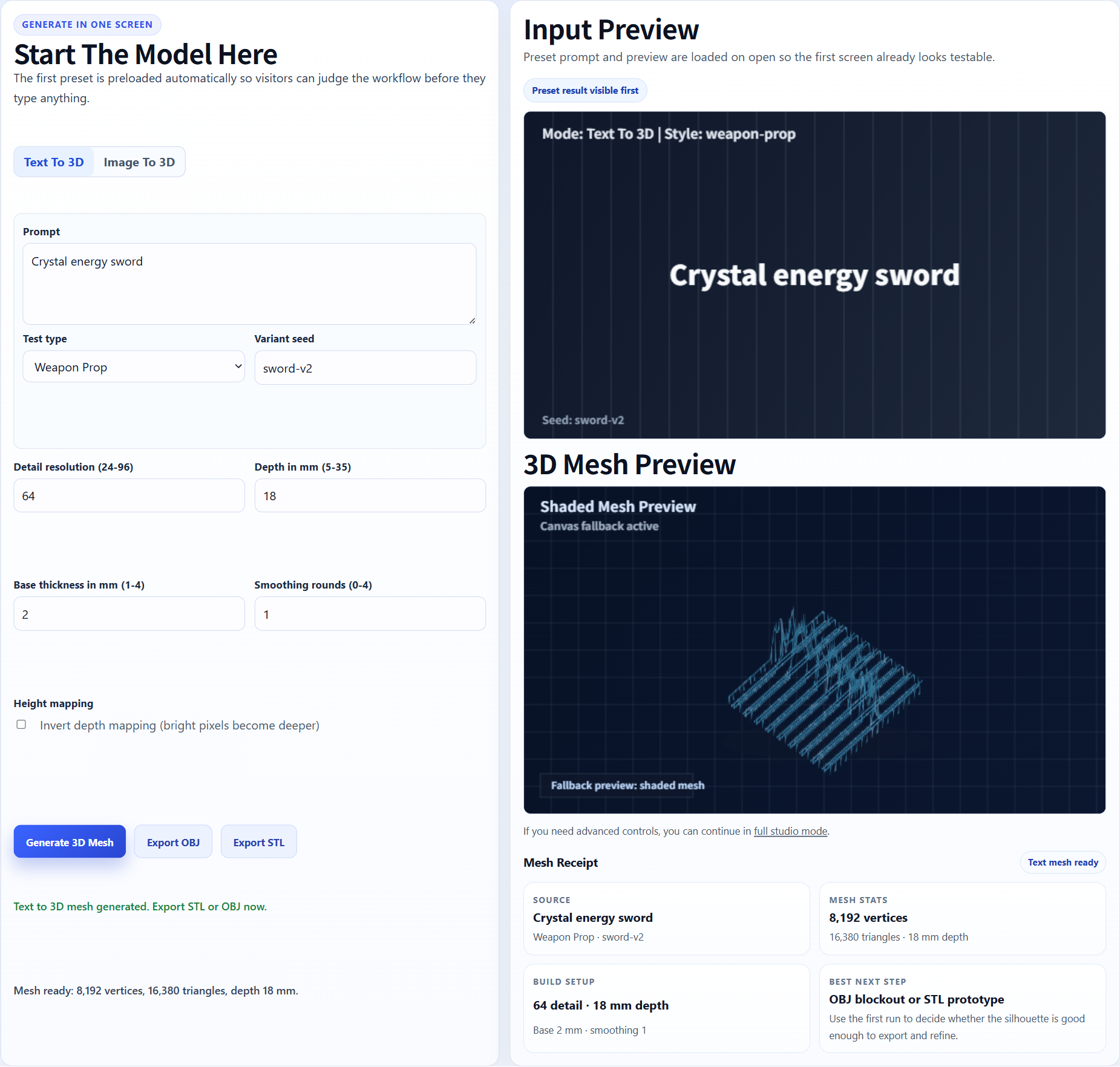
A clean prop concept can become a quick GLB or OBJ candidate for Blender and engine inspection.
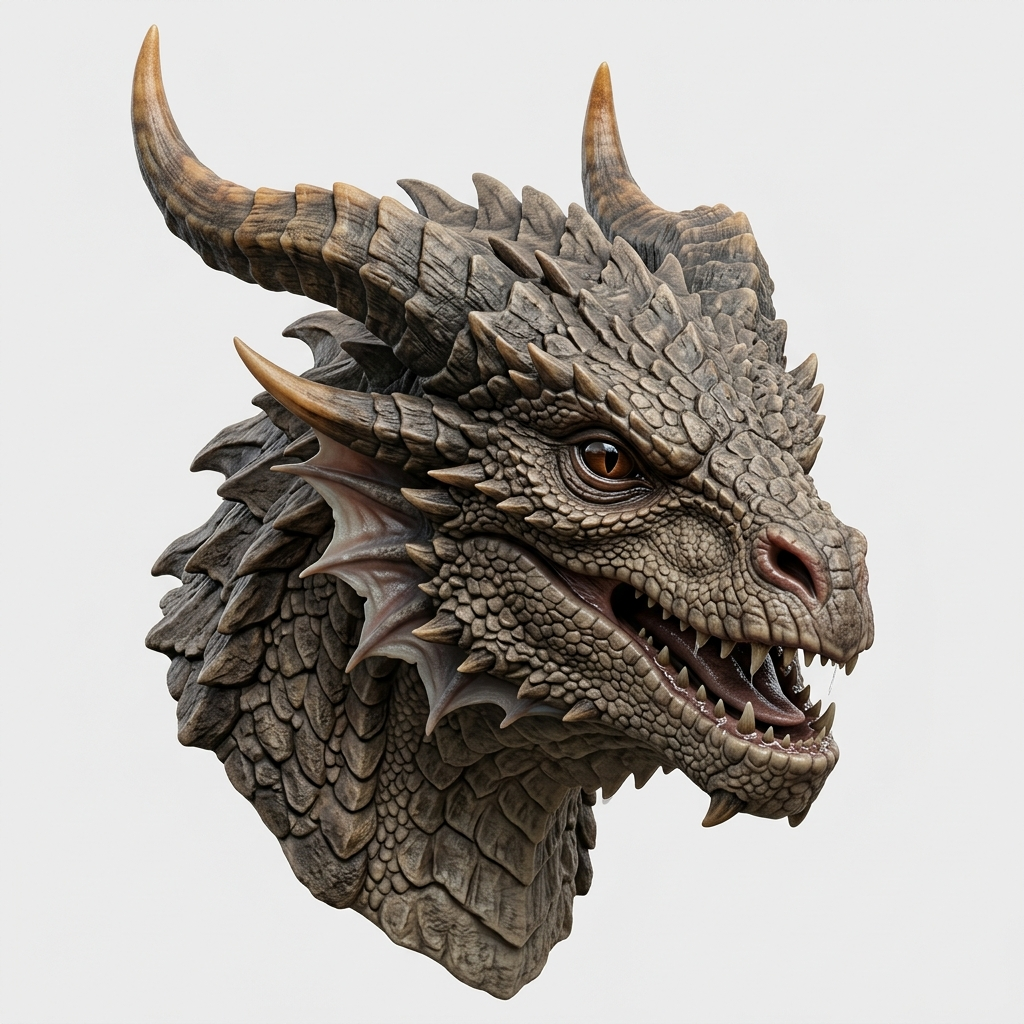
Character-like concepts can work as busts or statues before you attempt rigging or animation.
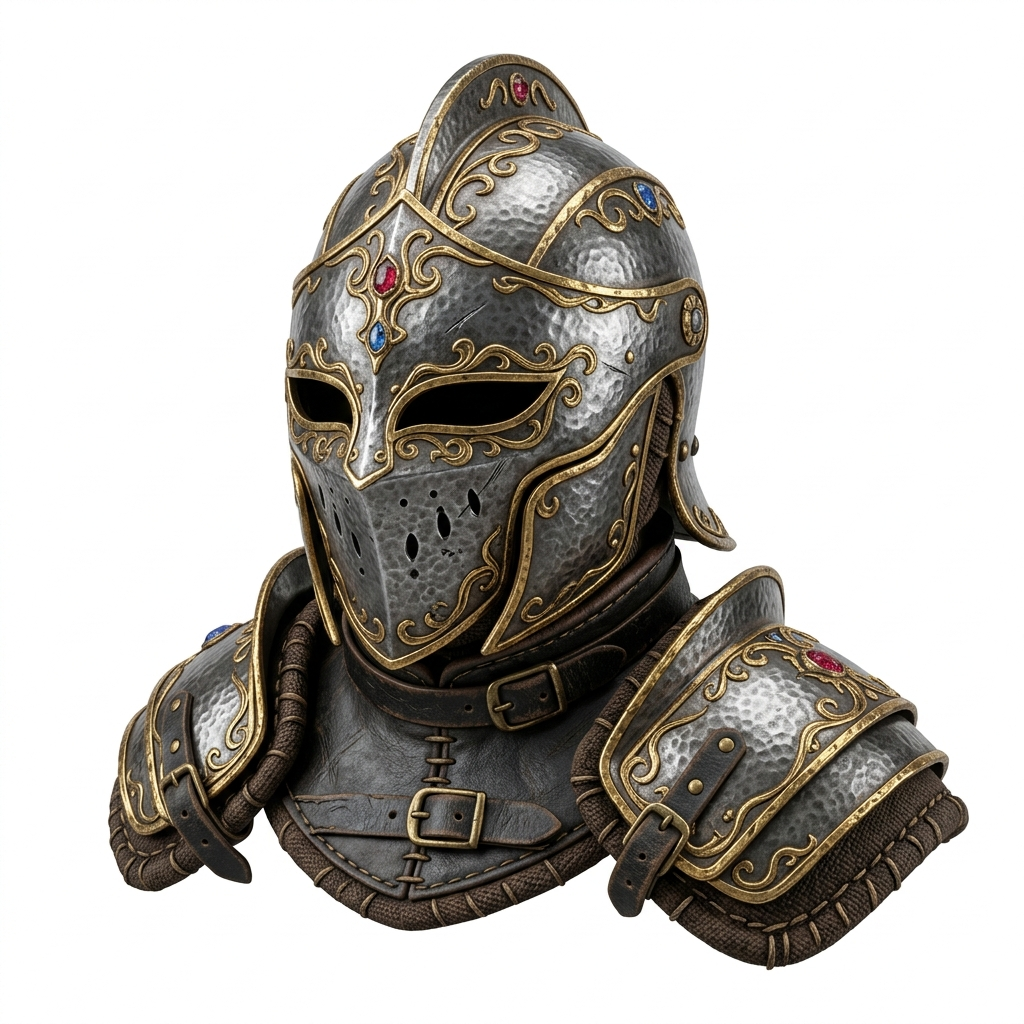
Product-like objects and helmets are better starting points than crowded scenes or full-body poses.
Generate a Standard preview first. If the shape works, retry with Pro or Ultra, then export GLB for visual handoff or OBJ for cleanup in Blender before importing into a game engine.
Image3D does not replace engine documentation. Use these references to verify the import and cleanup expectations for your own workflow.
The page language is intentionally cautious because import support, plugins, and platform limits can change by project version.
FAQ
It can generate useful drafts, especially for props and visual prototypes, but most real game assets still need cleanup, optimization, material work, and engine testing.
Use GLB when you want a compact visual handoff with materials. Use OBJ when you expect to edit the mesh in Blender or another DCC tool.
Use Standard to test the idea cheaply. Use Pro or Ultra only when the draft already has a good silhouette and you want a cleaner export.
No. Image3D should not be treated as a rigging or topology tool. Characters usually need retopology before animation.
Paid Image3D credits and plans support commercial usage, but you still need rights to the image or concept you upload.
Check scale, pivot, materials, mesh density, collision, texture size, and runtime performance in your target engine.
Generate Standard first. Export or upgrade only when the preview shows a shape worth keeping.