Turn one product photo into an inspectable 3D draft.
Upload a clear PNG, JPG, or WEBP. Rotate the generated mesh, check hidden-side assumptions and texture placement, then export only when the result is suitable for your store.
Important: one image cannot reveal exact hidden geometry, scale, reflections, or measurements. Treat the first model as a draft—not a CAD-ready digital twin.
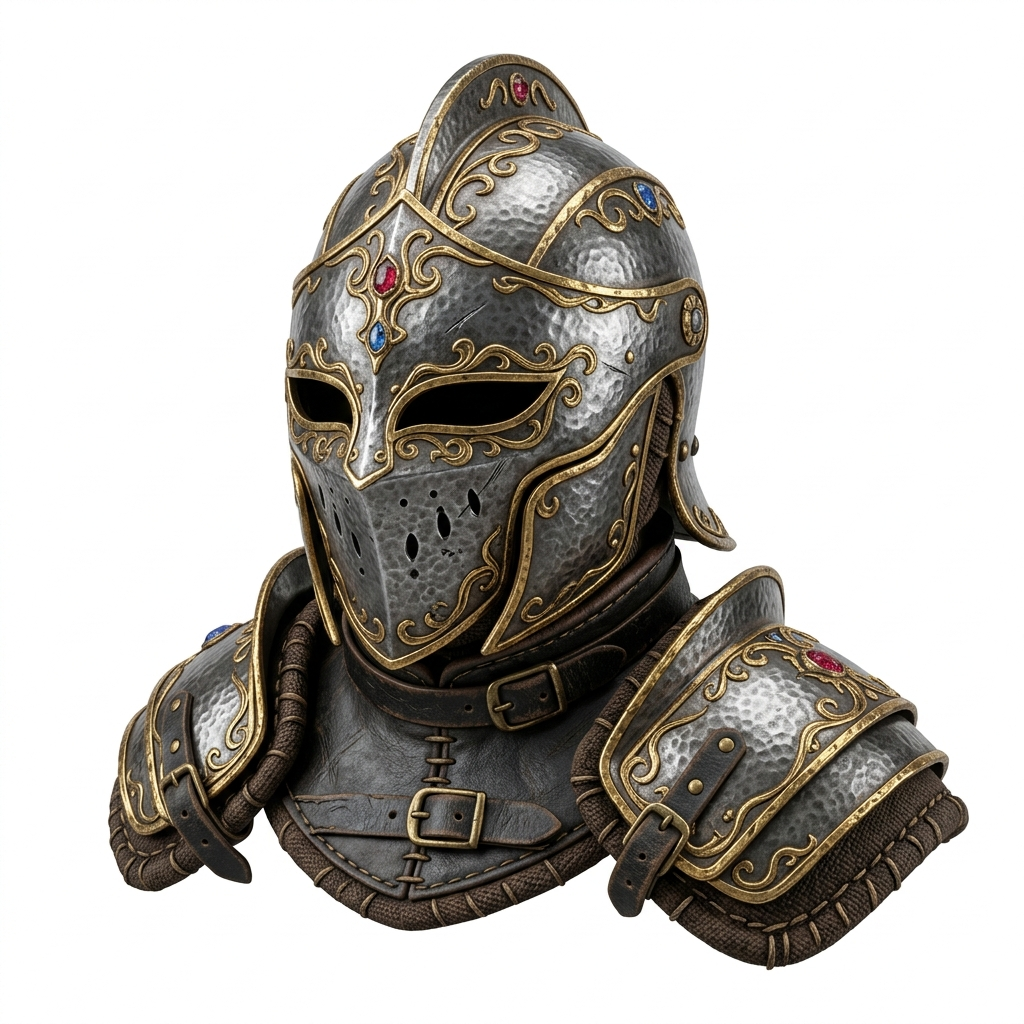 SOURCE PHOTO
Direct answer
Can a product photo become a useful 3D model for an online store?
Yes—when the product has a clear silhouette and the source photo shows enough shape. Use the first result as an inspectable draft, not a measurement-grade digital twin. Rotate the model, check hidden-side assumptions and texture placement, then export GLB only if the result is suitable for shoppers.
Why Add 3D to Your Product Listings?
Static product photos give shoppers a limited view. A 3D model lets them rotate the product to inspect angles such as the back of a handbag, the sole of a shoe, or the profile of a chair. An AR-capable viewer may also support placement on compatible devices after scale and platform requirements are validated.
An interactive viewer can help shoppers inspect angles that a single product photo does not show. Whether that improves conversion depends on the product, model accuracy, page speed, merchandising, and how the viewer is presented, so measure it on your own store.
Image3D provides a faster first draft from one image: generate a preview, inspect it, and decide whether it is good enough to publish, needs a better input, or requires manual cleanup.
How to Photograph Products for 3D Conversion
If you are shooting products specifically for 3D conversion, follow these guidelines:
- White background. Place the product on a white sweep or shoot on a white surface with a white backdrop. Pure white backgrounds give the AI the cleanest subject-background separation.
- Three-quarter angle. Rotate the product 30–45 degrees from directly in front. This gives the depth estimation model significantly more information than a flat front-on shot and produces better side geometry.
- Soft, even lighting. Use two softboxes or large windows on either side of the product to eliminate harsh shadows. Even lighting preserves surface detail that gets lost under harsh directional light.
- Useful detail without clutter. Use a sharp source image with enough detail to inspect the product, but keep one subject and a simple background. More pixels cannot recover hidden geometry or fix reflections.
- One product per shot. Do not include props, packaging, or background elements in the frame. Crop tightly to the product if needed.
If you already have white-background product photos for your store, these often convert well immediately — they already follow best practices for 3D reconstruction.
How to Convert a Product Photo to 3D (Step by Step)
- Choose your product photo. Pick a PNG, JPG, or WEBP of the product on a plain background, ideally from a three-quarter angle.
- Open Image3D Studio. Go to image3d.io/tool and sign in. Eligible new accounts can use the protected first-Standard path before deciding whether to pay.
- Upload the product photo. Drag and drop or click to browse.
- Choose a quality level. Start with Standard to check the overall shape. Use Pro after the first result is promising and a higher-detail retry is useful. Processing time varies by input and provider load.
- Click Generate. The AI builds the 3D mesh and projects your product's colors and textures onto it.
- Inspect the 3D model. Rotate in the viewer. Check that the product shape, proportions, and colors are accurate from the main viewing angles.
- Export as GLB. Download the GLB file. This is what you embed on your Shopify, WooCommerce, or Webflow store.
How to Embed the 3D Model on Your Store
Once you have reviewed the GLB, you can embed it with a compatible web component or your ecommerce platform's 3D-media workflow:
<!-- Add once in your theme's <head> -->
<script type="module" src="https://ajax.googleapis.com/ajax/libs/model-viewer/3.5.0/model-viewer.min.js"></script>

<!-- Paste in your product template where you want the 3D viewer -->
<model-viewer
  src="https://your-cdn.com/your-product.glb"
  alt="Product 3D view"
  auto-rotate
  camera-controls
  ar
  style="width:100%; height:500px; background:#f8f8f8;"
></model-viewer>
The ar attribute can expose supported AR viewers on compatible devices. Test scale, orientation, materials, browser behavior, and platform requirements before publishing it to shoppers.
Shopify: Upload the GLB as a 3D model media type in your product media section. Shopify natively renders it with a 3D viewer and AR button.
Product Types That Convert Best
| Product Type | 3D Result |
|---|---|
| Shoes / sneakers | Excellent — clear 3D geometry |
| Bags / purses | Excellent — handles and straps captured |
| Mugs / bottles | Excellent — cylindrical geometry reconstructs well |
| Electronics / gadgets | Good — box shapes with fine detail |
| Toys / figurines | Good — character shapes work well |
| Jewelry | Good — use macro photography for detail |
| Furniture (small pieces) | Good — chairs and stools on white background |
| Flat apparel (laid flat) | Fair — photograph on mannequin for better depth |
Frequently Asked Questions
What product photos work best for 3D conversion?
Can I add a 3D product viewer to Shopify or WooCommerce?
How long does product photo to 3D conversion take?
Does the 3D model include my product's colors and textures?
Is product photo to 3D conversion free?
What products convert best to 3D models?
Can I test the exported GLB in an AR-capable product viewer?
Related Guides
Photo to 3D Model
Choose the right single-photo workflow and inspect hidden-surface assumptions.
Image to GLB
Export as GLB for web embedding and AR apps.
Free 3D Model Generator
Test a first Standard result before choosing paid detail or export access.
Image to STL
Convert product images to STL for 3D printing prototypes.
Add 3D to your product listings today
Test a protected first Standard result, rotate the preview, and pay only when the model is suitable for export or higher-detail work.
Test a product photo