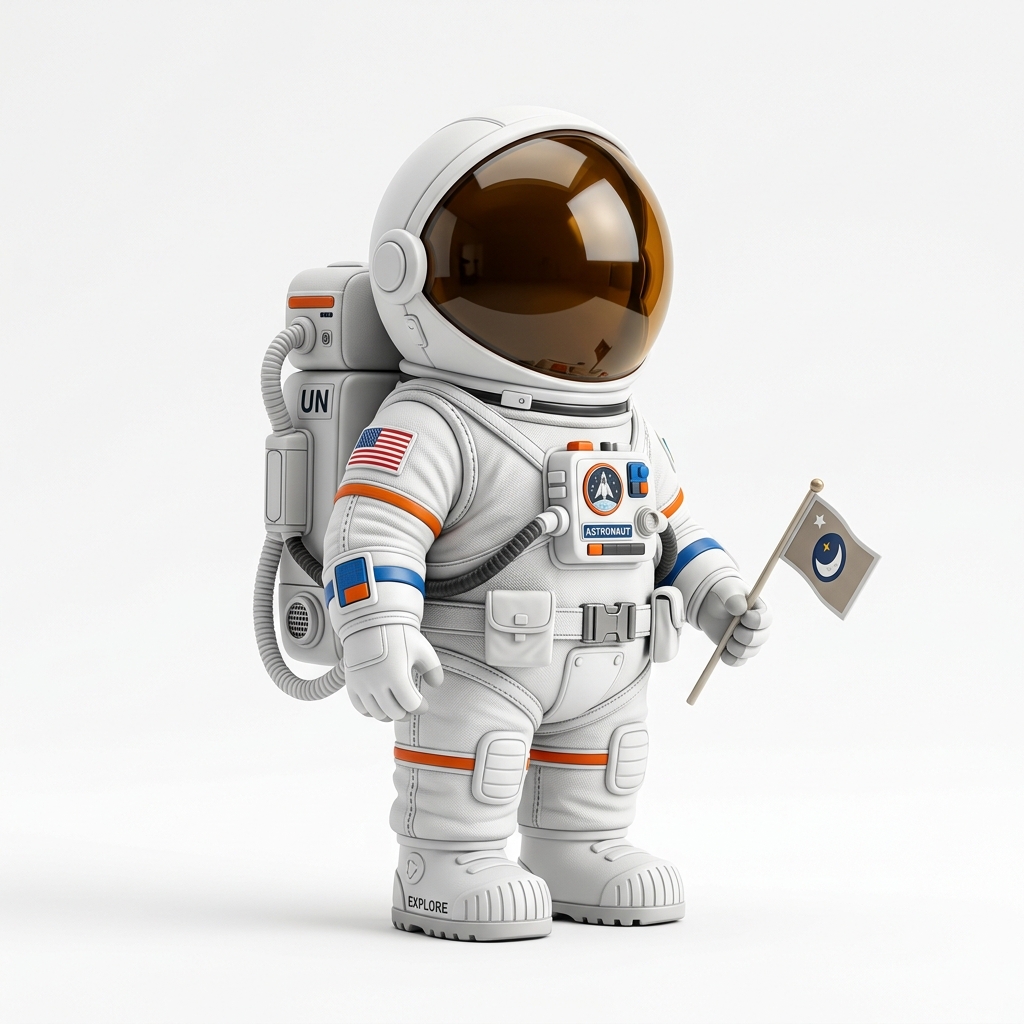
Astronaut figurine
A clear character-like image can become a figurine draft.
Photo or character art to figurine candidate
Use this workflow for custom figurine ideas, collectibles, mascot tests, toys, simple statues, and character-inspired print candidates.
Direct answer
A photo to 3D figurine generator turns a photo or character image into a first-pass 3D model that can be exported as STL. Image3D is useful for quick figurine experiments, but human faces, hair, hands, clothing folds, and thin accessories are difficult and may need higher-quality generation or cleanup.
Workflow
Use a clear full-body or bust image with one subject, strong lighting, and a simple background. Side-only portraits, cropped heads, blurry photos, and complex poses usually produce worse geometry.
Use Standard for a fast shape check. Use the $9.99 Maker Pack when the input is promising and you need Pro access for stronger detail before export.
Preview the model, decide whether it is close enough, then export STL after paid unlock. For printing, check scale, base stability, thin limbs, face detail, hair mass, and support requirements.
Best fit
Use a clear full-body or bust image with one subject, strong lighting, and a simple background. Side-only portraits, cropped heads, blurry photos, and complex poses usually produce worse geometry.
Figurines are one of the highest-demand but hardest image-to-3D use cases. Expect iteration, higher quality tiers, and sometimes manual cleanup.
| Stage | What to do | Why it matters |
|---|---|---|
| Standard | Run a cheap first preview. | Confirms whether the silhouette and main volume are worth pursuing. |
| Pro | Retry when the first result is close. | Improves detail before export and paid download decisions. |
| Ultra | Use for high-value final checks. | Best when print detail, figurine quality, or close inspection matters. |
| Printability | Inspect in slicer or request help. | Finds thin walls, islands, support issues, and geometry failures. |
Examples
These examples show source material that can produce useful first-pass meshes. They are not promises of guaranteed printable output.
A clear character-like image can become a figurine draft.
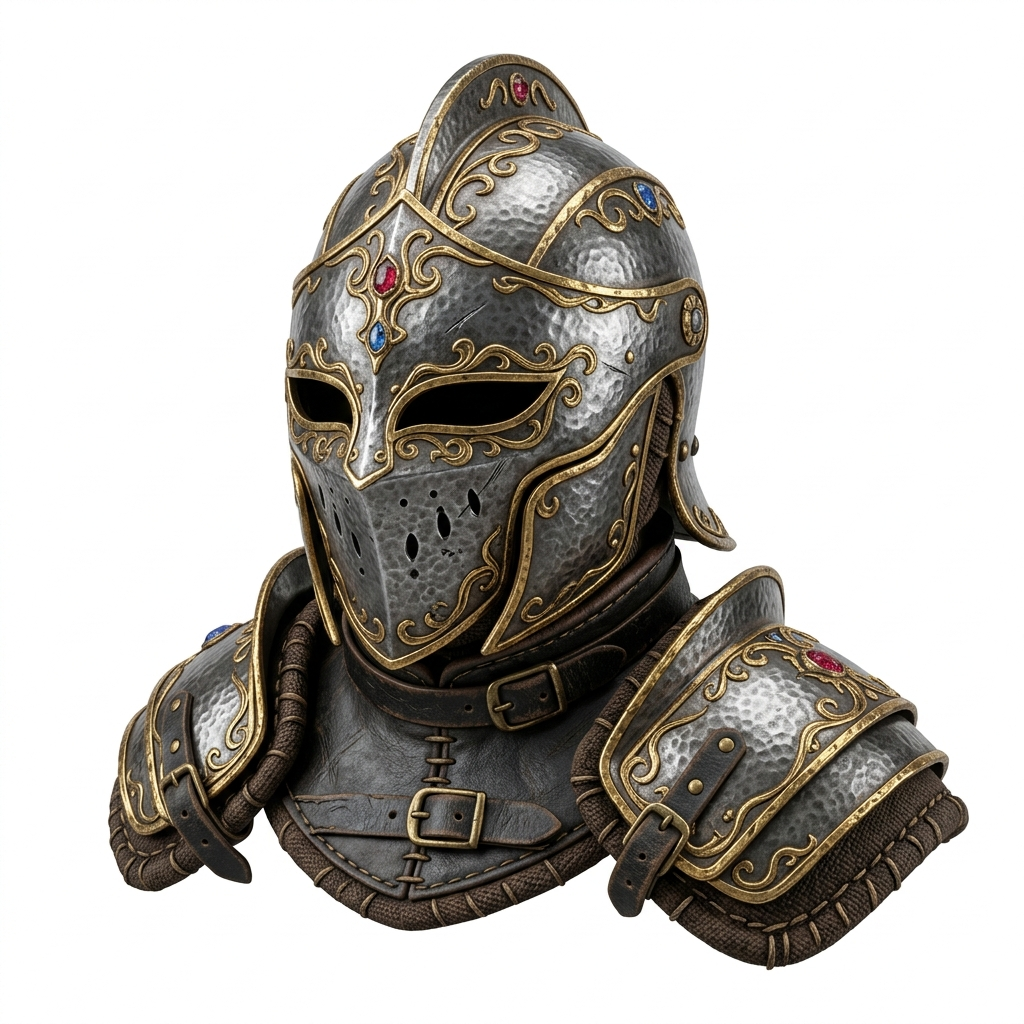
Head and bust shapes can work better than complex full-body poses.
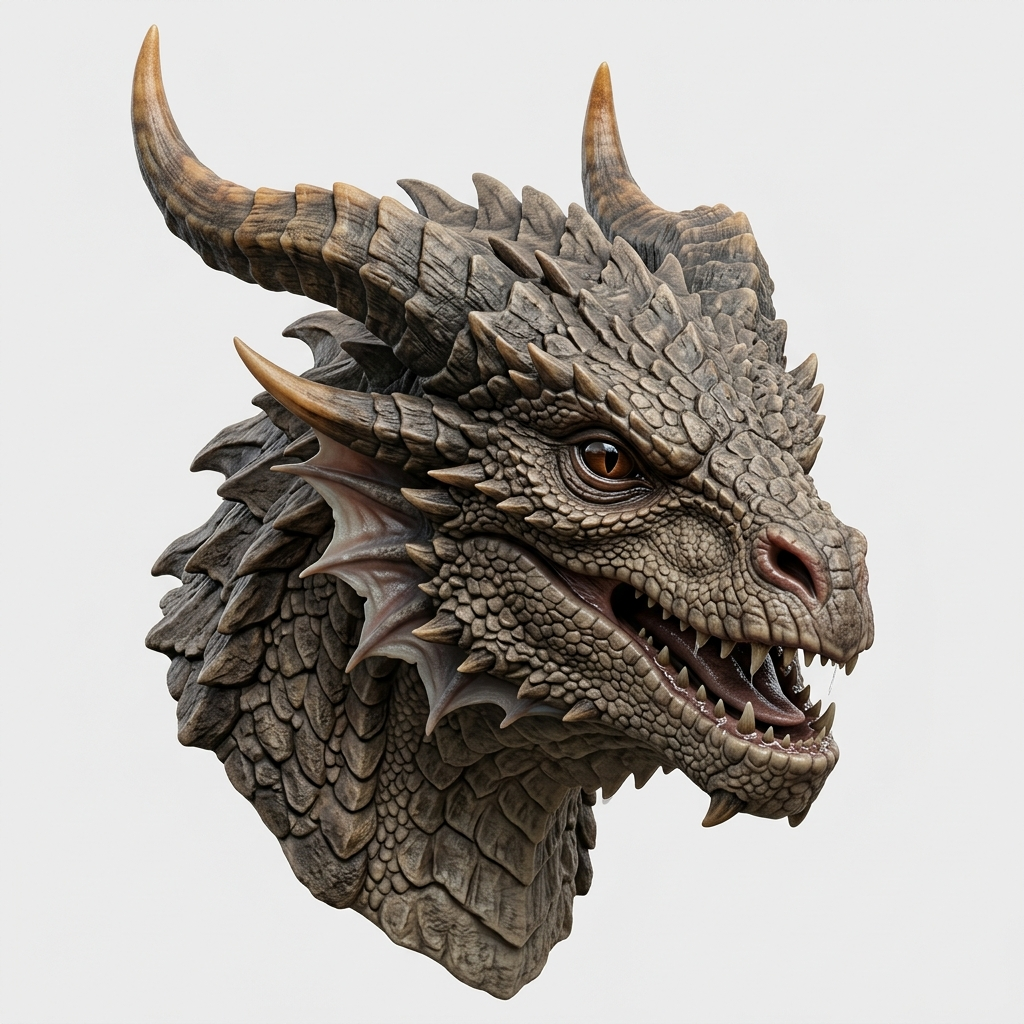
Stylized creatures, armor shapes, and bust-like silhouettes are easier to validate than realistic human portraits.
Figurine review
Figurines are harder than badges, props, and simple product shapes because the viewer expects the face, posture, clothing, and silhouette to feel intentional. A preview can be useful even when it is not final, but you should know what problem you are buying the export to solve. If you only need a rough tabletop placeholder, a Standard result may be enough. If you want a recognizable character, mascot, or gift print, inspect the preview more carefully before unlocking the STL.
The most useful figurine workflow is honest about likeness. Image3D can create a first 3D candidate from a photo or character render, but a single image cannot fully describe the back of the head, hidden hands, garment thickness, or the way hair should connect to the body. That does not make the workflow useless. It means the preview should be judged by the right standard: is the pose readable, is the silhouette worth keeping, and is there enough solid mass to make a printable object after slicer review?
Faces often distort because a single image does not fully describe depth. Bust-style inputs with clear front and side cues usually work better than casual selfies.
Hair strands, ribbons, capes, and fabric folds can become fragile islands. Look for solid masses instead of thread-like geometry.
Thin fingers, bent arms, and separated legs can fail in slicing. A stronger pose or thicker stylized design often prints better.
A figurine needs a stable contact area. If the model floats, leans, or has tiny feet, plan a base, cleanup step, or support-heavy print.
| Figurine goal | Recommended path | Why |
|---|---|---|
| Quick DND or tabletop placeholder | Standard preview, export only if the pose reads clearly. | Silhouette matters more than fine facial detail. |
| Gift figurine from a person or pet photo | Use the cleanest image, consider Pro, and expect cleanup. | Likeness, hair, and small features are difficult from one image. |
| Anime, mascot, or game character | Use a front or three-quarter character render with a simple background. | Stylized shapes are easier to interpret than noisy real-world photos. |
| Print-ready collectible | Export the best preview, inspect in a slicer, then repair and add a base if needed. | AI generation is the draft stage; print reliability comes from validation. |
Search intent
People search for photo to 3D figurine when they are still deciding whether a person, pet, mascot, or character photo can become a collectible model. They usually care about likeness, pose, hair, clothing, and whether the preview looks good enough to continue. People search for figurine STL generator when the final goal is already 3D printing. They care more about STL export, slicer warnings, wall thickness, support strategy, and whether the mesh can survive the chosen print size.
This page sits before the STL-only step. Start here if the main question is whether the photo can become a convincing 3D figurine candidate. Move to the Figurine STL Generator or Image to STL Generator when you are ready to judge the result as a printable file. Use OBJ or GLB when the model needs cleanup, texturing, or web preview before the STL decision.
Preview the model, decide whether it is close enough, then export STL after paid unlock. For printing, check scale, base stability, thin limbs, face detail, hair mass, and support requirements.
Figurines are one of the highest-demand but hardest image-to-3D use cases. Expect iteration, higher quality tiers, and sometimes manual cleanup.
For serious use, expect iteration. AI meshes can be useful quickly, but production prints may still need cleanup, base work, support planning, decimation, or repair.
FAQ
Yes, but it is a first-pass reconstruction. Human-like subjects often need higher quality generation and cleanup before printing.
Single-image AI has limited information about facial depth, hair, ears, and hidden geometry. Clear bust-style images usually work better than casual photos.
Use a centered full-body or bust image with good lighting, minimal occlusion, and a simple background. Avoid group photos and cropped limbs.
Standard is useful for quick shape checks. Use Pro or Ultra when the pose and silhouette are close and you want better detail.
Not guaranteed. The generated STL may need base work, support planning, wall-thickness checks, and cleanup before a reliable print.
Generate Standard first. Use higher quality or export only when the result is worth keeping.
For figurines, success is not always perfect likeness on the first generation. A useful success signal is a stable character silhouette that can be improved: the head reads clearly, the body has enough volume, the pose is understandable, and the base can be repaired or added later. If those signals are missing, a different source image usually helps more than exporting the same weak preview.