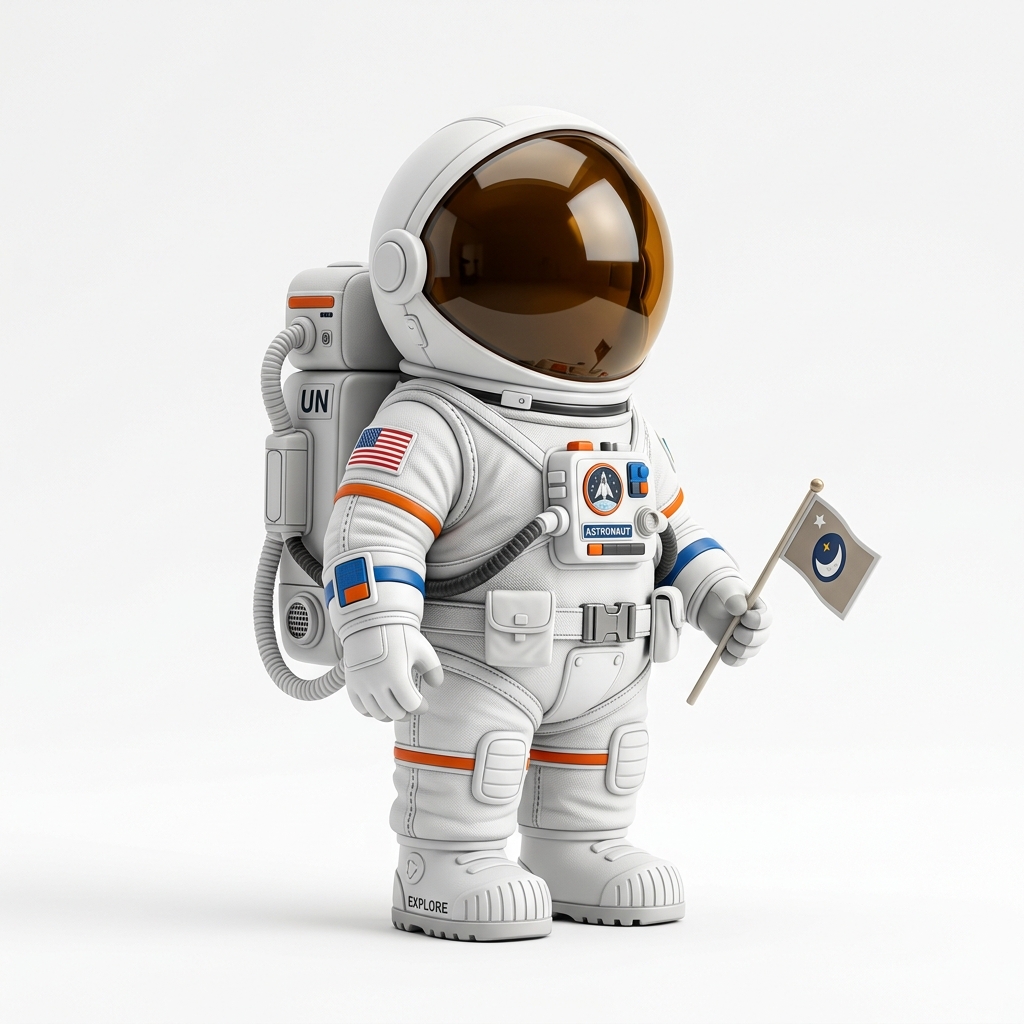
Hero concept
Clear fantasy or sci-fi character art can become a miniature-style candidate.
Character image to miniature draft
Use this workflow for tabletop RPG characters, NPC concepts, monsters, props, and terrain ideas when you want to test a printable direction from one image.
Direct answer
Image3D can help turn a character image into a first-pass miniature candidate. It is best for quick visual drafts, tabletop prop ideas, and STL experiments, but faces, hands, weapons, capes, and thin accessories may need higher quality or cleanup before printing.
Workflow
Use a centered character with a clear silhouette, simple pose, visible body shape, and minimal overlapping accessories. Avoid busy backgrounds and tiny text.
Use Standard for a fast shape check. Use Pro or Ultra when the input is promising and you need stronger detail before export.
Generate the model, export STL after paid unlock, and inspect it in your slicer. Miniatures often need scale checks, thicker bases, support planning, and cleanup around weapons or hands.
Best fit
Use a centered character with a clear silhouette, simple pose, visible body shape, and minimal overlapping accessories. Avoid busy backgrounds and tiny text.
Single-image AI generation is not the same as sculpting a production miniature. Treat the result as a draft or starting point, not a guaranteed tabletop-ready STL.
| Stage | What to do | Why it matters |
|---|---|---|
| Standard | Run a cheap first preview. | Confirms whether the silhouette and main volume are worth pursuing. |
| Pro | Retry when the first result is close. | Improves detail before export and paid download decisions. |
| Ultra | Use for high-value final checks. | Best when print detail, figurine quality, or close inspection matters. |
| Printability | Inspect in slicer or request help. | Finds thin walls, islands, support issues, and geometry failures. |
Examples
These examples show source material that can produce useful first-pass meshes. They are not promises of guaranteed printable output.
Clear fantasy or sci-fi character art can become a miniature-style candidate.
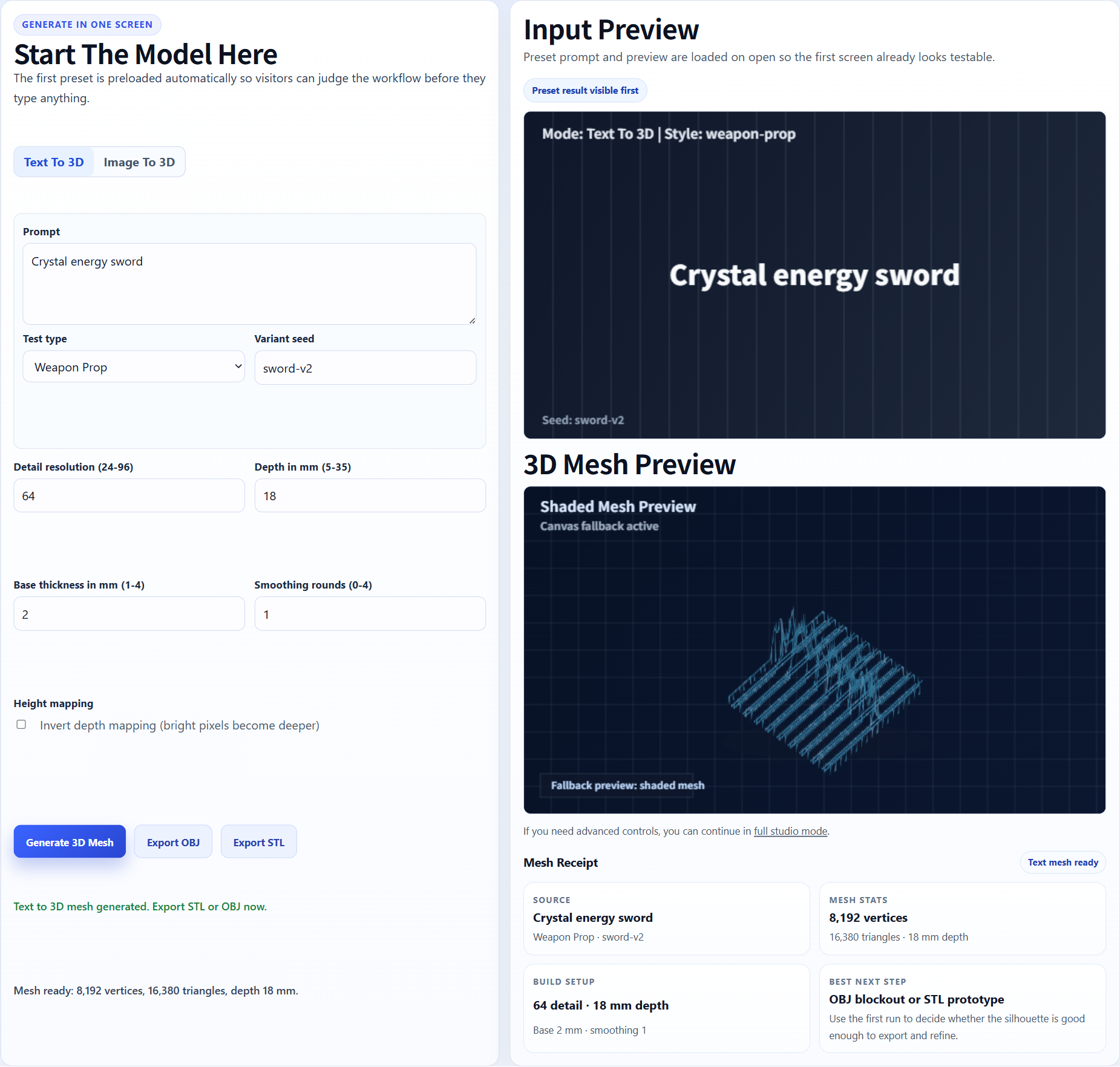
Standalone props are often easier than full characters.
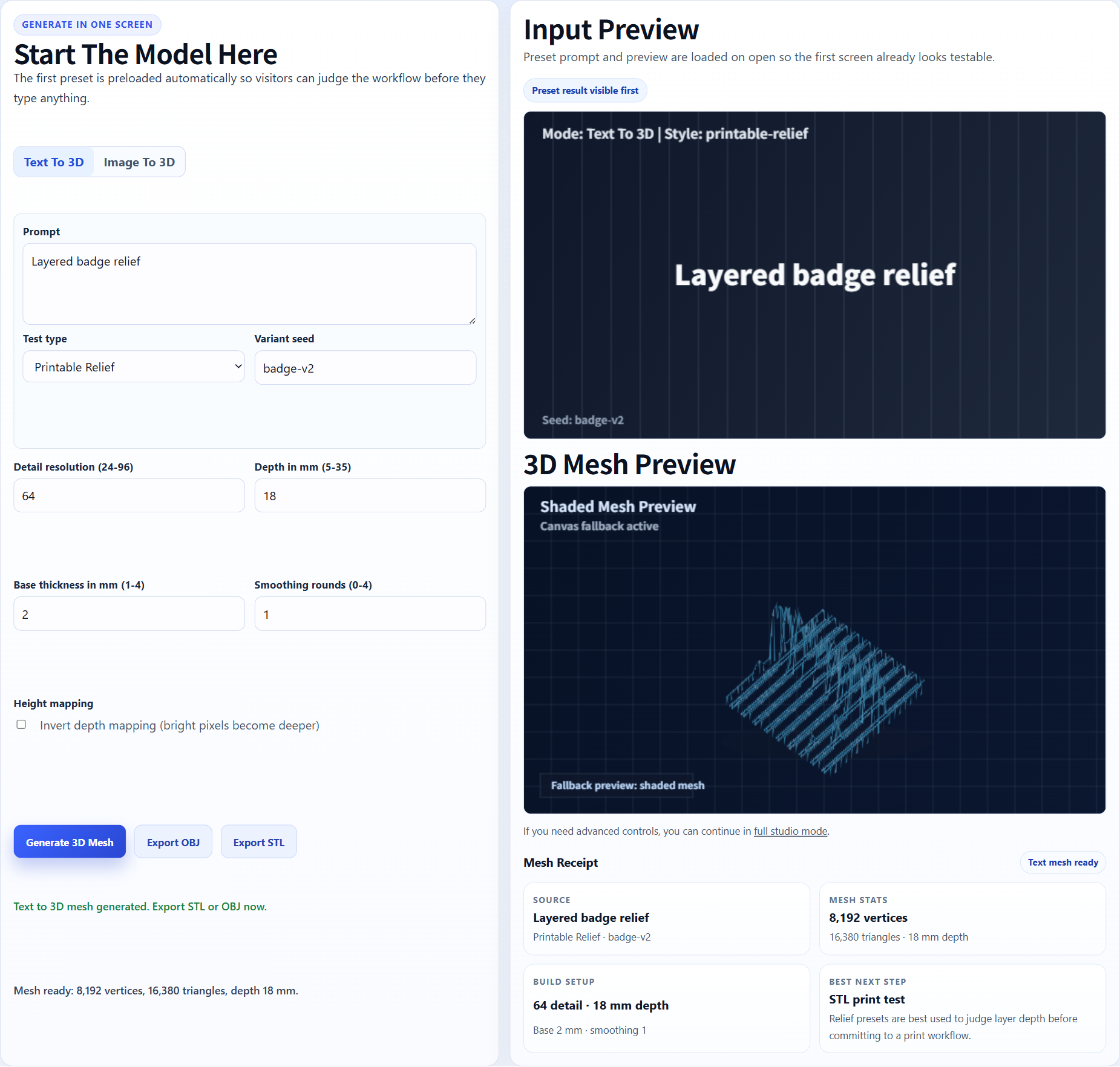
Flat maps and relief patterns can inspire tabletop terrain tests.
Generate the model, export STL after paid unlock, and inspect it in your slicer. Miniatures often need scale checks, thicker bases, support planning, and cleanup around weapons or hands.
Single-image AI generation is not the same as sculpting a production miniature. Treat the result as a draft or starting point, not a guaranteed tabletop-ready STL.
For serious use, expect iteration. AI meshes can be useful quickly, but production prints may still need cleanup, base work, support planning, decimation, or repair.
Miniature-specific checks
A good DND miniature candidate should read clearly from a normal table distance. Check the pose, head, torso, weapon, base, and cloak shape before worrying about small decorative details. If the silhouette is confusing in the preview, a higher quality export will rarely rescue it.
The best first test is a front or three-quarter character image with the full body visible. Cropped portraits can become busts or floating fragments, and busy fantasy backgrounds may pull unwanted shapes into the mesh.
Miniatures fail most often at hands, weapons, horns, hair strands, capes, tails, and tiny accessories. These parts may appear in a shaded preview but become too thin once the STL is sliced. Use Image3D to decide whether the concept is worth keeping, then use a slicer or cleanup workflow before printing a final tabletop piece.
If the preview is promising, Pro or Ultra can be worth testing because character detail matters. If the base shape is wrong, spend another Standard generation instead of paying for an export too early.
Full-body character art, toy-like mascots, stylized creatures, simple monsters, and prop-focused references usually work better than realistic human photos. Strong lighting and a clear outline help the model generator separate the subject from the background.
Thin swords, tiny fingers, transparent effects, motion blur, heavy robes, overlapping limbs, and cropped faces are high-risk. They can still be useful for ideation, but they should not be treated as guaranteed printable STL sources.
Generate Standard first, rotate the preview, then decide whether you need STL for printing or GLB/OBJ for game visualization. If the result is close, download after paid unlock and check scale, supports, and islands in your slicer.
If the first result has a strong pose, recognizable equipment, and a usable base shape, another generation or a higher quality pass can be worth it. If the body is twisted, the face is fused into the torso, or the weapon becomes a disconnected shard, the better move is to change the source image. For tabletop use, the first successful milestone is not a perfect STL. The first successful milestone is a model that still looks like the intended character after you rotate it and imagine it at a 28mm to 75mm scale.
This is also where the download decision should happen. Export after the mesh has enough promise to justify slicer inspection. Do not unlock a download only because the image looked good; unlock it because the generated model has a shape that can realistically survive cleanup and printing.
For campaign use, keep a simple review note for each attempt: input image, quality tier, strongest feature, weakest feature, and slicer risk. That makes later retries much less random. It also helps you decide whether the next spend should be another generation, a higher quality pass, or manual cleanup.
FAQ
It can create first-pass miniature candidates, especially from clear character art, but serious tabletop prints may need sculpting, cleanup, and support planning.
Centered characters with simple poses, clear silhouettes, and visible accessories work better than cropped, blurry, or crowded images.
Not guaranteed. Check scale, base thickness, weapons, hands, capes, and supports in a slicer before printing.
For characters and miniatures, Pro or Ultra is often better than Standard once the first shape looks promising.
You are responsible for rights and permissions. Image3D is a tool; it does not grant rights to protected characters or brands.
Generate Standard first. Use higher quality or export only when the result is worth keeping.