IMAGE TO 3D CHARACTER · STATIC MESH ONLY
AI 3D Character Generator from Image
Convert a character concept image, mascot illustration, or figurine photo into a private, static 3D character mesh. Inspect live PBR, Clay, and Wireframe shading in your browser, then export GLB, STL, OBJ, or PLY for 3D printing, Blender cleanup, or game prototyping.
Static 3D Mesh + PBR
GLB · STL · OBJ · PLY
100% Private Workspace
Upload one front-facing character image
Works best with a clean A-pose or standing silhouette, even studio lighting, and minimal background clutter. Generate Standard (10 cr) for fast silhouette tests or Pro (100 cr) for detailed PBR textures and print-ready geometry.
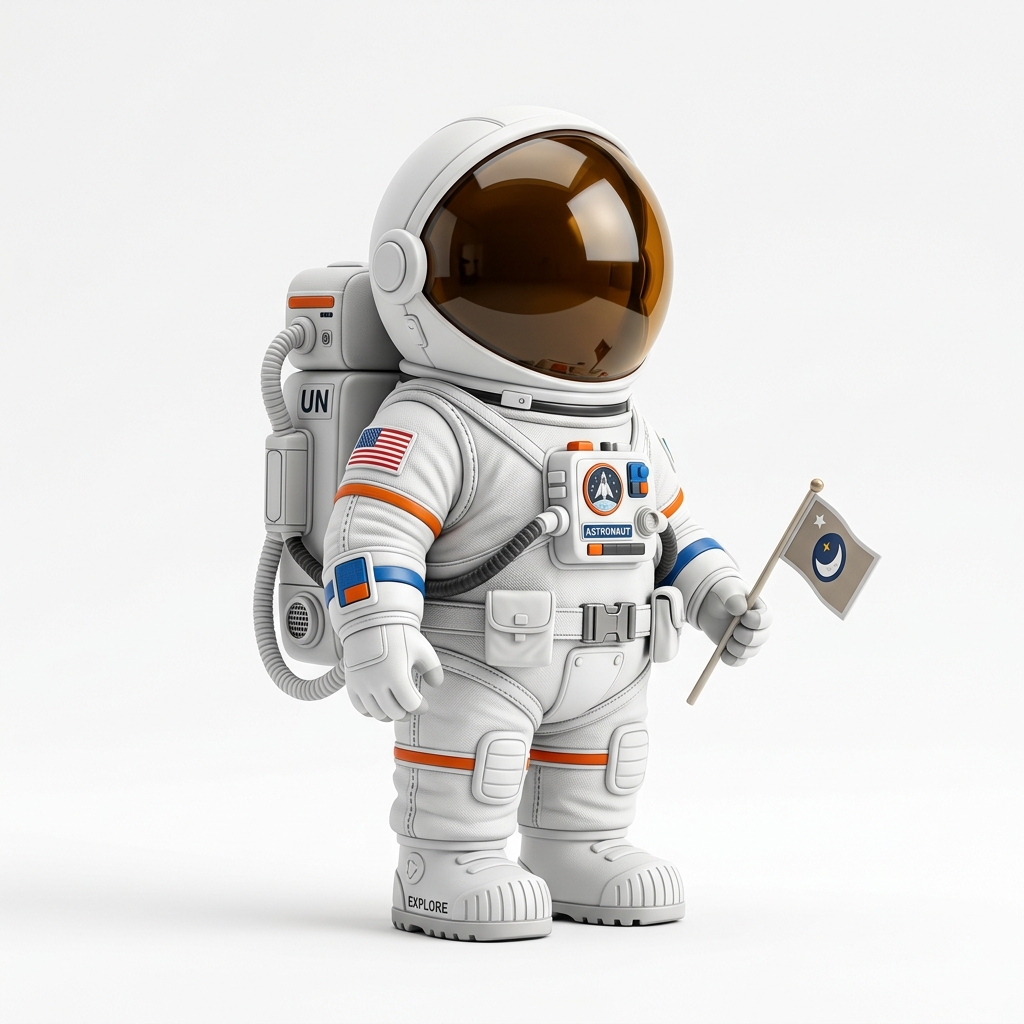
Important Output Scope (Static Mesh Only): Image3D generates static 3D character meshes (geometry + PBR textures). It does not perform automatic skeletal rigging, skin weight painting, facial blendshapes, or animation export. For animated game characters, export GLB/OBJ from Image3D and run rigging separately in Blender or Mixamo.
What Image3D outputs vs. external rigging steps
| Capability | Status | Actual Image3D Studio Behavior |
|---|---|---|
| 3D Character Geometry | Included | Single-image to static 3D mesh in Standard (10 cr) or Pro (100 cr) tiers. |
| PBR Textures & Shading Check | Included | Inspect PBR, Clay, and Wireframe modes before exporting GLB, OBJ, STL, or PLY. |
| 3D Printing / Figurine Export | Included | Download STL or convert locally to 3MF for Bambu Studio, PrusaSlicer, or Cura. |
| Auto-Rigging & Bone Weights | Not included | Static mesh only; export OBJ/GLB and rig in Mixamo, AccuRIG, or Blender. |
| Skeletal Animation / Motion | Not included | No keyframe or motion clips are generated by Image3D. |
Best input practices for static 3D character meshes
- Clear full-body or bust framing: Keep arms slightly separated from the torso so the reconstructed mesh does not fuse hands to hips.
- Neutral lighting: Avoid harsh colored spotlights that bake unwanted shadows into the PBR albedo map.
- Need format conversion afterward? Use our free browser-local tools: GLB → STL · OBJ → STL · STL → 3MF · FBX → GLB.