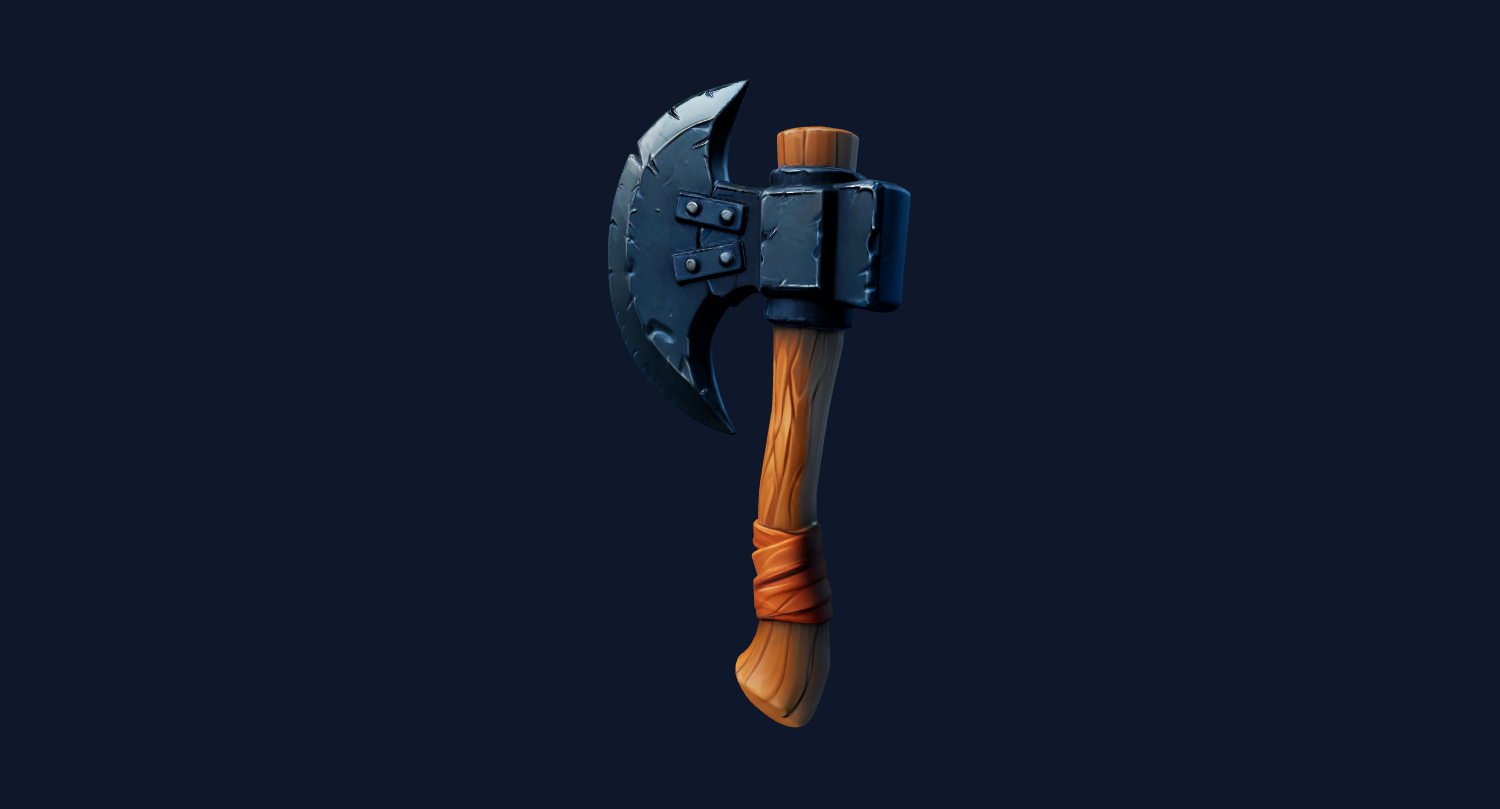
Product preview candidate
A clear product image can become a quick 3D asset candidate for internal ecommerce review.
Product photo to ecommerce 3D
Use this workflow when your goal is a product-page 3D preview, not a 3D-print STL or an engineering CAD file.
Direct answer
A Shopify 3D model generator workflow helps merchants turn product photos into first-pass 3D model candidates, usually as GLB for product media, web viewers, and AR-style previews. Image3D is useful for fast testing, but store-ready models still need quality checks and sometimes cleanup.
Workflow
Use a high-resolution product image with one subject, minimal shadows, visible sides, and no clutter. For ecommerce, avoid misleading outputs: a distorted model can hurt trust more than no 3D model at all.
Run Standard first. If the shape is close, use Pro or Ultra before paying attention to final export, storefront, Blender, or slicer details.
Generate the model, inspect the browser preview, export GLB after paid unlock, then check the model in a web viewer or editor before adding it to a store workflow.
Best fit
Use a high-resolution product image with one subject, minimal shadows, visible sides, and no clutter. For ecommerce, avoid misleading outputs: a distorted model can hurt trust more than no 3D model at all.
Shopify and similar ecommerce platforms can display 3D product media, but a generated model should be checked for file size, material quality, orientation, scale, and accuracy before customers see it.
| Stage | What to do | Why it matters |
|---|---|---|
| Photo upload | Use a clean product image with one main subject. | Reduces background artifacts and shape confusion. |
| Browser preview | Rotate the generated model before paying to export. | Prevents weak models from becoming store assets. |
| GLB download | Unlock and download when the result is close enough. | GLB is the practical handoff format for web product previews. |
| Store QA | Check orientation, material, file size, and customer trust. | Ecommerce 3D assets should help conversion, not create doubt. |
Examples
Use these sample categories to judge whether your own input image is a good candidate. The practical test is preview quality plus downstream inspection, not the page headline.
A clear product image can become a quick 3D asset candidate for internal ecommerce review.
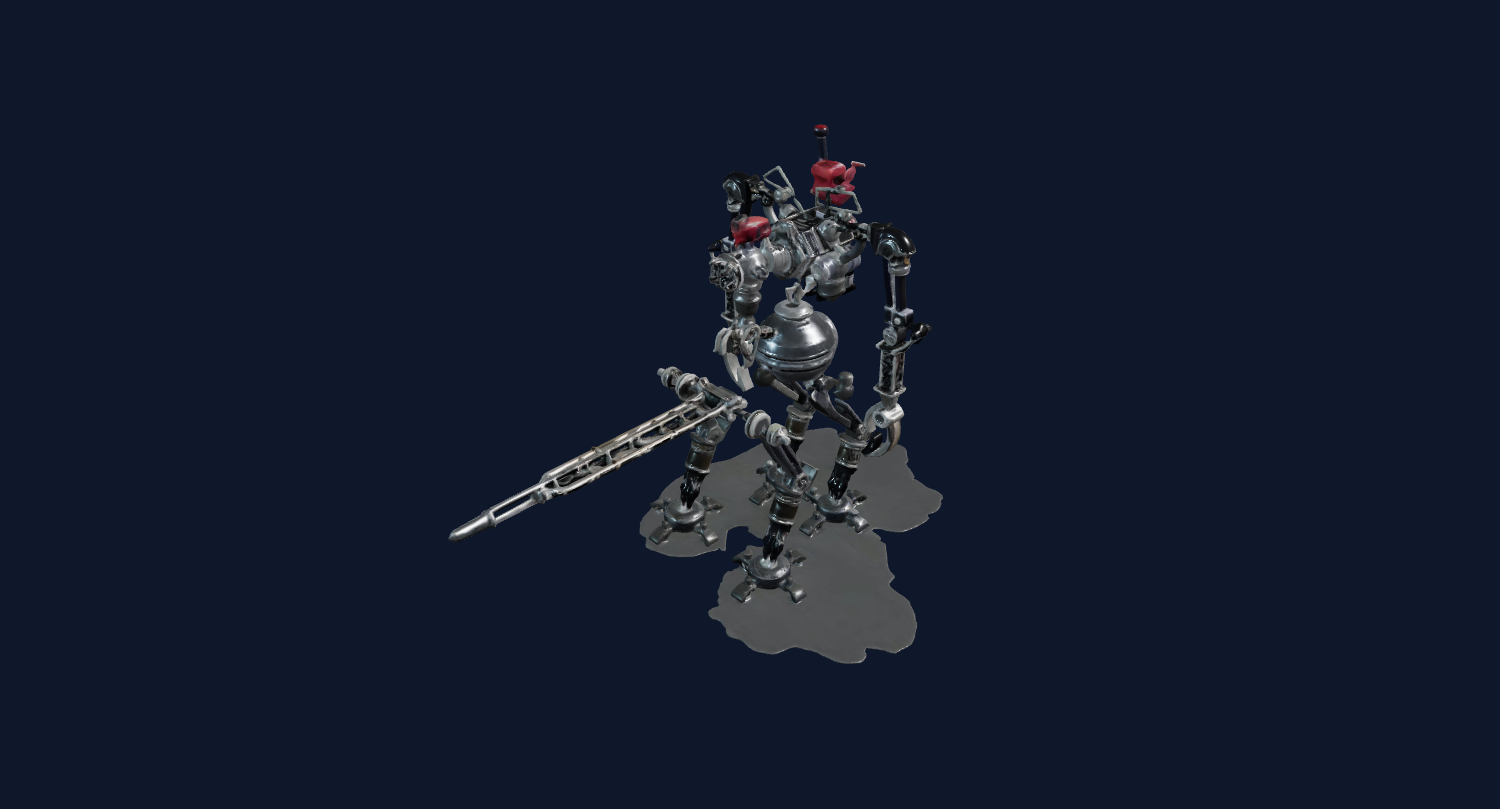
Toys and collectibles often work better than reflective packaging or transparent bottles.
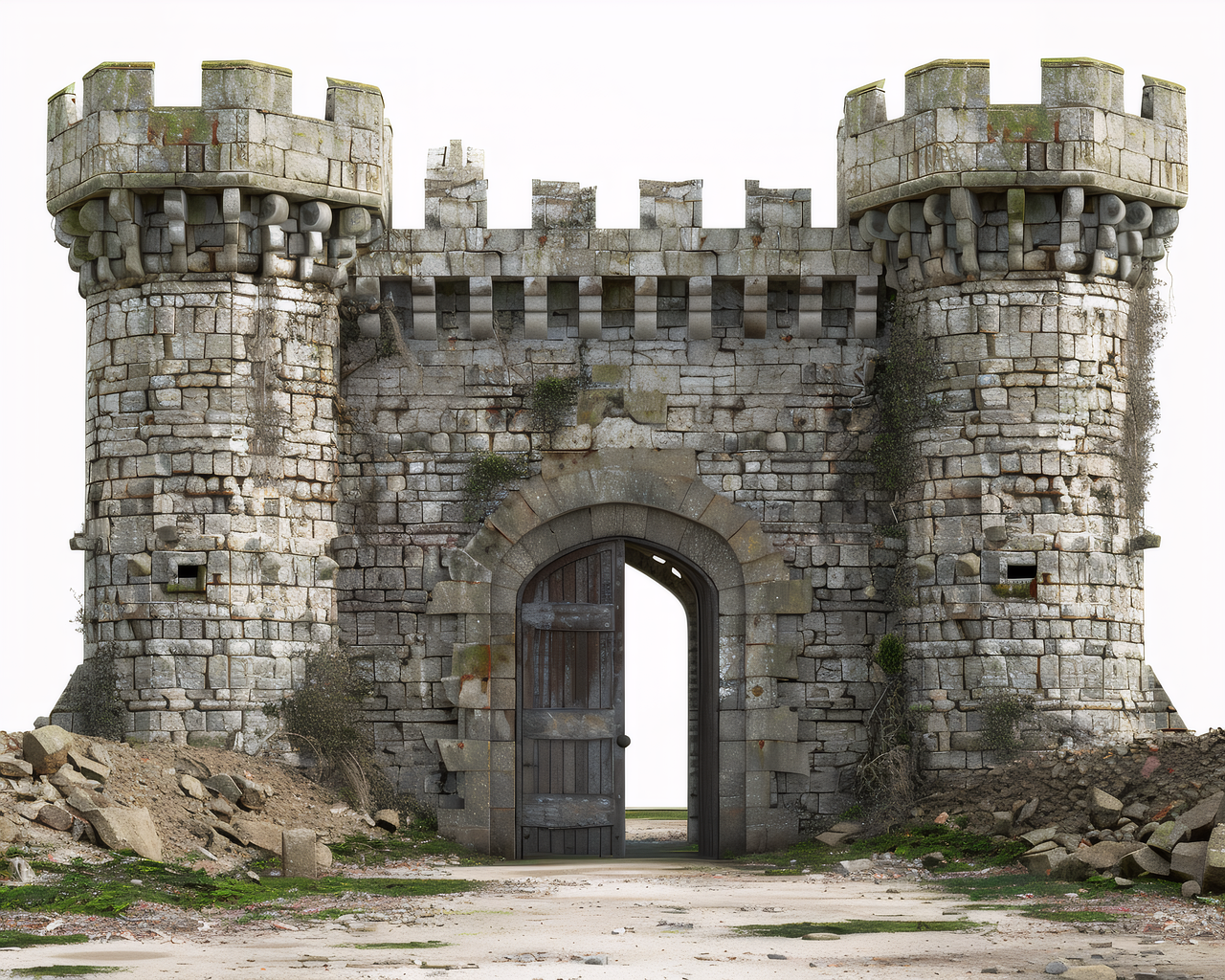
Simple decorative forms can be tested as GLB assets before a designer cleans materials.
Generate the model, inspect the browser preview, export GLB after paid unlock, then check the model in a web viewer or editor before adding it to a store workflow.
Shopify and similar ecommerce platforms can display 3D product media, but a generated model should be checked for file size, material quality, orientation, scale, and accuracy before customers see it.
The safest pattern is to test cheaply, inspect honestly, then pay for export or higher quality only when the result is close enough for your use case.
FAQ
Image3D can generate first-pass GLB candidates from product photos. You still need to inspect and prepare the model before using it in a real store.
GLB is the practical format to evaluate for Shopify-style 3D product media workflows because it can carry geometry and material information in one web-friendly file.
Image3D can start from one photo, but more visible shape information usually helps. If the product has important backside details, a single front photo may not be enough.
No. Use CAD, scanning, or a human modeler when exact dimensions matter. Image3D is better for fast product visualization candidates.
Use Standard first. If the silhouette is close and the product matters commercially, use Pro or Ultra before export to improve detail and reduce visible artifacts.
Check model orientation, scale, file size, material quality, texture artifacts, lighting, and whether the model accurately represents the product.
Generate Standard first. Export or upgrade only when the preview shows a shape worth keeping.