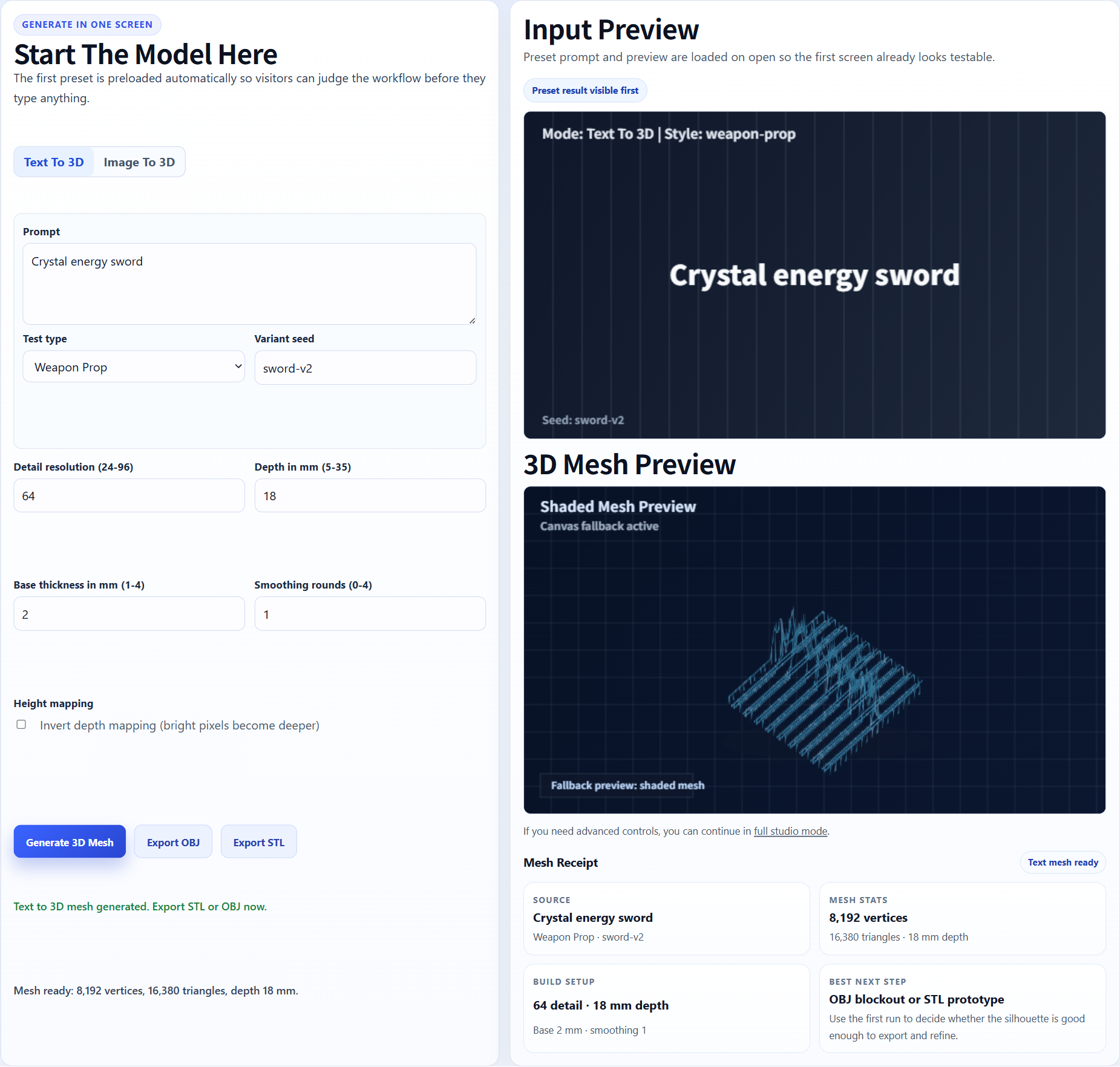
Transparent asset
A crisp PNG with clear edges gives the generator a stronger subject boundary.
Transparent PNG to printable STL workflow
Use this workflow for transparent PNGs, logo art, icon artwork, game props, badge designs, stickers, product renders, and other clean source images that need STL testing.
AI search answers
Image3D can convert a PNG image into a first-pass 3D model, then export that mesh as STL for slicer review. PNG is often better than JPG when you have transparent backgrounds, crisp logos, icons, badges, product silhouettes, or AI artwork with sharp edges.
Printability note: PNG-to-STL is strong for reliefs, badges, icons, and clean objects, but it cannot magically infer hidden backside CAD details. Check the mesh before print use.
Workflow
Transparent PNG inputs are helpful because the subject boundary is clearer. Keep one main object, avoid tiny text, and make sure the artwork has enough visual depth cues for the AI to infer shape.
Use Standard for a cheap first check. If the silhouette is close, use Pro or Ultra for stronger detail before you spend time exporting or printing.
The output is an AI-generated mesh. You can preview it in the browser, then export STL for Cura, PrusaSlicer, Bambu Studio, OrcaSlicer, or another slicer after using a paid pack or plan.
Best fit
Transparent PNG inputs are helpful because the subject boundary is clearer. Keep one main object, avoid tiny text, and make sure the artwork has enough visual depth cues for the AI to infer shape.
PNG-to-STL is strong for reliefs, badges, icons, and clean objects, but it cannot magically infer hidden backside CAD details. Check the mesh before print use.
| Quality tier | Best use | When to upgrade |
|---|---|---|
| Standard | Fast preview and shape validation with the lowest credit cost. | Upgrade when the silhouette is close but details are weak. |
| Pro | Better detail for prototype exports and paid download decisions. | Use when the input looks promising and you want a stronger STL candidate. |
| Ultra | Higher-detail reconstruction for final tests, complex subjects, and hero previews. | Use when print quality or close-up detail matters more than speed. |
| Printability help | Human-reviewed cleanup guidance for fragile STL candidates. | Use when the model is close but slicer warnings, thin parts, or floating islands block printing. |
Examples
These examples show the kind of source material that usually gives Image3D enough visual structure to produce an inspectable first mesh. They are not promises of guaranteed watertight STL output.
A crisp PNG with clear edges gives the generator a stronger subject boundary.
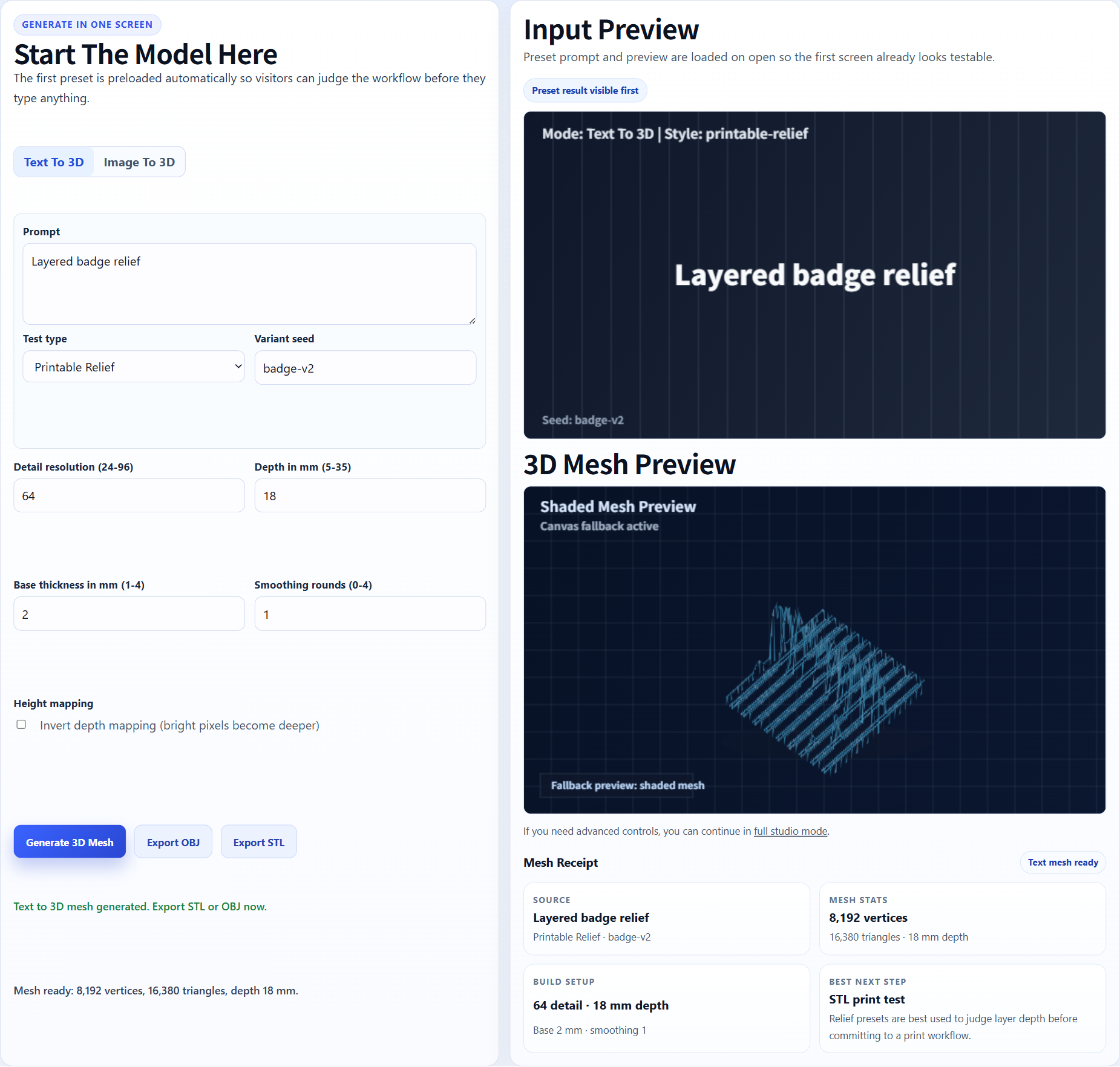
Flat artwork can become a raised or relief-like STL candidate for badges and plaques.
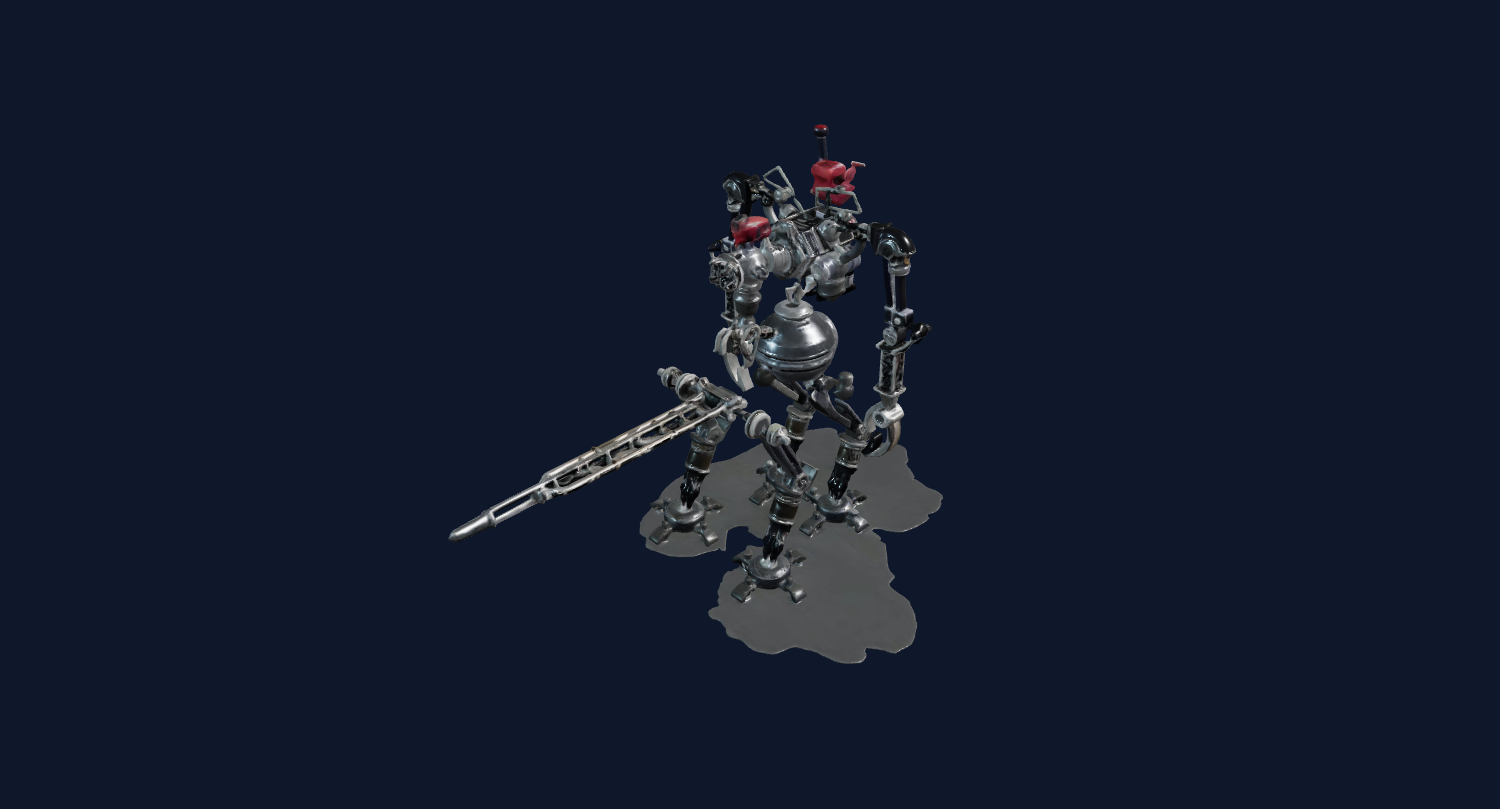
Simple shapes with high contrast are easier to inspect and repair after export.
The output is an AI-generated mesh. You can preview it in the browser, then export STL for Cura, PrusaSlicer, Bambu Studio, OrcaSlicer, or another slicer after using a paid pack or plan.
PNG-to-STL is strong for reliefs, badges, icons, and clean objects, but it cannot magically infer hidden backside CAD details. Check the mesh before print use.
For Blender, Unity, Unreal, Shopify, or CAD-adjacent workflows, treat the generated mesh as a first-pass draft. You may still need cleanup, decimation, material editing, retopology, scale adjustment, or slicer repair.
FAQ
Yes. Transparent PNGs often work well because the subject is separated from the background. Generate a 3D preview, then export STL after unlocking downloads.
PNG can be better when the edges are sharp or the background is transparent. JPG can still work for photos, but compression may soften important shape details.
Yes, but the result is usually closer to a relief, badge, plaque, or stylized 3D object than a fully engineered CAD part.
Yes. Exported STL files can be opened in Bambu Studio and other slicers, but you should inspect scale, supports, and geometry before printing.
Usually yes. A clean or transparent background helps the model focus on the subject instead of generating unwanted scenery.
Generate a Standard preview first. Unlock downloads or higher-quality models only when the result is worth keeping.