 2D Source
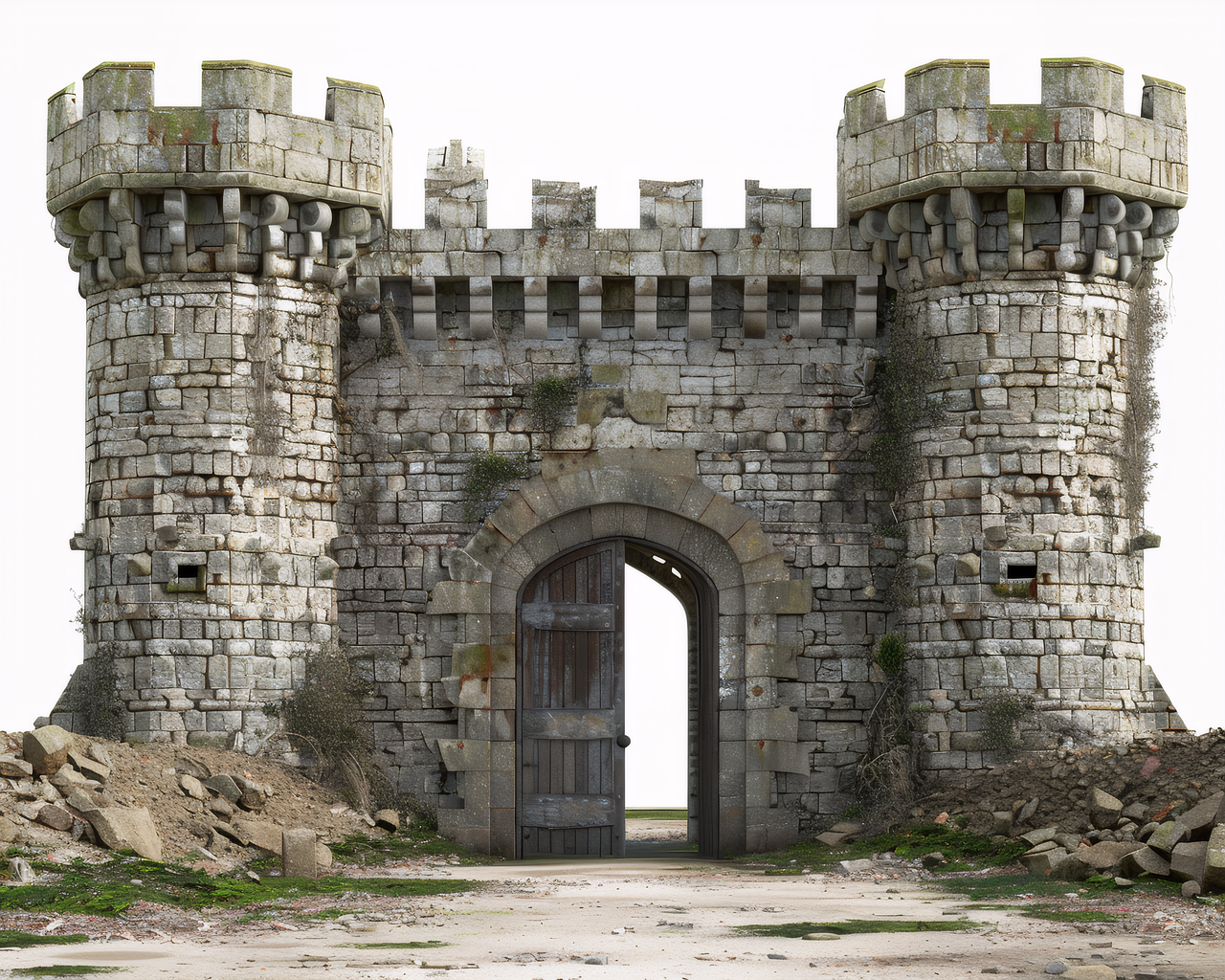
Medieval Castle
Castle concept art becomes a textured GLB model with stone surfaces and browser preview.
Generate a first-pass 3D mesh from images or text prompts. Preview it in the browser and export as GLB, OBJ, STL, or PLY.
Drag to rotate • Auto-rotating
Direct answer
Image3D converts a clear image or short text prompt into a first-pass 3D model that you can preview in the browser and export as GLB, OBJ, STL, or PLY. It is useful for quick prototypes, 3D printing exploration, game asset drafts, Shopify and web 3D previews, and visual concept testing.
Single-subject product photos, character concepts, props, badges, AI images, and clean front or three-quarter views.
Use the 3D tools hub to choose a workflow, GLB for web preview, OBJ for editing, and STL for slicer checks.
AI meshes are not guaranteed CAD or print-ready output. Inspect scale, thin parts, floating geometry, and materials before production use.
Upload a reference image or type a text prompt describing your 3D model.
Our AI creates a detailed 3D mesh with PBR textures — choose Standard, Pro, or Ultra quality.
Preview in 3D, then export as GLB, OBJ, STL, or PLY for games, printing, or AR.
Watch the upload-to-preview flow with a real generated 3D result.
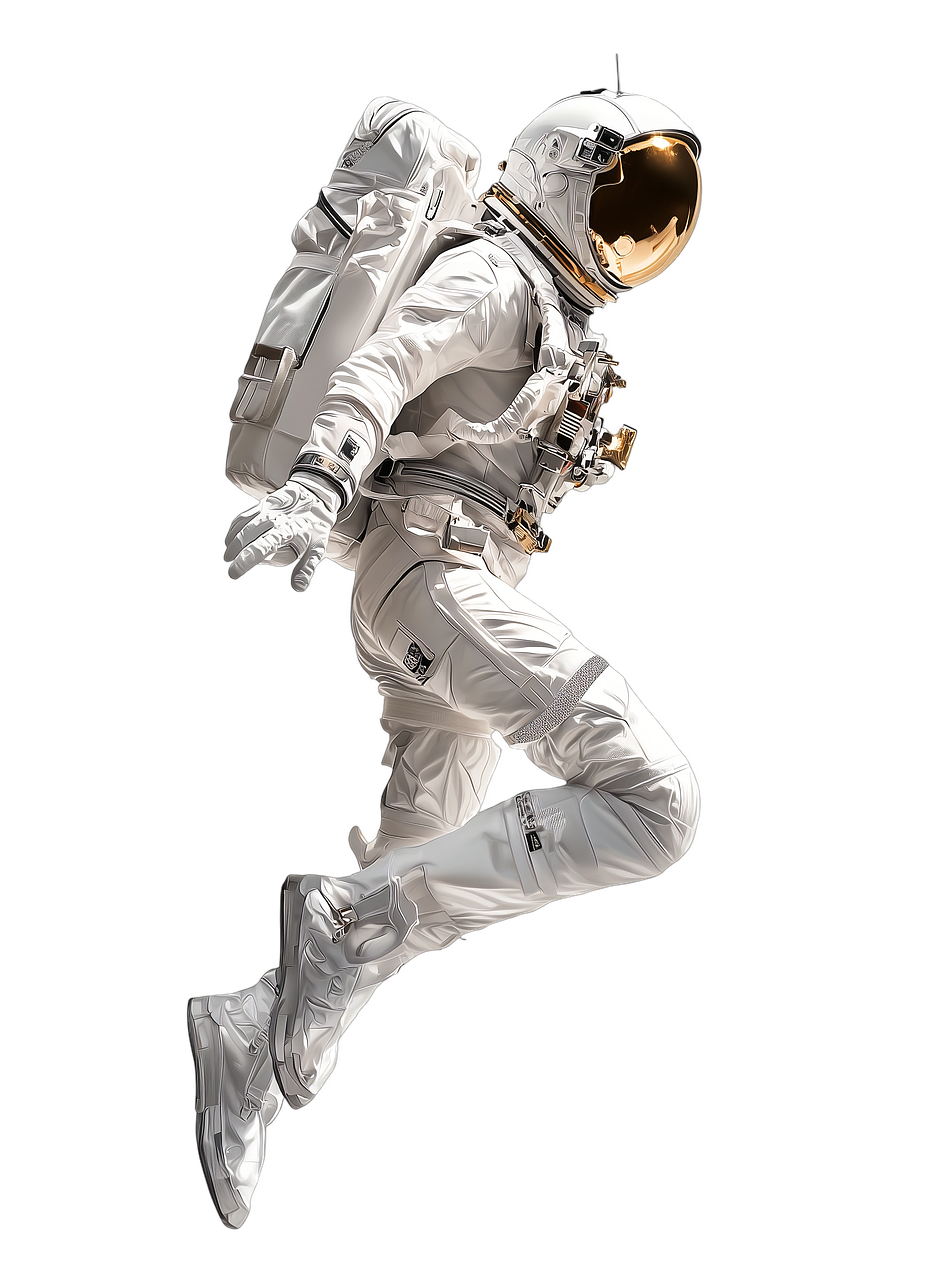
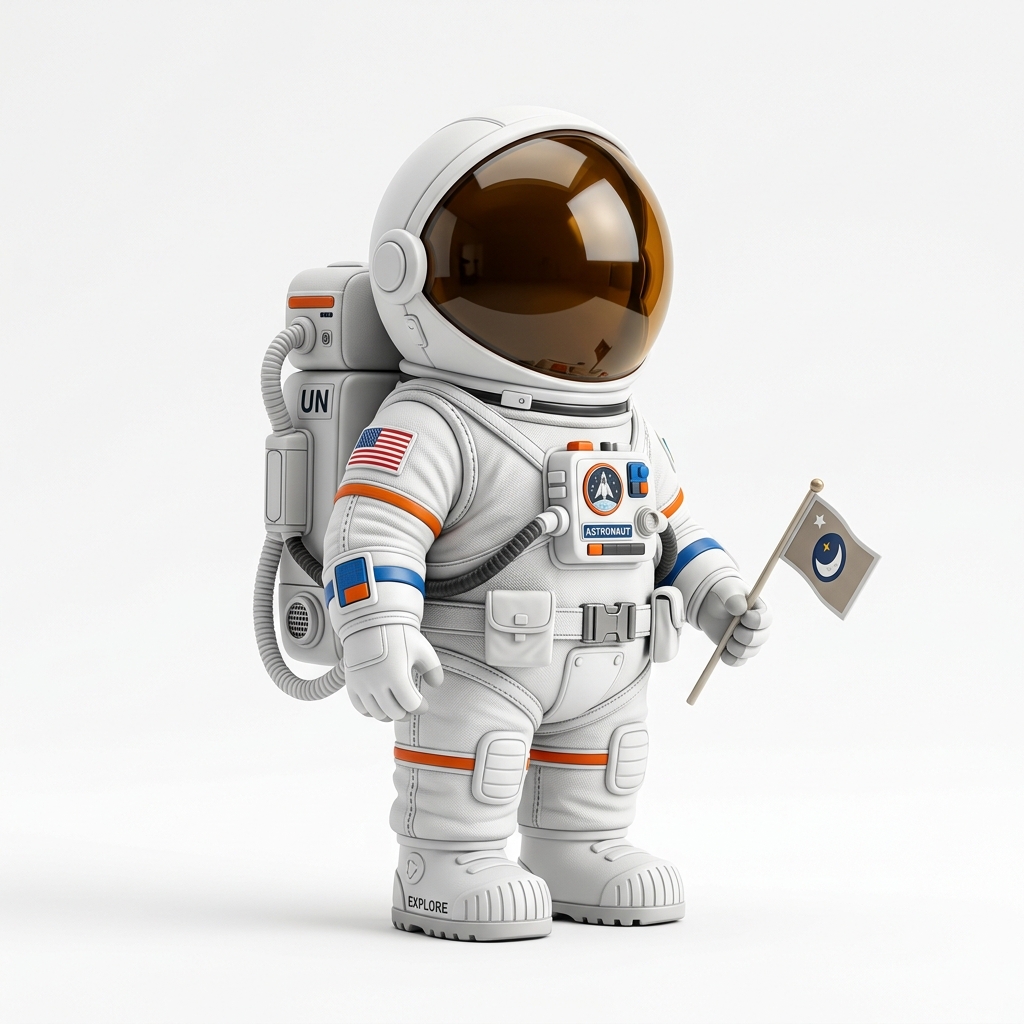
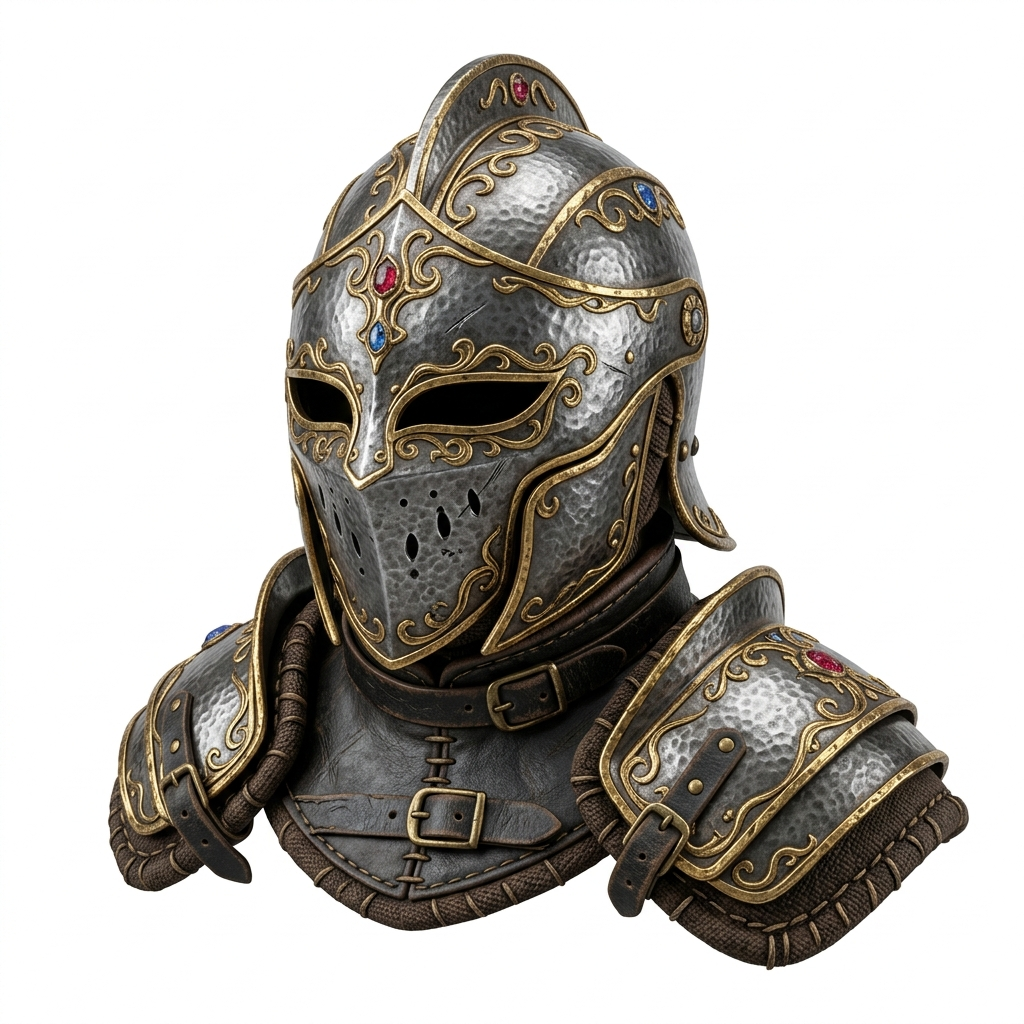
Four real examples from Image3D: source image on the left, generated 3D model on the right. Rotate the models in-browser and open the full showcase for more detail.
2D Source
Castle concept art becomes a textured GLB model with stone surfaces and browser preview.
 2D Source
A clean toy photo becomes a rotatable 3D figurine for print and game workflows.
 2D Source
Fantasy armor art becomes a textured 3D prop with metallic detail and GLB output.
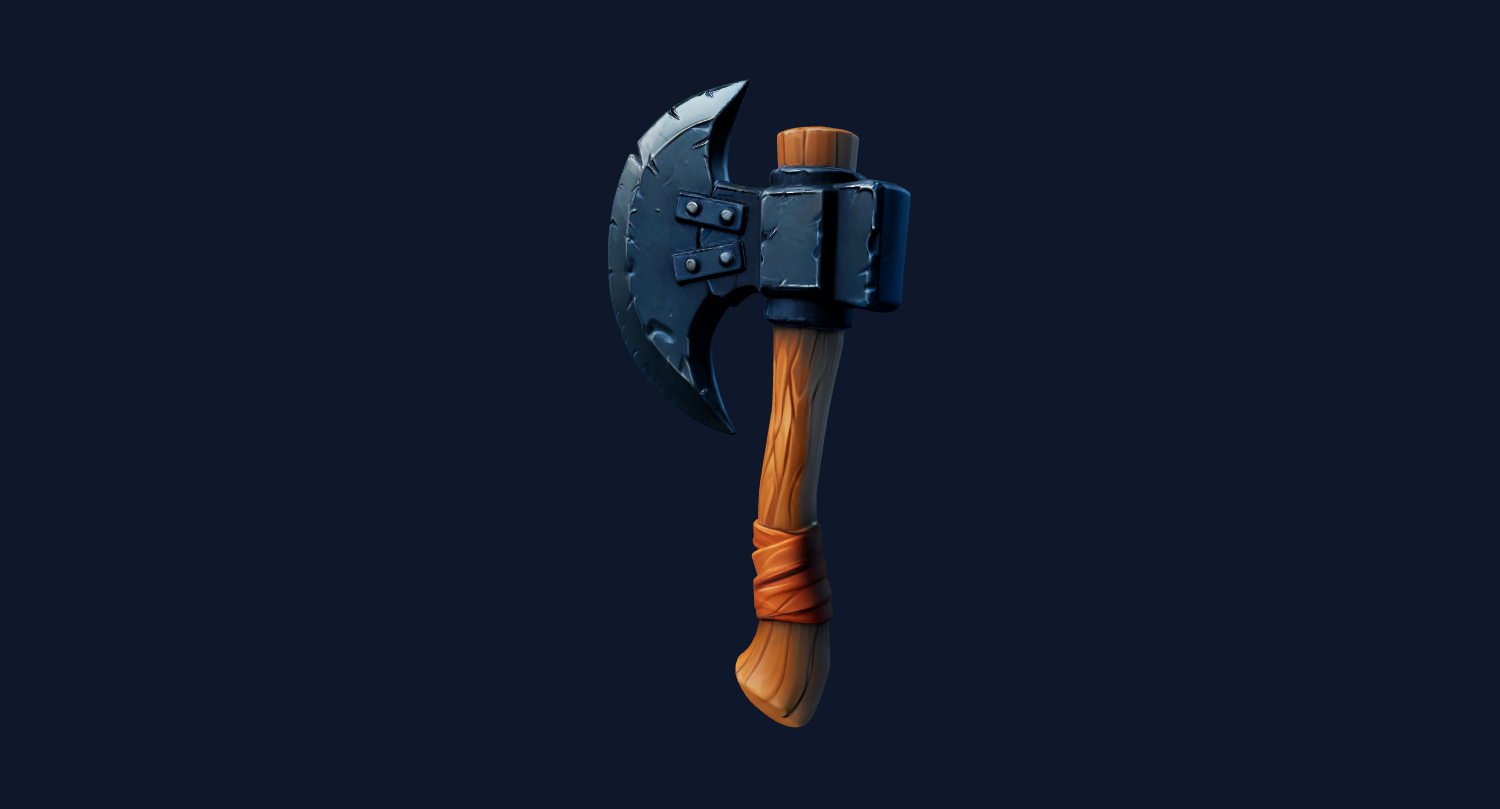 2D Source
Weapon reference art becomes a stylized 3D prop for quick game prototyping.
Choose the plan that fits your workflow. All plans include all export formats.
Start free with 30 credits. No credit card required.
For hobbyists & individuals
billed monthly
Choose StarterFor creators & professionals
billed monthly
Choose CreatorFor studios & heavy users
billed monthly
Choose PowerCustom volume & API access
Contact Sales
Image3D exports GLB, OBJ, STL, and PLY. These formats fit common CAD, print, game engine, and visualization workflows.
Yes. Switch between Text to 3D and Image to 3D modes using the tab at the top of the parameters panel.
PBR (Physically Based Rendering) textures include diffuse, normal, and roughness maps that make your 3D model look realistic under any lighting condition.
Commercial usage follows your active plan terms. Pro and Enterprise plans include commercial licensing for all generated assets.
Yes. Login page supports both Google OAuth and email magic link.
No. You can complete the first generation and preview directly in this browser workspace.