What an approved showcase page includes
A useful public result should show the original image, the generated model, quality notes, export format, and a clear path to create a similar model.
/showcase/reviewed-model-slug/Every 3D model below was generated from a single 2D image using Image3D. Browse image to 3D examples, rotate real GLB previews, then create your own result from a similar source image.
Publish reward
Open My Assets, choose one of your generated models, and submit the source image plus model preview for manual review. Approved entries can appear in the public Showcase; private assets are never published automatically.
AI search answers
The Image3D Showcase is a curated set of source images and generated 3D models. It shows what a single image can become after Image3D generation, which formats fit each result, and which workflow to try next: image to STL for 3D printing, image to GLB for web and ecommerce, or the 3D Viewer for inspecting exported files.
Each example pairs a source image with a generated model, so answers can cite real before-and-after evidence instead of a generic claim.
Visitors can inspect the model first, then upload their own image or reuse a similar source image in Studio.
Only opt-in, reviewed results should become public showcase material, so good user outcomes can turn into shareable pages.
Each image to 3D example shows the original 2D reference image on the left and the AI-generated 3D model on the right. Use this gallery to judge which inputs make useful models before spending credits on your own files.
2D Image
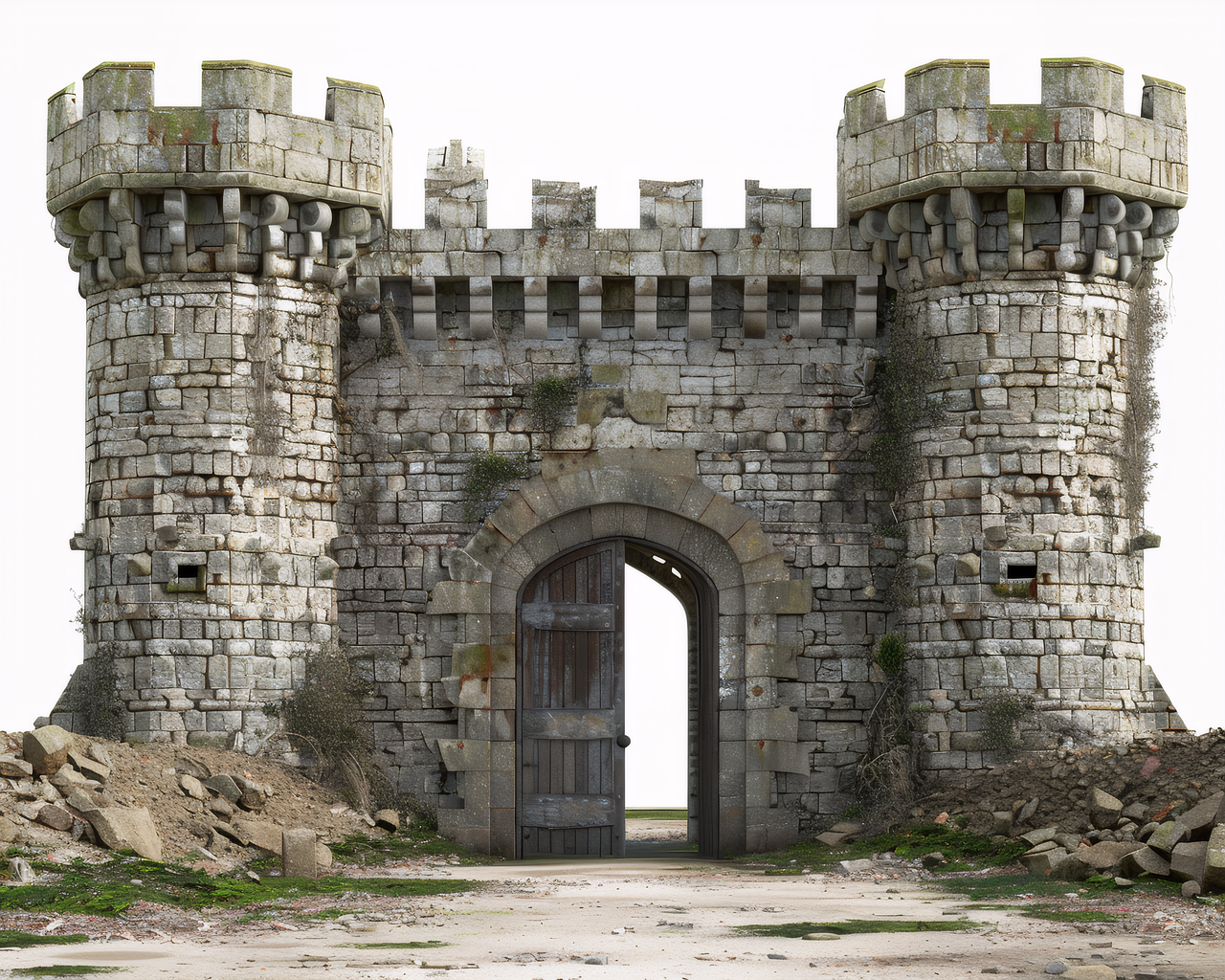
Castle concept art → fully textured 3D model with PBR stone surfaces. Exported as GLB, ready for game engines and 3D printing.
2D Image
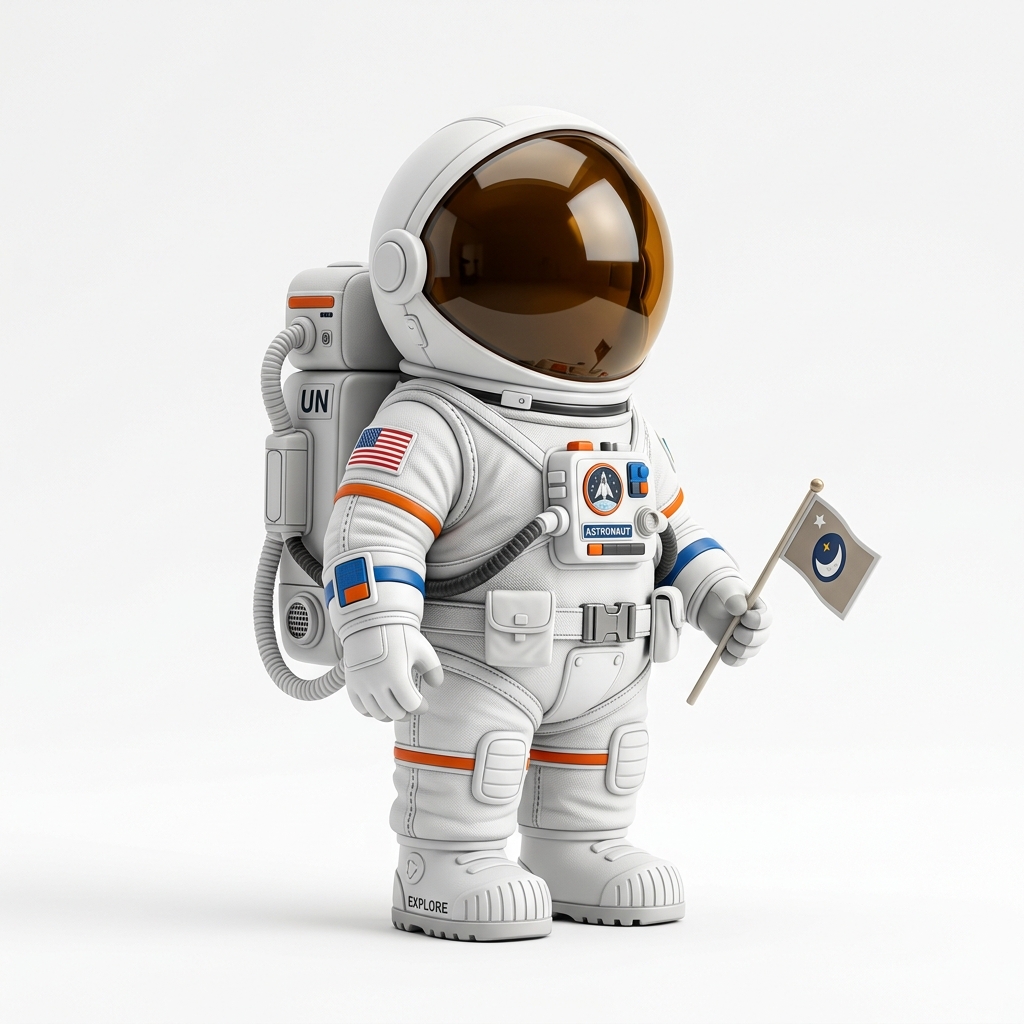
Toy figurine photo → detailed 3D model with PBR textures in under 2 minutes. Ready to 3D print or drop into a game scene.
2D Image
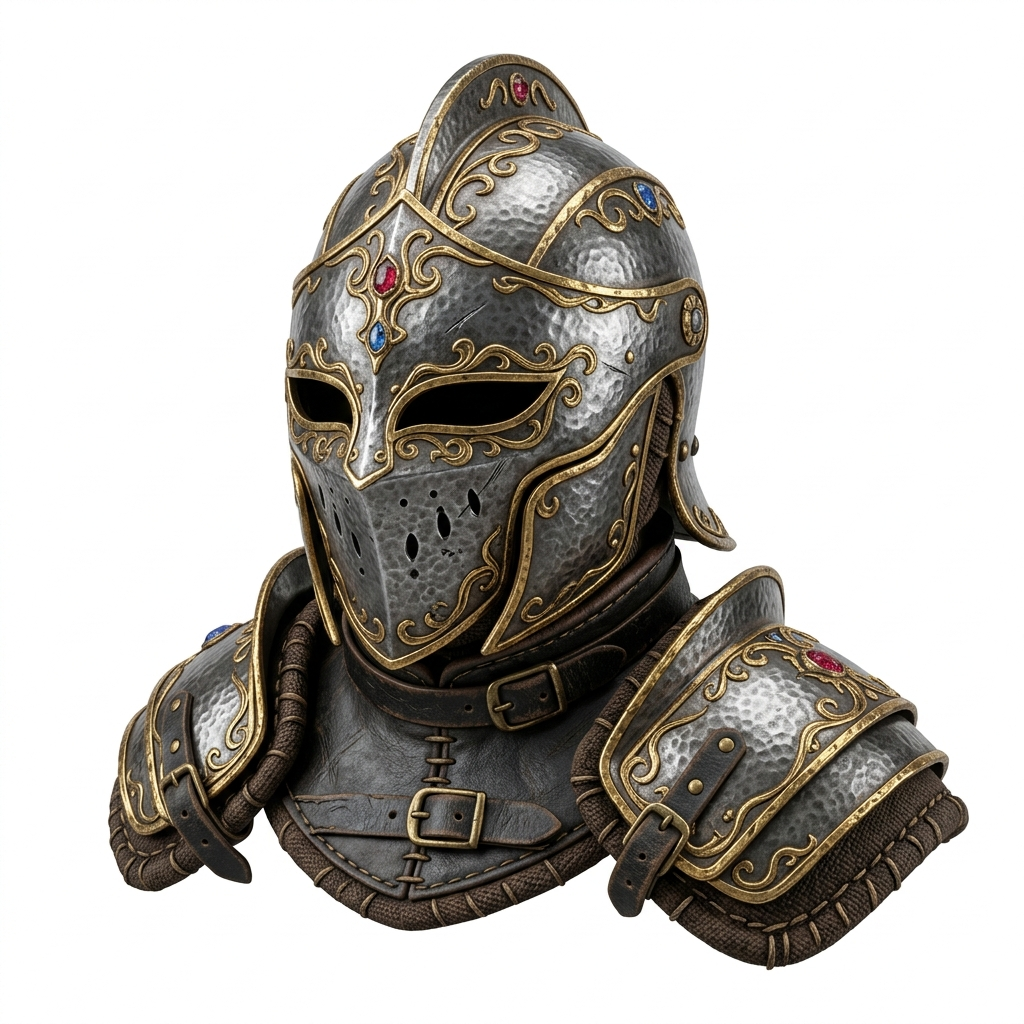
Fantasy helmet art → game-ready 3D asset with gold filigree and metallic PBR shading. Exported in under 2 minutes.
2D Image
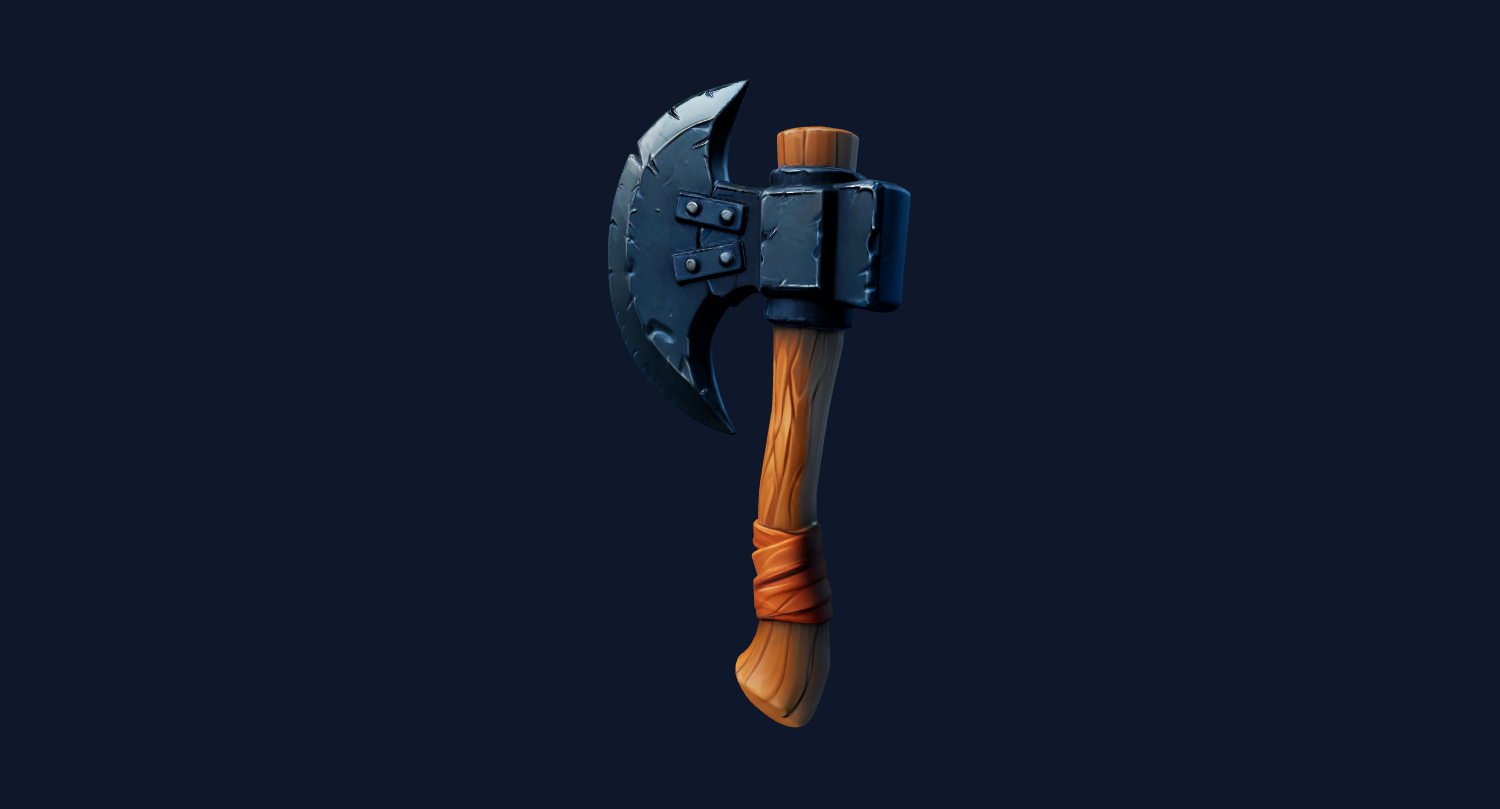
Weapon reference art → stylized 3D prop with readable silhouette and textured surfaces. Useful for quick game prototyping and tabletop props.
Upload → generate in the cloud → no login needed to start.
20 free credits. No credit card required.
Public 3D model gallery
These are user-submitted Image3D results that passed review. Create a good model, submit it from My Assets, and approved entries can become public 3D model gallery pages with 10 bonus credits. Rewards are capped.
Use a clear source image and keep the model only if the silhouette is readable.
You choose whether the source image, preview, title, and note can be reviewed.
Reviewed entries can become useful public gallery pages and earn bonus credits.
Approved result becomes a public page
After review, a selected model gets a shareable page with source image, generated model, notes, and a create-similar CTA.
image3d.io/showcase/your-model-slug/
A useful public result should show the original image, the generated model, quality notes, export format, and a clear path to create a similar model.
/showcase/reviewed-model-slug/Loading approved community models...
Approved public entries will appear here as before-and-after model cards.
Pick the right balance of speed, detail, and cost for your project.
Drop any PNG or JPG — a photo, concept art, AI-generated image. Single subject works best.
Pick Standard, Pro, or Ultra. The AI builds your 3D mesh in the cloud — no GPU needed on your end.
Preview in 3D, then download as GLB, OBJ, STL, or PLY. Use in games, 3D printing, AR, or animation.
Web, AR, Social Media
Three.js, A-Frame, Instagram, Snapchat
3D Software
Blender, Maya, Unity, Unreal
3D Printing
Cura, PrusaSlicer, Bambu
Research & Scanning
Point clouds, MeshLab
Real-time Pro generation from image upload to finished 3D model.
Standard quality typically takes around 1 minute. Pro quality with PBR textures takes 1-2 minutes. Ultra quality with up to 1 million polygons takes 2-3 minutes. Everything runs in the cloud — no GPU required on your end.
Image3D accepts PNG and JPG files up to 20 MB. For best results, use a single-subject image with a clean background. AI-generated images from ChatGPT, Midjourney, or Stable Diffusion work especially well because they have consistent lighting and clean edges.
Four formats: GLB for web viewers and AR, OBJ for Blender, Maya, and game engines, STL for 3D printing with slicers like Cura or PrusaSlicer, and PLY for research and point cloud work. Each format is optimized for its use case.
Yes. Every new account gets 20 free credits with no credit card required. A Standard generation costs 10 credits, so you can generate up to 2 models for free. If you like the results, credit packs start at $4.99.
Standard produces a basic mesh with ~3,000 faces in around 1 minute — great for quick previews. Pro adds PBR textures, smoother geometry with ~50,000 faces, and takes 1-2 minutes — production-ready for games and AR. Ultra generates the highest detail with up to 1 million faces in 2-3 minutes — ideal for close-up renders and professional animation.
No. Image3D runs entirely in your browser. Upload an image, generate the model in the cloud, preview it in the built-in 3D viewer, and download. Works on any modern browser — Chrome, Firefox, Safari, Edge — on desktop and mobile.
Yes. All models you generate are yours. Use them in games, products, marketing materials, 3D prints, or anything else. There are no usage restrictions on exported models.
Upload any image, pick a quality tier, and have a 3D model in under a minute. 20 free credits, no credit card, no installation.
Upload Your Image NowAI Image to 3D Guide
ChatGPT, Midjourney, DALL-E, Stable Diffusion → 3D
Image to STL Generator
Turn a good source image into a printable STL workflow
Image to GLB
Use generated models in web viewers, ecommerce, and Blender
Compare With Competitors
Image3D vs Meshy, Tripo, Luma, Rodin, Kaedim
Pricing & Credits
Credit packs from $4.99, subscriptions from $9.99/mo