
Turn Rough Blender Viewport Animations Into Finished Shots
Replace greybox blockouts with clean Image3D meshes to anchor spatial scale, silhouettes, and camera tracking before final video styling. By rendering accurate depth and normal passes in Blender, you prevent object warping and camera drift in downstream AI video pipelines.
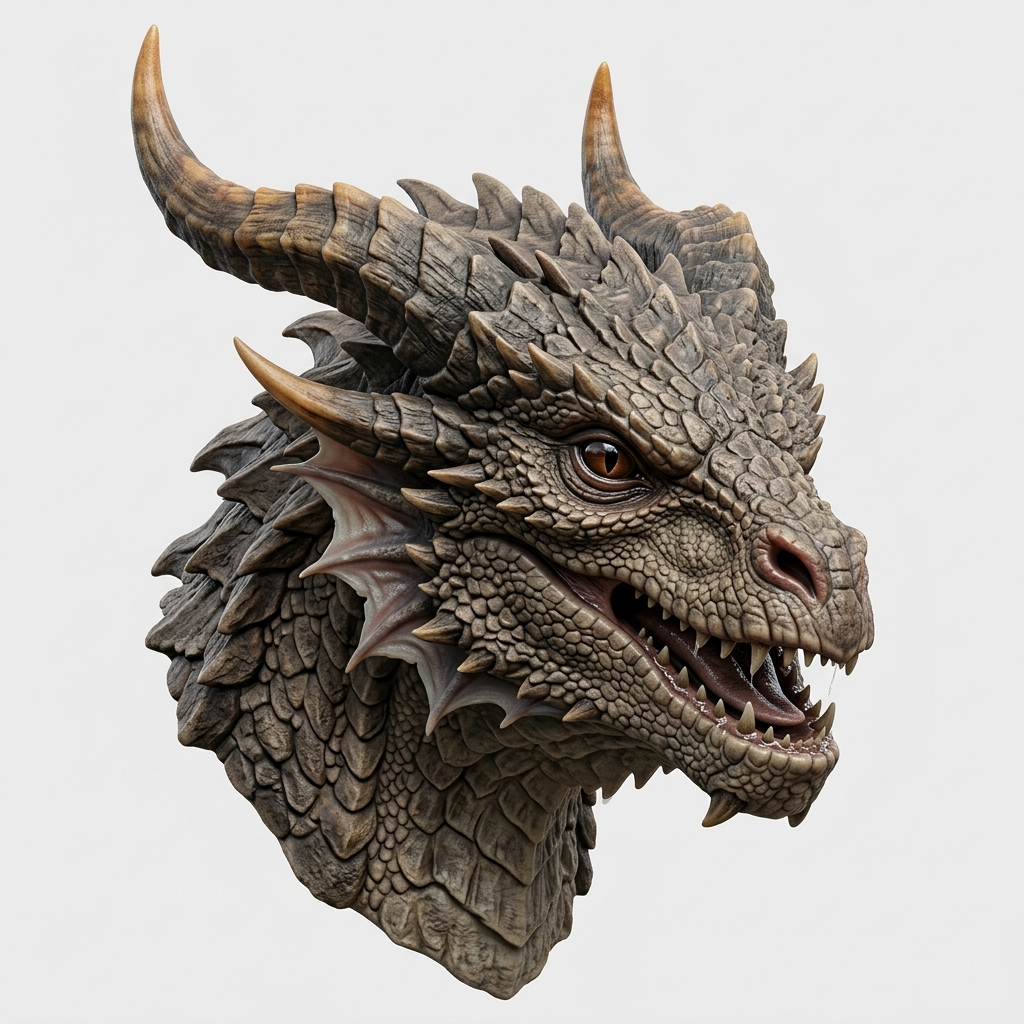
Viewport Pass & Asset Readiness Inspector
Click presets below to inspect real-time topology, material checks, and Image3D pipeline recommendations.
End-to-End 3D Pipeline Flow
4-Stage Verified Studio WorkflowKey Workflow Capabilities
True Volumetric Silhouettes
Real 3D geometry eliminates multi-angle perspective hallucinations when your Blender camera orbits or dollies.
Clean ControlNet Conditioning
Watertight Image3D topology produces crisp Z-depth and normal AOVs that lock edges during AI video restyling.
Reliable Object Anchoring
Drop exported GLB, STL, OBJ, or PLY meshes directly onto tracked empties without scale jumps between frames.
Skip Full Path-Tracing
Combine fast Blender Eevee viewport playblasts with textured 3D assets to reach final lookdev in minutes.
Comparison Matrix
| Capability | Typical Standalone Tool / Open Repo | Image3D Studio Workflow |
|---|---|---|
| CapabilityCamera Orbit Stability | Typical Standalone / Open RepoDrifts in pure text/image-to-video | Image3D Studio WorkflowLocked to exact Blender camera frustum |
| CapabilityObject Consistency | Typical Standalone / Open RepoMorphs across rough clay blockouts | Image3D Studio WorkflowAnchored by textured Image3D GLB meshes |
| CapabilityScene Prep Time | Typical Standalone / Open RepoHours of manual modeling & UV unwrapping | Image3D Studio WorkflowMinutes from reference image to 3D asset |
| CapabilityFlexible Access | Typical Standalone / Open RepoRigid studio seat licensing | Image3D Studio Workflow$9.99 Maker Pack (1,000 non-expiring credits) or $39.99/mo Creator |
Image3D Transparent Pricing
1,000 credits (never expire). Pro quality mesh generation & GLB, STL, OBJ, PLY exports.
Start Maker ($9.99)4,500 credits/month with both Pro & Ultra quality plus priority studio processing.
Choose Creator10,000 credits/month for heavy production studios needing Pro, Ultra & priority volume.
Choose PowerFrequently Asked Questions
Why replace rough cubes with Image3D models before running video-to-video?
Rough cubes lack surface detail and accurate silhouettes, causing video diffusion models to invent shifting details. Importing a Pro or Ultra GLB from Image3D gives Blender accurate depth, normal, and color cues on every frame.
How do I check camera and object consistency in Blender before exporting?
Scrub the timeline using MatCap cavity shading and a Mist/Depth viewport pass to confirm zero mesh intersections, locked foot/surface contact, and matching camera focal lengths.
Which Image3D plan fits Blender pre-vis and 3D-to-video shot production?
The Maker Pack ($9.99 one-time for 1,000 non-expiring credits) includes Pro quality and GLB/STL/OBJ/PLY exports for occasional shots, while the Creator Plan ($39.99/month for 4,500 credits) unlocks Ultra quality and priority processing, and the Power Plan ($89.99/month) provides 10,000 credits.