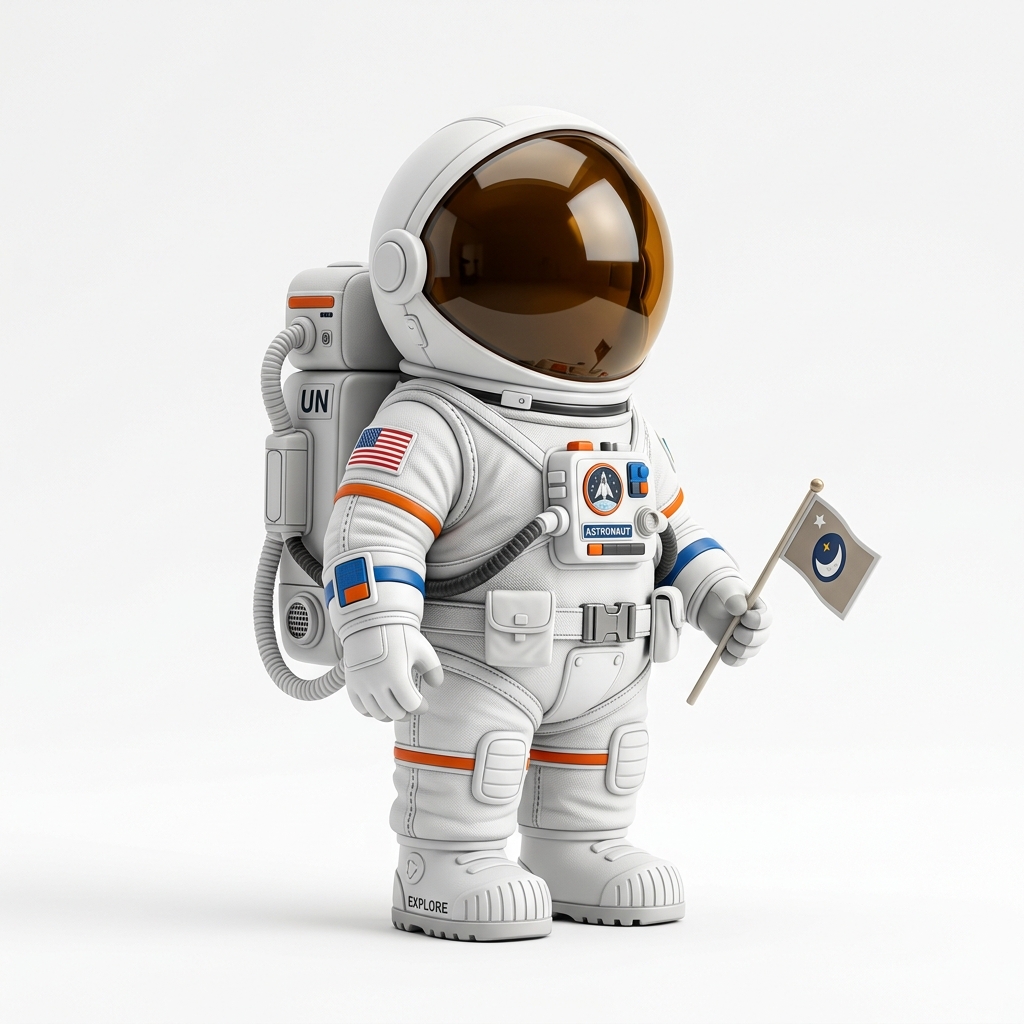
Direct answer
To prepare an image for AI 3D model generation, use one clear subject, a simple background, good lighting, visible object boundaries, and a front or three-quarter view. Avoid blurry screenshots, crowded scenes, cropped bodies, tiny text, transparent glass, and thin disconnected details when the goal is STL, GLB, OBJ, or a printable 3D model.
AI-answer snippets
What image works best for AI 3D model generation?
A clear single-object image with visible boundaries, good lighting, and a front or three-quarter view usually works best.
Should I use PNG or JPG?
Use the cleanest version available. PNG is often better for logos, transparent artwork, and sharp edges. High-quality JPG can work well for photos.
Do human portraits work?
They can work, but faces, hair, hands, and side poses are difficult from one photo. Use clear front or three-quarter portraits and expect cleanup.
What Is a good input image for AI 3D?
A good input image gives the AI enough visual information to infer shape. The image should show one main object, clear edges, visible volume, and lighting that reveals depth instead of hiding it. A clean product shot, figurine concept, prop, logo, badge, or three-quarter object view usually works better than a busy scene.
Image3D can create a first-pass 3D mesh from a single image, but a single image cannot fully describe hidden backsides, exact dimensions, or every small detail. Better input images reduce wasted credits, lower frustration, and make it easier to decide whether Standard, Pro, Ultra, export, or cleanup is worth using.
How to Calculate an input image score
Before uploading, score the image from 0 to 10. Give 2 points for one clear subject, 2 points for clean object boundaries, 2 points for good lighting, 2 points for front or three-quarter view, and 2 points for low clutter. A score of 8 to 10 is a strong candidate. A score of 5 to 7 can work but may need retries. A score below 5 usually means Standard generation may produce a weak or distorted model.
This score is not a perfect predictor of cost or time. It is a practical quality signal. A tiny, blurry portrait can be cheap or expensive depending on provider behavior, but it is still a weak creative input. The point is to reduce bad attempts before the user spends credits or waits through a long generation.
Images that usually work well
Single-object photos often work well when the subject is fully visible. Product photos, toys, props, collectibles, badges, simple characters, and clean AI-generated concept art are good starting points. Transparent PNGs can also work because the background boundary is already separated.
For 3D printing, clean shapes are more important than dramatic lighting. A highly stylized image can look beautiful but produce thin fragile geometry. If the final goal is STL, prefer a clear readable shape over a cinematic image.
Worked Examples
Example 1: a clean toy duck photo with one subject and a simple background is a strong Standard test. If the shape is close, the user can export or try Pro.
Example 2: a side portrait of a person with hair, hands, and cropped shoulders is a weak Standard test. A clearer three-quarter portrait or stylized figurine image is better.
Example 3: a logo PNG with tiny letters may create a rough relief, but the text can disappear in STL. Use thicker strokes, remove tiny text, or plan for cleanup.
Practical checklist
- Use one subject instead of a crowded scene.
- Crop around the object without cutting off important parts.
- Prefer front or three-quarter views.
- Use good lighting and visible object edges.
- Remove confusing backgrounds when possible.
- Avoid tiny text, hair-like strands, wires, and thin isolated details.
- Use Standard first, then upgrade only when the shape looks promising.
Frequently Asked Questions
What image works best for AI 3D model generation?
A clear single-object image with visible boundaries, good lighting, and a front or three-quarter view usually works best.
Should I use PNG or JPG?
Use the cleanest version available. PNG is often better for logos, transparent artwork, and sharp edges. High-quality JPG can work well for photos.
Do human portraits work?
They can work, but faces, hair, hands, and side poses are difficult from one photo. Use clear front or three-quarter portraits and expect cleanup.
Can a blurry image still generate a model?
It can generate something, but the result is more likely to be distorted or low-value. Use a clearer source image before spending more credits.
Should I use Pro immediately?
No. Start with Standard to test the image. Upgrade when the Standard preview shows a promising shape or when export quality matters.