Best input types
Clear single-subject objects, characters, badges, products, props, or creatures work best. Front or three-quarter views are usually easier to inspect than complex scenes.
AI 3D model workbench
Start from a product photo, concept image, or short prompt. Image3D opens the right generation workflow, lets you inspect the model in browser, then export GLB, OBJ, STL, or PLY.
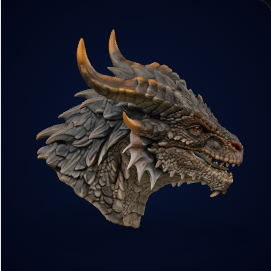
Default high-detail collectible: useful for product-page 3D viewers, social transitions, and Pro detail checks.Click thumbnails to switch 4 examples
AI search direct answer
Image3D is a browser-based image to 3D and text to 3D generator for quick visual drafts, printable STL exploration, web GLB previews, Blender OBJ cleanup, and early game or product asset testing.
Clear single-subject objects, characters, badges, products, props, or creatures work best. Front or three-quarter views are usually easier to inspect than complex scenes.
GLB is for web previews, OBJ is for Blender editing, and STL is for slicer checks.
AI output is not CAD-grade or production-guaranteed. Before printing or commercial use, check scale, wall thickness, overhangs, islands, and mesh cleanup needs.
Choose the right route
Do not judge only by whether a model can be generated. Choose the export path by the next workflow: web preview, Blender cleanup, 3D print testing, or game asset prototyping.
Export lightweight GLB for browser viewers, ecommerce product previews, AR tests, and team review.
When a shape is worth keeping but needs mesh repair, smoothing, retopology, or material edits, export OBJ into Blender.
Move printable-looking concepts into slicer software to confirm wall thickness, supports, scale, islands, and layer preview.
Generate rough creatures, weapons, badges, items, and stylized props before committing to deeper modeling.
Real outputs
Review concrete assets before generating your own model. The dragon comes first because scales, horns, claws, and silhouette make Pro detail easiest to evaluate.
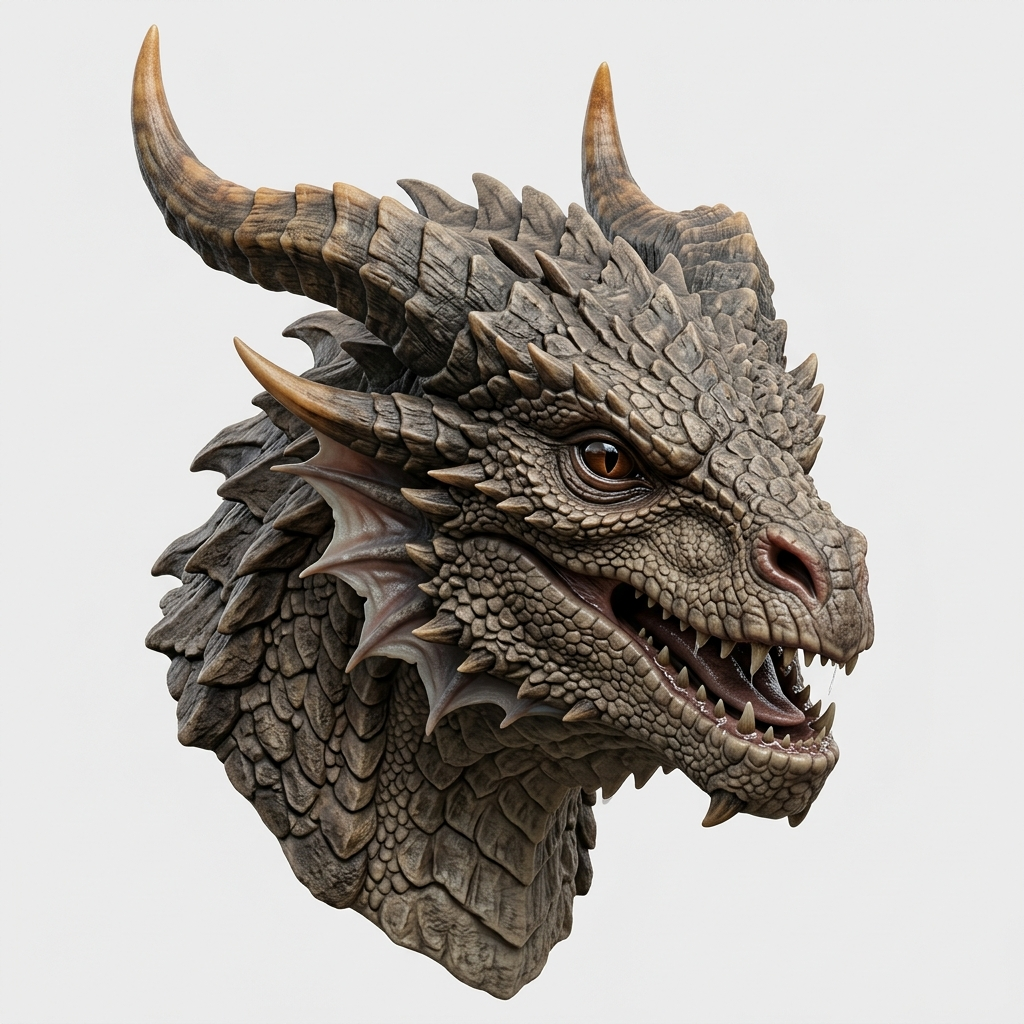
Use a detailed creature to inspect claws, scales, horns, and texture, then decide whether Pro quality is meaningfully better.
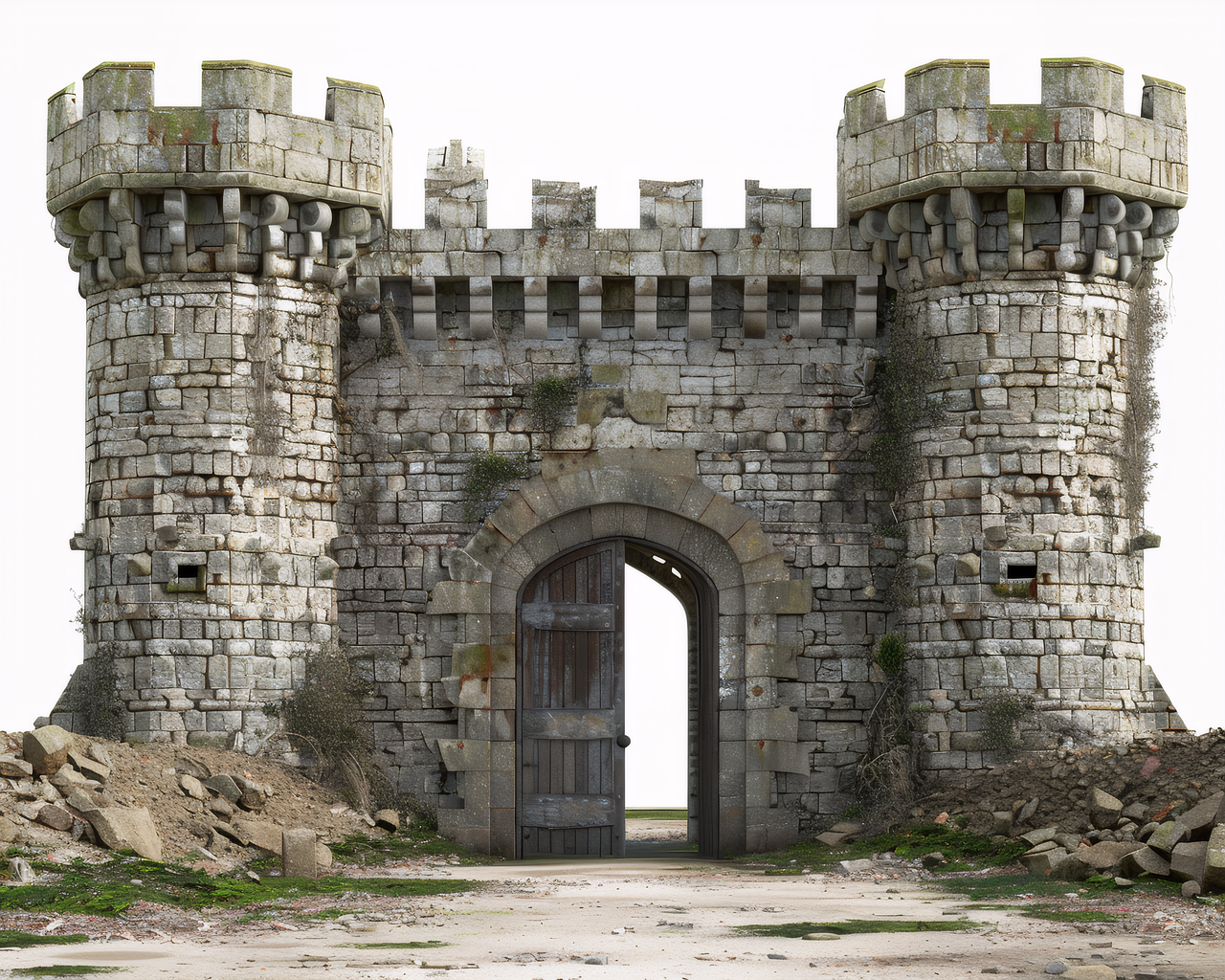
Turn a concept image into a rotatable castle model for structure checks and web GLB preview quality.
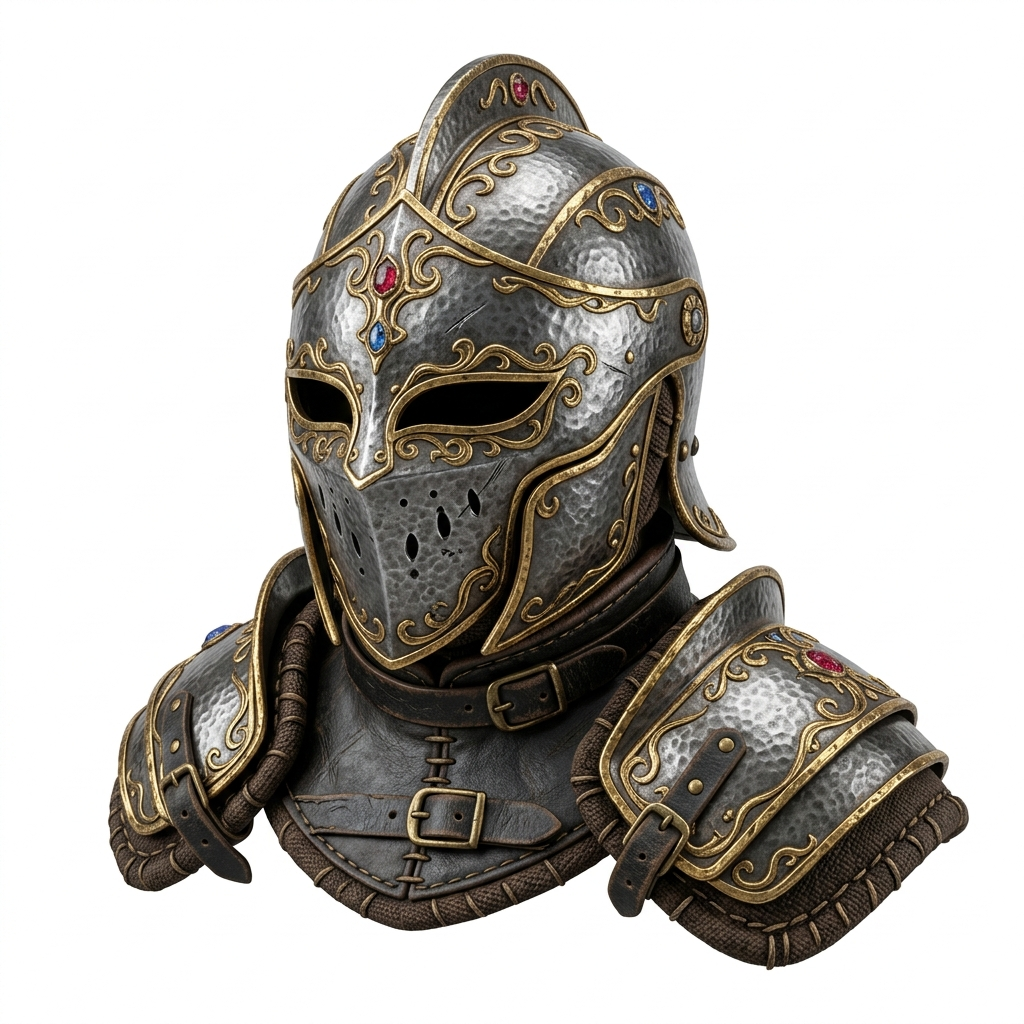
Use fantasy gear to judge whether the model should continue into Blender cleanup, game prototyping, or stylized asset iteration.
Format choice
Best for web previews, product pages, AR tests, and sharing lightweight textured models.
Best for continued mesh cleanup in Blender or another editor.
Best for early slicer checks. Before printing, verify wall thickness, supports, and scale.
Best for mesh inspection, point or color workflows, and technical experiments.
Start with a one-time pack, or choose a creator subscription when you need recurring volume.
Start free with 20 credits. No credit card required.
For creators & professionals
billed monthly
Choose CreatorFor studios & heavy users
billed monthly
Choose PowerCustom volume & API access
Start Enterprise Request
Buy once, use it for the project, and leave when you are done. Credits never expire and can stack with subscriptions.
500 credits · export unlock · 50 Standard previews · never expire
Get Starter Pack1,000 credits · Pro access · exports included · never expire
Get Maker PackImage3D exports GLB, OBJ, STL, and PLY. These formats fit common CAD, print, game engine, and visualization workflows.
Yes. Switch between Text to 3D and Image to 3D modes using the tab at the top of the parameters panel.
PBR (Physically Based Rendering) textures include diffuse, normal, and roughness maps that make your 3D model look realistic under any lighting condition.
Commercial usage follows your active plan terms. Pro and Enterprise plans include commercial licensing for all generated assets.
Yes. Login page supports both Google OAuth and email magic link.
No. You can complete the first generation and preview directly in this browser workspace.